Wizard
/WIZ-erd/ · noun · NAV pattern · #114
A long task split into a fixed sequence of short steps, one screen each, with a step indicator on top showing where you are (1 Details, 2 Payment, 3 Review) and Back and Next at the bottom. Setup, checkout and sign-up flows use it; the row of numbered steps on its own is called a stepper.
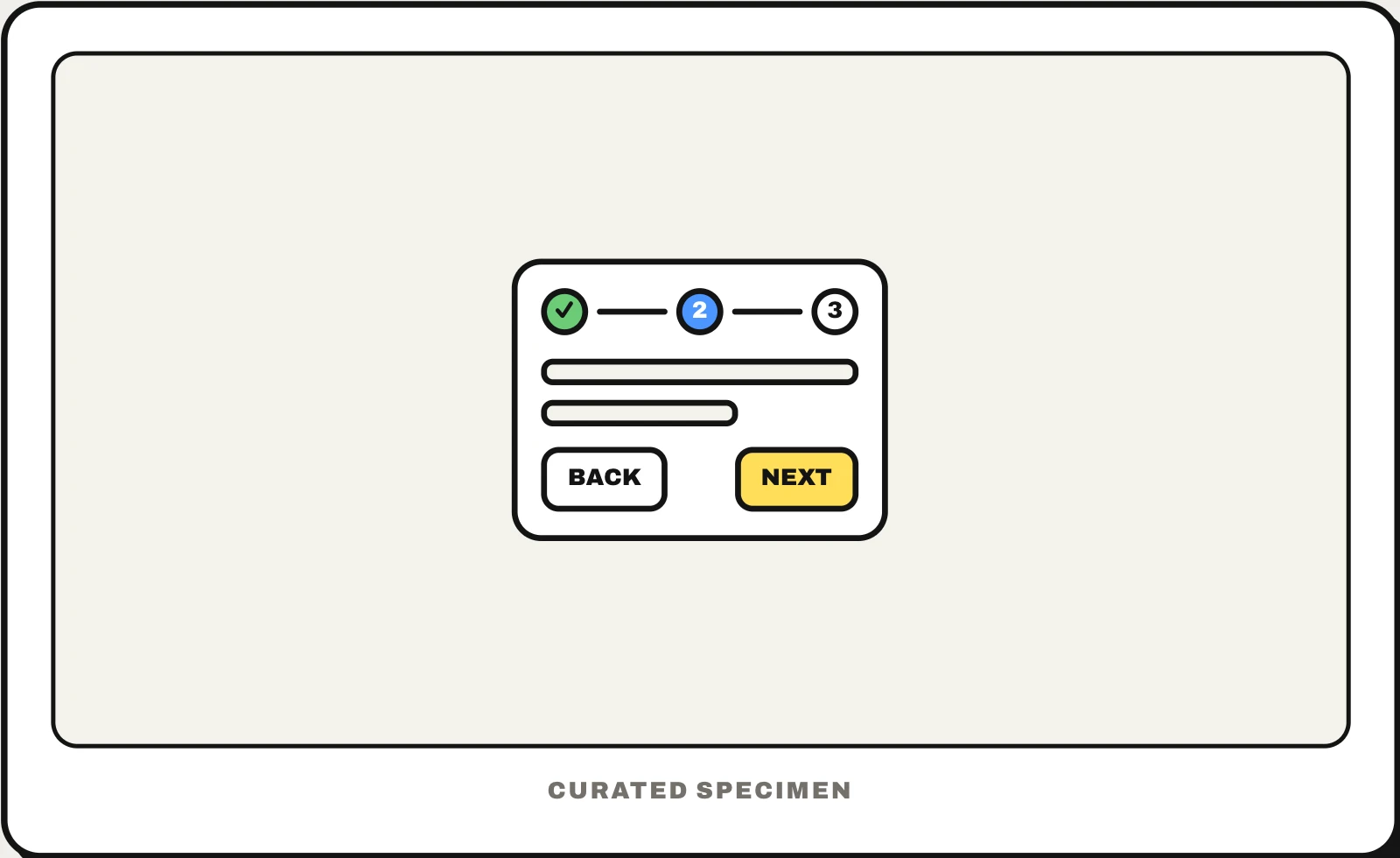
Also called: stepper UI, step indicator, multi-step form, progress stepper, setup assistant.
You might call it
- “the 1-2-3 steps at the top of a form”
- “a form split into steps”
- “the step bar in checkout”
- “the Next and Back setup screens”
- “the progress steps when signing up”
…its name is Wizard.
Common questions
What is a wizard in UI design?
A wizard walks people through a task one step at a time in a fixed order, like installing software, setting up an account or checking out. Each screen asks only for what that step needs, a step indicator shows how far along you are, and Back keeps earlier answers. Use one when steps depend on each other; a short form is faster on a single page.
Stepper UI vs wizard: what is the difference?
The wizard is the whole multi-step flow; the stepper is the row of numbered steps at the top that shows progress and, in some designs, lets you jump back. Do not confuse it with a number stepper, the minus and plus buttons beside a quantity, which is a different control.
In code
| Flutter | Stepper Step |
|---|---|
| Angular Material | MatStepper mat-step |
| React (MUI) | Stepper Step StepLabel |
| Web (ARIA) | aria-current="step" |
| iOS / Android | No wizard component: a navigation stack with a progress view on top |
Prompt for your AI coding tool
Turn this long form into a wizard: split it into three to five steps of related fields, show a step indicator at the top with each step’s name and state (done, current, upcoming), validate each step before Next, keep answers when going Back, and end on a review step where people can edit any section before submitting. Mark the current step with aria-current="step" and keep the URL in sync so refresh and the browser Back button work.
More UI words to use when vibe coding →