What is this UI element called?
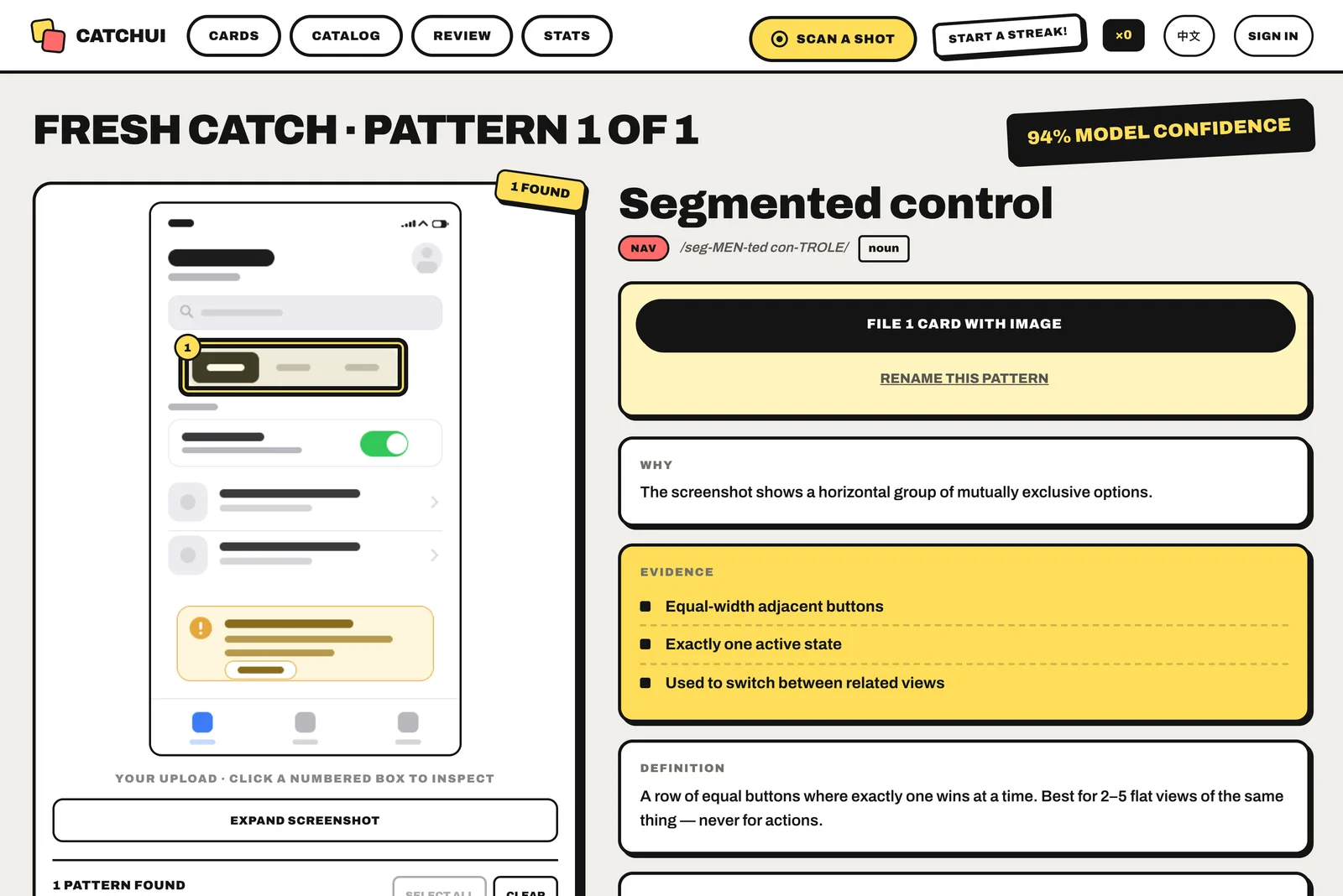
Find out from a screenshot. CatchUI is a bilingual UI vocabulary learning app: upload an app, website, or dashboard screenshot and model-assisted recognition identifies recognizable interface patterns, explains their conventional names, and connects them to a curated learning catalog.
How CatchUI works
- Drop in an interface screenshot or open the built-in sample.
- Inspect the visible evidence behind each detected UI pattern.
- Save useful pattern cards and review their names with spaced repetition.
What a scan returns
Common UI terms people search for
- Filter chips
- Bottom sheet
- Tab bar / bottom navigation
- Skeleton screen
- Search field
- Notification badge
- Pagination
- Progress bar
Guides
- How to identify UI patterns in a screenshot
- What is that part of your phone screen called?
- What is that part of a website called?
- What is this icon called?
- UI words to use when vibe coding
UI patterns CatchUI can name
- Segmented control
- Tab bar
- Breadcrumb
- Pagination
- Hamburger menu
- Tabs
- Wizard
- Pagination dots
- Toggle switch
- Search field
- Stepper
- Checkbox
- Radio group
- Slider
- Date picker
- Filter chips
- Dropdown menu
- Text field
- OTP input
- File upload
- Star rating
- Floating action button
- Button group
- Overflow menu
- Pull to refresh
- Split button
- Ribbon
- Ghost button
- Toolbar
- Drag and drop list
- Bottom sheet
- Modal dialog
- Action sheet
- Tooltip
- Popover
- Context menu
- Coach marks
- Lightbox
- Toast
- Progress bar
- Skeleton screen
- Empty state
- Badge
- Loading spinner
- Alert banner
- Typing indicator
- Splash screen
- Read receipts
- Card
- Carousel
- Accordion
- Timeline
- Avatar
- Data table
- Tree view
- Dynamic Island
- Status bar
- Home indicator
- Notch
- Control Center
- Notification Center
- AssistiveTouch
- Quick Settings panel
- Android navigation bar
- Edge panel
- Mac menu bar
- Dock
- Taskbar
- System tray
- Privacy indicator
- Widget
- App drawer
- App switcher
- Share sheet
- Window controls
- Lock screen
- Always-on display
- Live Activities
- Header
- Footer
- Sidebar
- Hero section
- Favicon
- Scrollbar
- Cookie consent banner
- Back to top button
- Infinite scroll
- Placeholder text
- Marquee (scrolling text)
- Address bar
- Mega menu
- Bento grid
- Masonry layout
- Language selector
CatchUI is designed for design students, product managers, developers, and career-switchers. It teaches UI terminology; it does not generate code or clone the uploaded design.
Scan a screenshot · Browse the 94-pattern catalog · Learn how to identify a UI element · Read product facts and FAQ