Lock screen
/LOK skreen/ · noun · SYSTEM pattern · #129
The screen a phone, tablet or computer shows while it is locked: the time and date in large type over your wallpaper, new notifications and, on phones, shortcuts such as the flashlight and camera, with widgets and Live Activities on iPhone. You can glance at it without unlocking; opening apps or anything personal needs Face ID, a fingerprint, a PIN or a password.
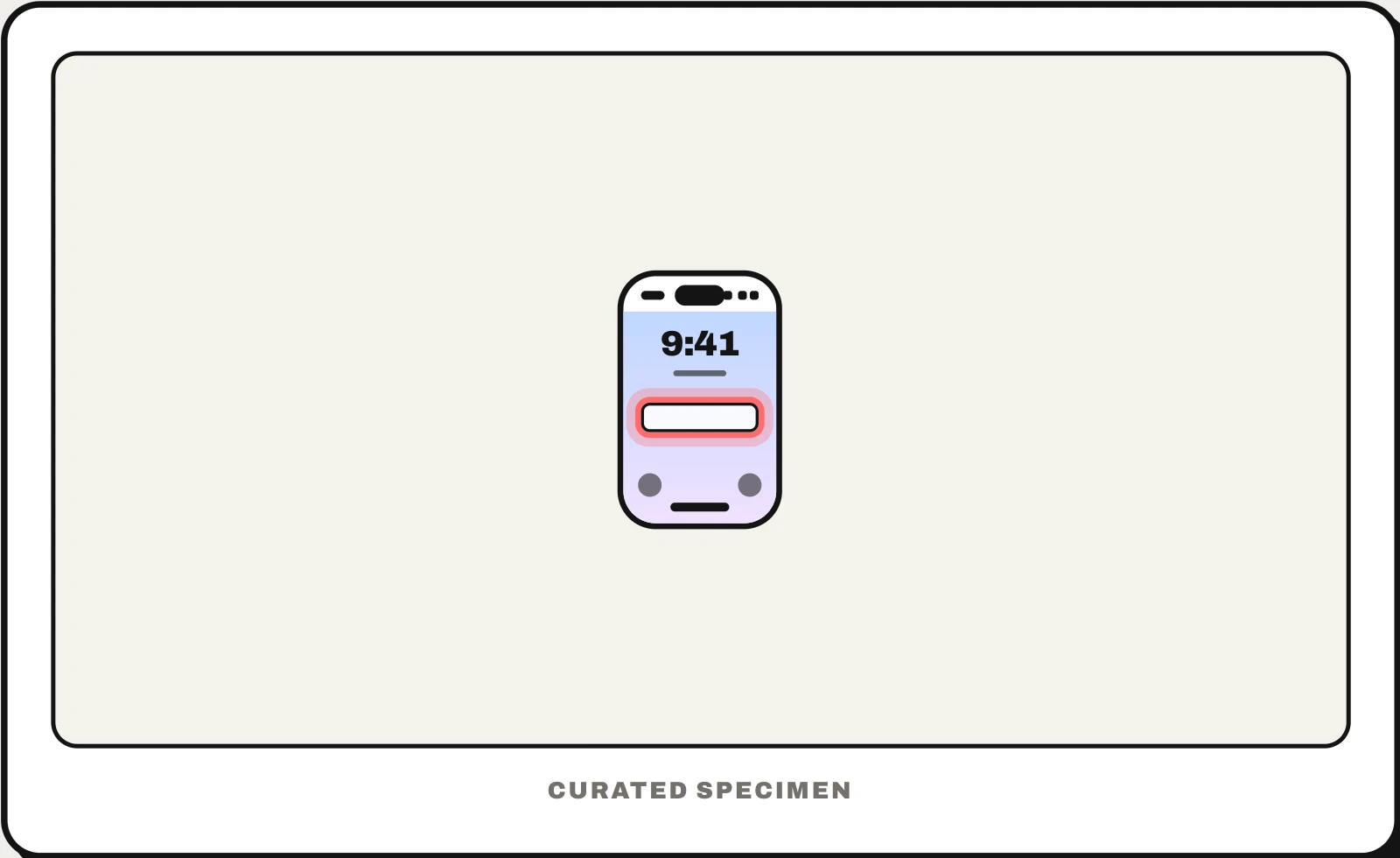
Also called: lockscreen, iPhone Lock Screen, Android lock screen, Windows lock screen, lock screen display.
You might call it
- “the screen with the big clock before you unlock”
- “the screen you see when you pick up your phone”
- “the screen before you swipe up”
- “the screen where you type your passcode”
- “the locked screen with my notifications”
…its name is Lock screen.
Common questions
What is a lock screen?
The screen you see when you wake a locked phone or computer: the clock and date over your wallpaper, new notifications, and shortcuts such as the flashlight and camera. You can read some things there, but opening apps or private content needs Face ID, a fingerprint, a PIN or a password. The device returns to it after sitting idle for a while.
Lock screen vs home screen: what is the difference?
The lock screen comes first, before you unlock: a clock, notifications and wallpaper, with your apps out of reach. The home screen comes after unlocking: the pages of app icons and widgets you open things from. On iPhone and Android you can give each its own wallpaper.
Lock screen vs Notification Center: what is the difference?
On iPhone they overlap. New notifications appear at the bottom of the Lock Screen, and swiping up from its middle shows older ones in Notification Center. Notification Center is the list itself, which you can also pull down over any app; the Lock Screen is the whole screen around it, with the clock, widgets and buttons.
In code
| iOS (WidgetKit) | .accessoryCircular .accessoryRectangular .accessoryInline |
|---|---|
| iOS (ActivityKit) | ActivityAttributes ActivityConfiguration |
| Android | NotificationCompat.VISIBILITY_PRIVATE setPublicVersion() setShowWhenLocked() |
| Web | showNotification() navigator.mediaSession Only notifications and media playback controls reach the lock screen; on iPhone, web push needs a web app added to the Home Screen |
Prompt for your AI coding tool
Make this app behave well on the lock screen: notifications show who and what only when the user allows previews, with a public version that hides balances, codes and message text; a lock screen widget shows one glanceable value; and tapping a notification opens the right screen after unlocking. Never put anything on the lock screen that would embarrass or expose the user if someone else picked up the phone.
More UI words to use when vibe coding →
Related patterns
All the parts of a phone and computer screen, named →