Widget
/WIJ-it/ · noun · SYSTEM pattern · #105
A small live tile from an app that sits on the home screen, lock screen or desktop and shows one piece of its information — the weather, your next meeting, a photo — without opening the app. Tapping it opens the app; some widgets have buttons of their own.
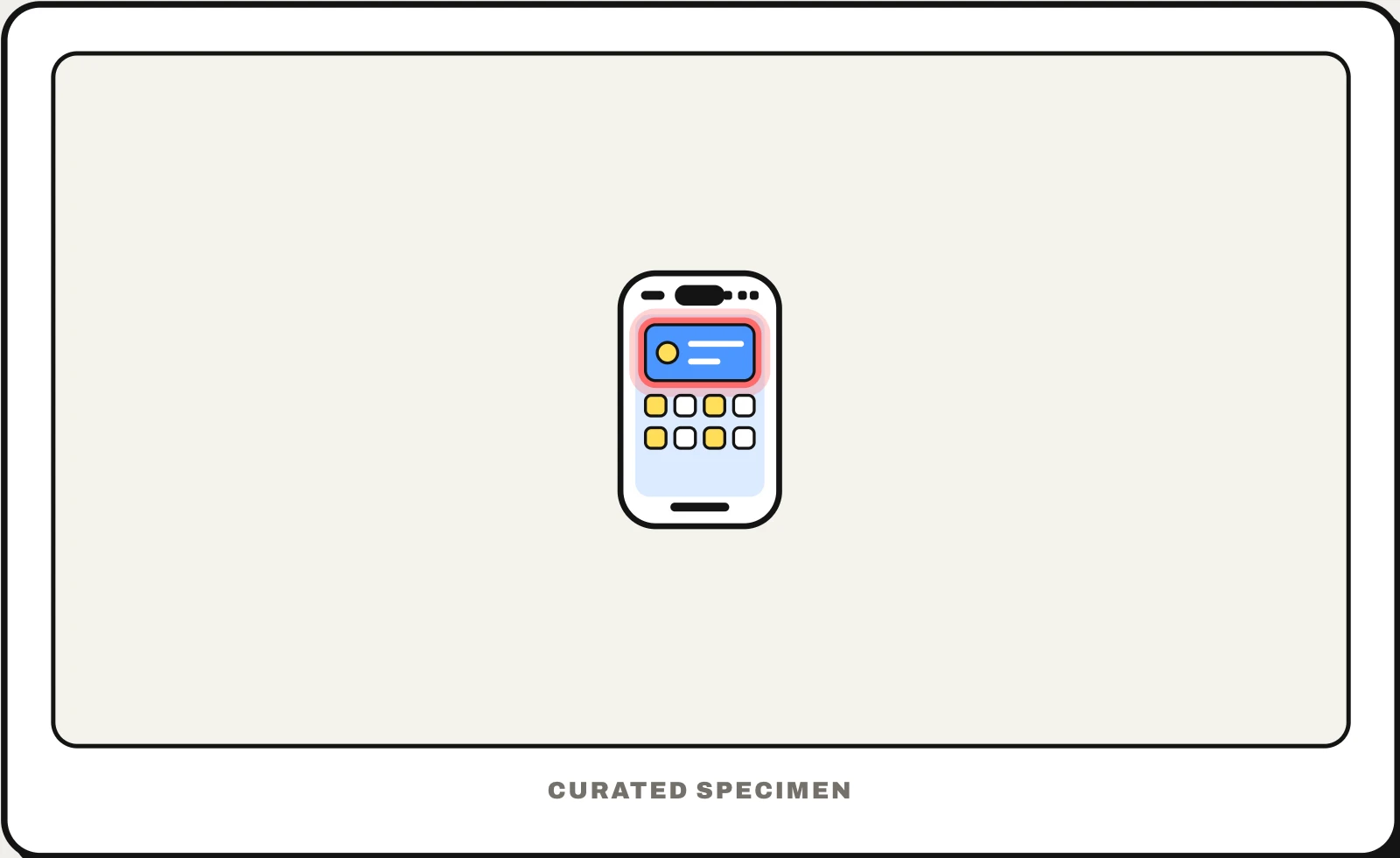
Also called: home screen widget, lock screen widget, app widget, desktop widget.
You might call it
- “the little boxes on my home screen”
- “the weather thing on my home screen”
- “the clock and calendar tiles on my phone”
- “the big square app on my home screen”
- “the little apps on my desktop”
…its name is Widget.
Common questions
What is a widget on a phone?
A small window into an app that lives on your home screen or lock screen: a weather forecast, a calendar, a battery level. It updates on its own and opens the app when you tap it. To add one, touch and hold an empty spot on the home screen and look for Edit or Widgets.
Widget vs app: what is the difference?
The app is the full program you open; a widget is a small piece of one app placed on the home screen to show information at a glance. Removing the widget keeps the app; deleting the app removes its widgets. In programming, “widget” also means any interface control, such as a button or a slider.
In code
| SwiftUI + WidgetKit | Widget WidgetConfiguration TimelineProvider |
|---|---|
| Android | AppWidgetProvider RemoteViews |
| Jetpack Glance | GlanceAppWidget GlanceAppWidgetReceiver |
| Flutter | No home screen widget API: build it natively. In Flutter, “widget” means any UI building block |
Prompt for your AI coding tool
Design a home screen widget for this app in small and medium sizes: show the one piece of information people check most, readable at a glance, with the last-updated time when it can go stale. Tapping it opens that item in the app; add at most one or two buttons for actions that make sense without opening it. Support light and dark appearance and a placeholder state while data loads.
More UI words to use when vibe coding →
Related patterns
All the parts of a phone and computer screen, named →