App drawer
/APP DROR/ · noun · SYSTEM pattern · #106
The screen on an Android phone that lists all your apps, usually A to Z, so the home screen only has to hold the ones you choose. On most phones you swipe up from the home screen to open it; Google’s help calls it All apps and Samsung the Apps screen. The iPhone equivalent is the App Library.
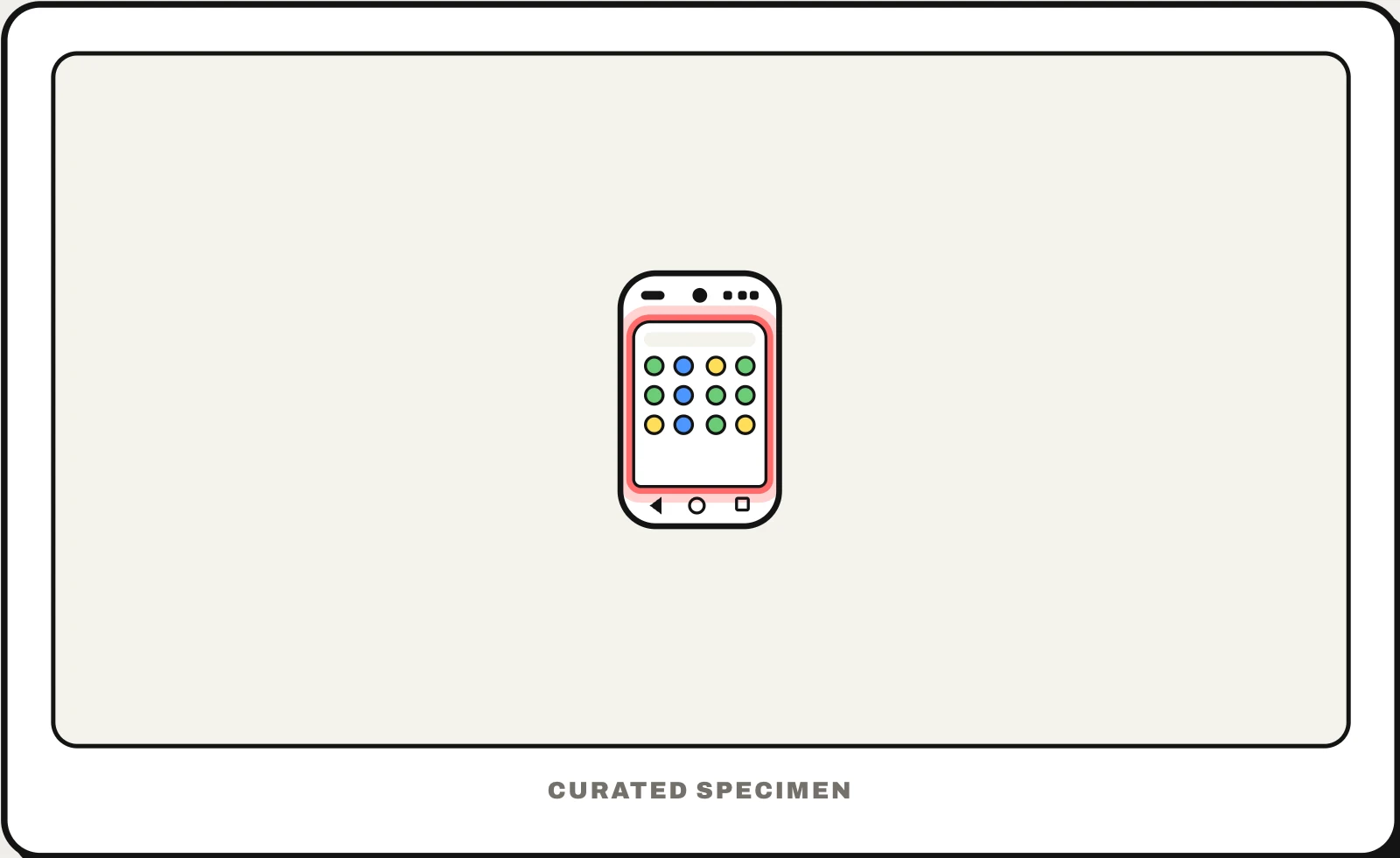
Also called: App Library, all apps, apps screen, app tray, app list.
You might call it
- “the list of all my apps”
- “where all the apps are on my phone”
- “the screen when you swipe up on Android”
- “the apps that are not on my home screen”
- “the folders after the last home screen on iPhone”
…its name is App drawer.
Common questions
What is the app drawer on Android?
It is the full list of every app on your phone, kept apart from the home screen. Swipe up from the home screen to open it, or tap the Apps button if your phone shows one. Search sits at the top; touch and hold an app to drag it onto the home screen. Removing an app from the home screen keeps it in the drawer.
What is the App Library on iPhone?
It is the iPhone’s app drawer, added in iOS 14. Swipe left past your last home screen page and every app is there, sorted into automatic categories, with a search field at the top that also opens an A-to-Z list. An app removed from the home screen stays in the App Library until you delete it.
In code
| Android (manifest) | android.intent.action.MAIN android.intent.category.LAUNCHER An activity with both is listed in the app drawer |
|---|---|
| Android | LauncherApps PackageManager.queryIntentActivities() For launcher apps that draw their own drawer |
| iOS | Every installed app appears in the App Library automatically |
Prompt for your AI coding tool
Build an app drawer for this launcher: a full-screen list of every installed app opened by swiping up from the home screen, sorted A to Z with a letter index on the side, a search field at the top that filters as you type, and long-press on an icon to drag it to the home screen or open app info. Keep recently installed apps marked until first opened.
More UI words to use when vibe coding →
Related patterns
All the parts of a phone and computer screen, named →