Dock
/DOK/ · noun · SYSTEM pattern · #090
The row of app icons along the bottom (or side) of a Mac screen: apps you keep there, open apps, recent apps, then the Downloads folder and the Trash. Click to open; a dot underneath means the app is running.
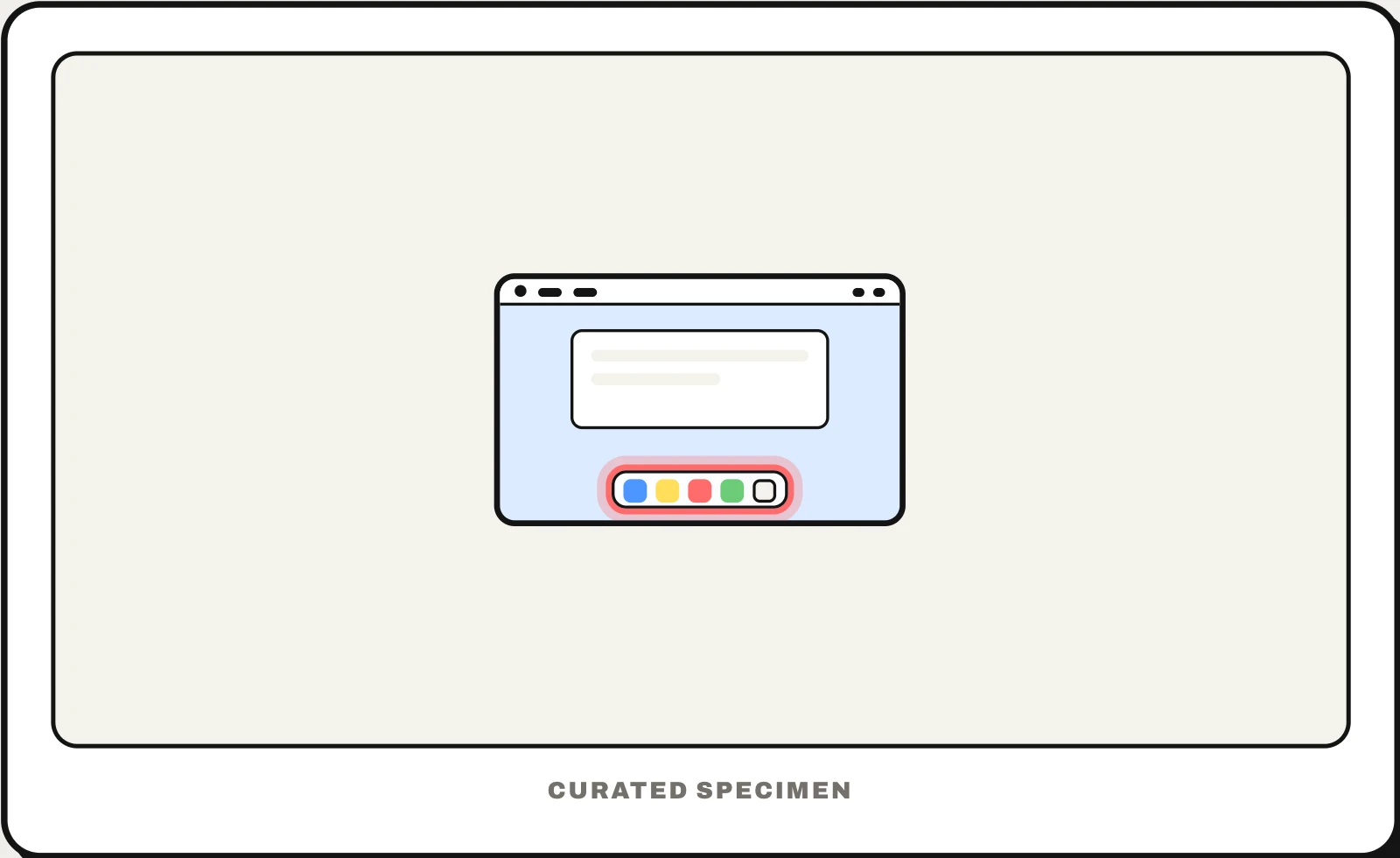
Also called: Mac Dock, macOS Dock, app bar on Mac.
You might call it
- “the thing at the bottom of a Mac”
- “the bar at the bottom of a Mac screen”
- “the app icons at the bottom of my MacBook”
- “the Mac taskbar”
- “the row of apps at the bottom of the screen”
…its name is Dock.
Common questions
What is the thing at the bottom of a Mac called?
That is the Dock. It holds apps you keep there, open apps (with a small dot beneath them) and recent apps, then a divider, the Downloads stack and the Trash. You can move it to the left or right edge, or hide it, in System Settings > Desktop & Dock.
Dock vs taskbar: what is the difference?
They do the same job on different systems: the Dock is the macOS app launcher and switcher, the taskbar is Windows’. On a Mac, menus and status icons live in the menu bar at the top; on Windows the taskbar also holds the Start button, the clock and the notification area.
In code
| AppKit | NSApplication.dockTile NSDockTile.badgeLabel applicationDockMenu(_:) |
|---|---|
| SwiftUI | No Dock API — call AppKit’s dockTile from a SwiftUI app |
| Electron | app.dock.setBadge() app.dock.setMenu() |
Prompt for your AI coding tool
Make this Mac app behave well in the Dock: show a badge with an unread count only when something needs the user’s attention, add a right-click Dock menu with two or three common actions (such as “New Window”), bounce the icon only for things that truly need the user, and keep the icon in the standard macOS rounded-square shape.
More UI words to use when vibe coding →
Related patterns
All the parts of a phone and computer screen, named →