Mac menu bar
/MAK MEN-yoo BAR/ · noun · SYSTEM pattern · #089
The strip across the top of a Mac screen: the Apple menu and the menus of whichever app is in front, then status icons, Control Center and the clock on the right. The menus change with the app; the bar itself never moves.
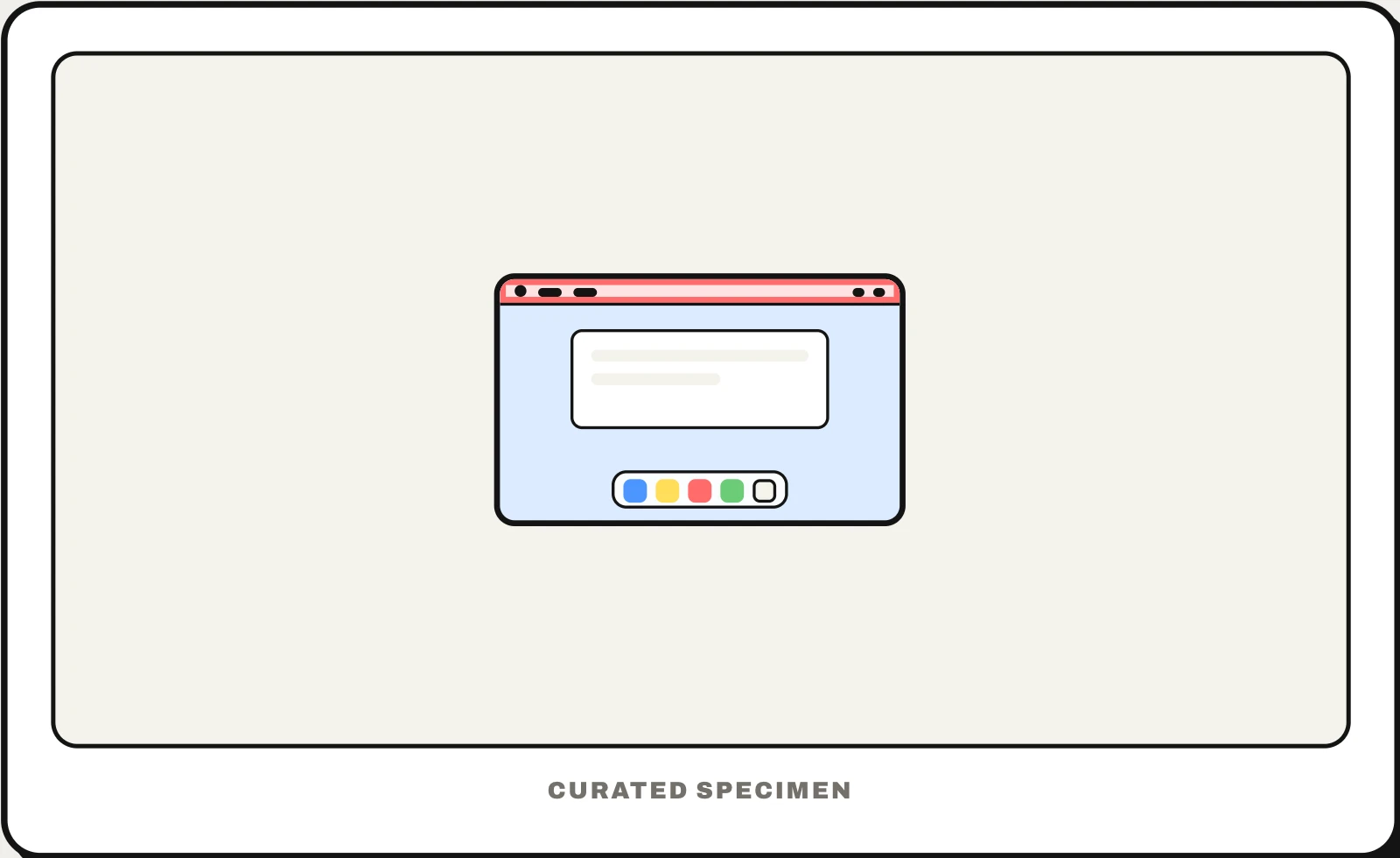
Also called: menu bar, macOS menu bar, top bar on Mac, menu bar extras.
You might call it
- “the bar at the top of a Mac”
- “the top bar on my MacBook”
- “the menu at the top of the Mac screen”
- “the icons at the top right of my Mac”
- “the Apple menu bar”
…its name is Mac menu bar.
Common questions
What is the bar at the top of a Mac called?
It is the menu bar. On the left are the Apple menu and the menus of the app in front (File, Edit, View…); on the right are menu bar extras — status icons such as Wi-Fi and battery — plus Control Center, Spotlight and the clock.
Why does my Mac menu bar keep disappearing?
Usually because the app is in full-screen mode, which hides the menu bar until you move the pointer to the top edge. It can also be set to hide automatically; search System Settings for “menu bar” to change when it shows.
In code
| SwiftUI | .commands { } CommandMenu MenuBarExtra |
|---|---|
| AppKit | NSMenu NSStatusItem |
| Electron | Menu.setApplicationMenu() Tray |
Prompt for your AI coding tool
Give this Mac app a complete menu bar: the standard App, File, Edit, View, Window and Help menus with their usual items and keyboard shortcuts, every main action reachable from a menu, and items disabled when they do not apply. Only add a menu bar extra (an icon on the right) if the app does useful work in the background, and let users hide it.
More UI words to use when vibe coding →
Related patterns
All the parts of a phone and computer screen, named →