Status bar
/STAT-us BAR/ · noun · SYSTEM pattern · #080
The thin strip along the top of a phone screen with the time, signal, Wi-Fi and battery. It belongs to the system, not the app — an app only chooses whether its icons are light or dark.
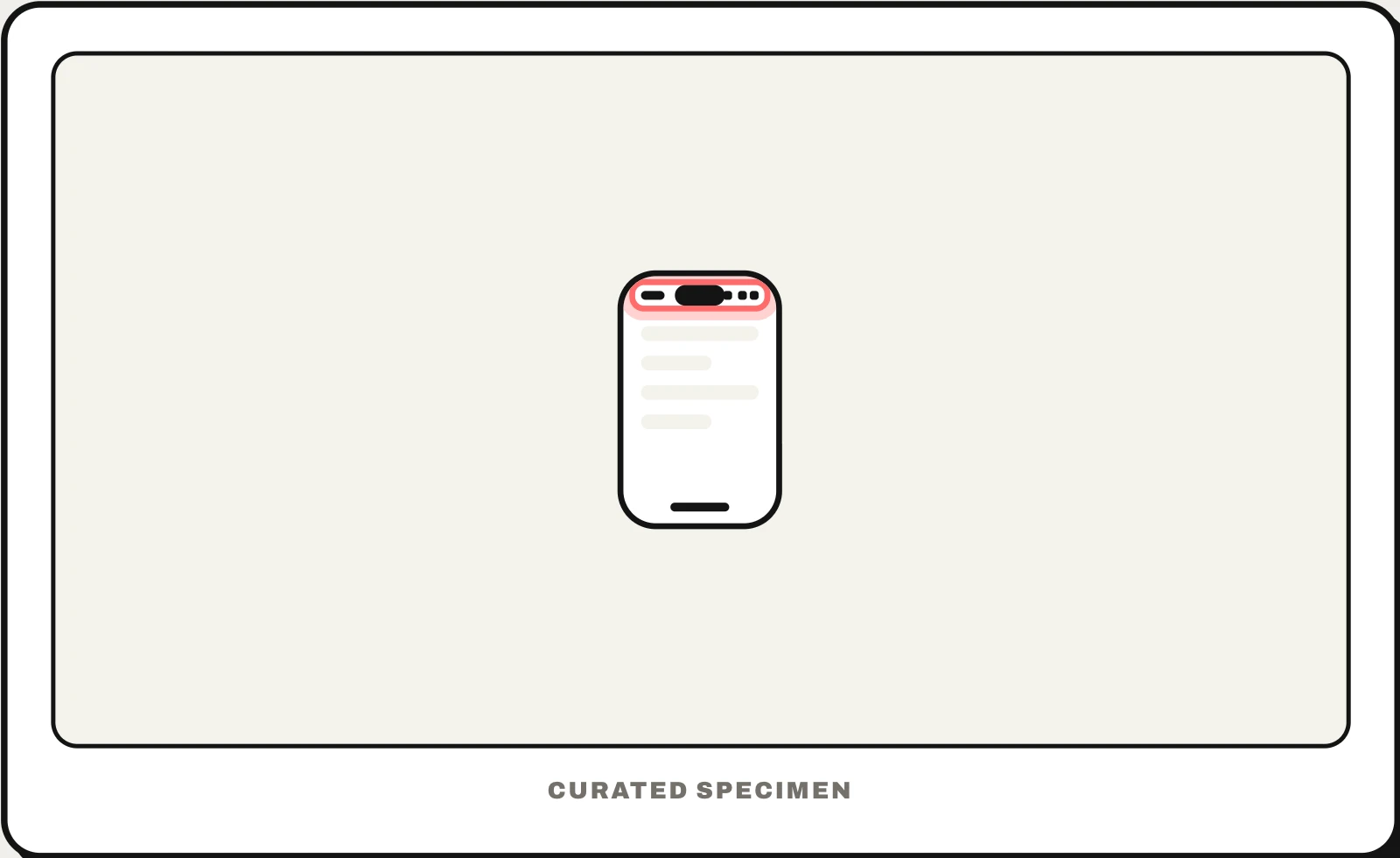
Also called: phone status bar, top bar on a phone, status icons.
You might call it
- “the bar at the top of the phone screen”
- “the top of a phone screen”
- “the icons at the top of my phone”
- “the strip with the time and battery”
- “the little bar at the top of my iPhone”
…its name is Status bar.
Common questions
What is the bar at the top of a phone screen called?
The status bar. It shows the time, signal strength, Wi-Fi, battery and small status icons on both iPhone and Android. On newer iPhones it wraps around the Dynamic Island. Swipe down from it to open your notifications — or, from the right on iPhone, Control Center.
What is the green dot at the top of my iPhone?
It means an app is using the camera (or the camera and microphone) right now; an orange dot means only the microphone. iPhone has shown these privacy indicators since iOS 14. Open Control Center to see which app is using them.
Status bar vs taskbar: what is the difference?
A status bar shows information — time, battery, signal — at the top of a phone screen. The taskbar is the strip along the bottom of a Windows screen for starting and switching apps, with its own clock and status icons in the corner.
In code
| SwiftUI | .statusBarHidden() .preferredColorScheme() |
|---|---|
| UIKit | preferredStatusBarStyle prefersStatusBarHidden |
| Android | enableEdgeToEdge() WindowInsetsControllerCompat |
| Flutter | SystemChrome.setSystemUIOverlayStyle() SystemUiOverlayStyle |
| Web (HTML) | <meta name="theme-color"> env(safe-area-inset-top) |
Prompt for your AI coding tool
Make this screen work with the status bar: draw the background behind it edge to edge, keep text and buttons below it using the top safe-area inset, and set the status bar icons to dark on light backgrounds and light on dark ones so the time and battery stay readable. Do not hide it except in full-screen media, and never put tappable controls in the area it covers.
More UI words to use when vibe coding →
Related patterns
All the parts of a phone and computer screen, named →