Quick Settings panel
/KWIK SET-ingz PAN-ul/ · noun · SYSTEM pattern · #086
The grid of toggles at the top of the Android pull-down shade — Wi-Fi, Bluetooth, flashlight, rotation, Do Not Disturb. Swipe down once for a short row, twice for the full panel; Samsung calls it the Quick panel.
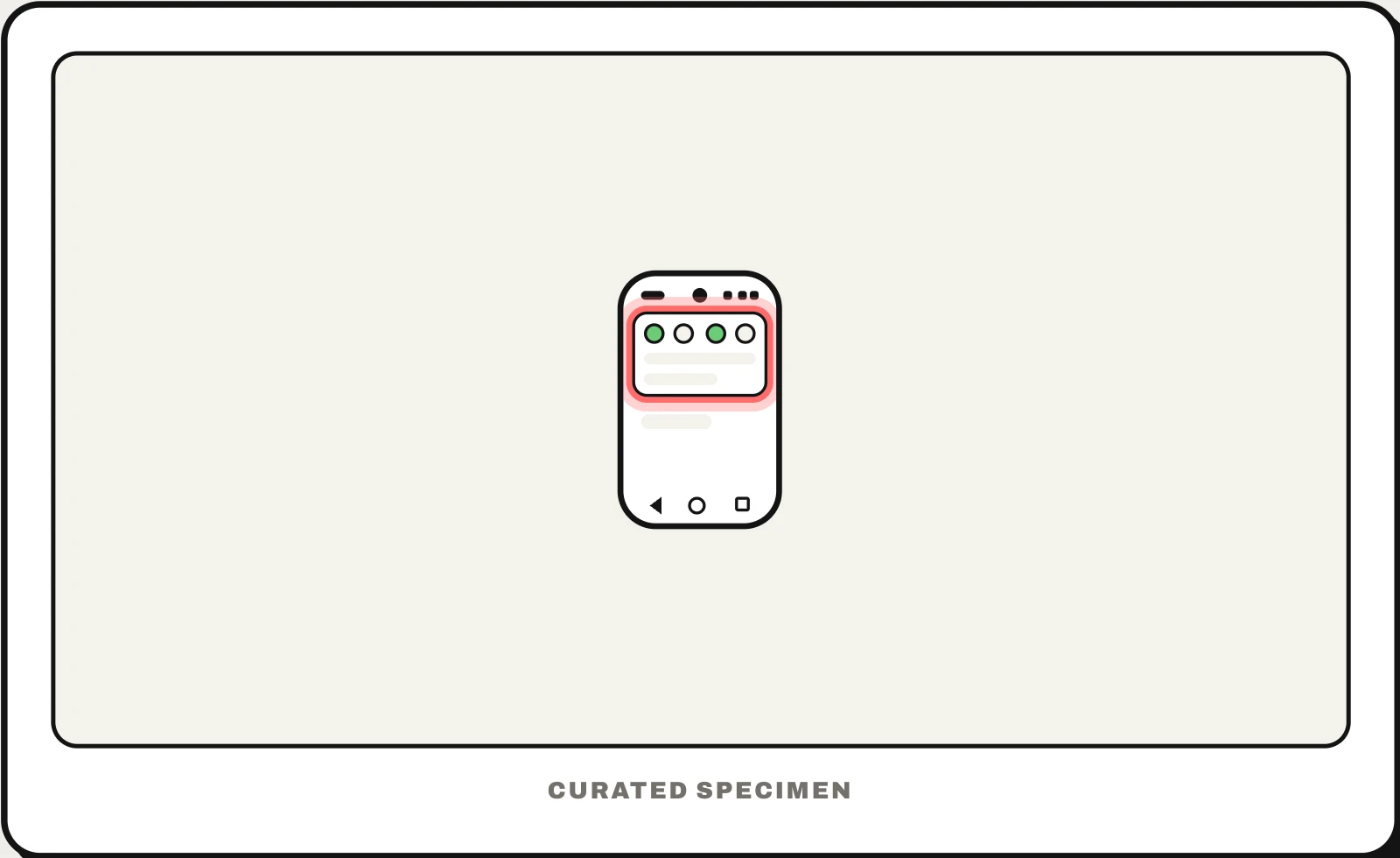
Also called: Quick Settings, Quick panel, notification shade, notification panel, Android pull-down menu.
You might call it
- “the swipe down menu on Android”
- “the swipe down menu on Samsung”
- “the drop down menu on my phone”
- “the toggles at the top of the screen”
- “the pull down menu with Wi-Fi and the flashlight”
…its name is Quick Settings panel.
Common questions
What is the swipe down menu called on Android?
It is the notification shade. Swipe down once from the top to see your notifications and a short row of Quick Settings toggles; swipe down again for the full Quick Settings panel. Samsung calls the toggles the Quick panel and the list the notification panel.
Why are notifications and Quick Settings separate on my Samsung?
Since One UI 7, Samsung splits them by default: swipe down from the top left for the notification panel and from the top right for the Quick panel. To combine them again, open the Quick panel, tap the pencil icon, choose Panel settings and select Together.
In code
| Android | TileService Tile StatusBarManager.requestAddTileService() |
|---|---|
| Jetpack Compose | Tiles are a system service, not a Compose component |
| iOS | ControlWidget The iPhone equivalent is a Control Center control |
Prompt for your AI coding tool
Add a Quick Settings tile for this app’s one most-used toggle: a TileService with a clear monochrome icon and a short label, whose state (active, inactive, unavailable) always matches the app, that flips the setting without opening the app, and that opens the related settings screen on long-press. Offer to add it with requestAddTileService after the user first uses that feature, not on first launch.
More UI words to use when vibe coding →
Related patterns
All the parts of a phone and computer screen, named →