Android navigation bar
/nav-ih-GAY-shun BAR/ · noun · SYSTEM pattern · #087
The strip at the bottom of an Android screen with the Back, Home and Recents buttons — or, with gesture navigation, just a thin handle. It belongs to the system, not the app; an app’s own tabs sit above it.
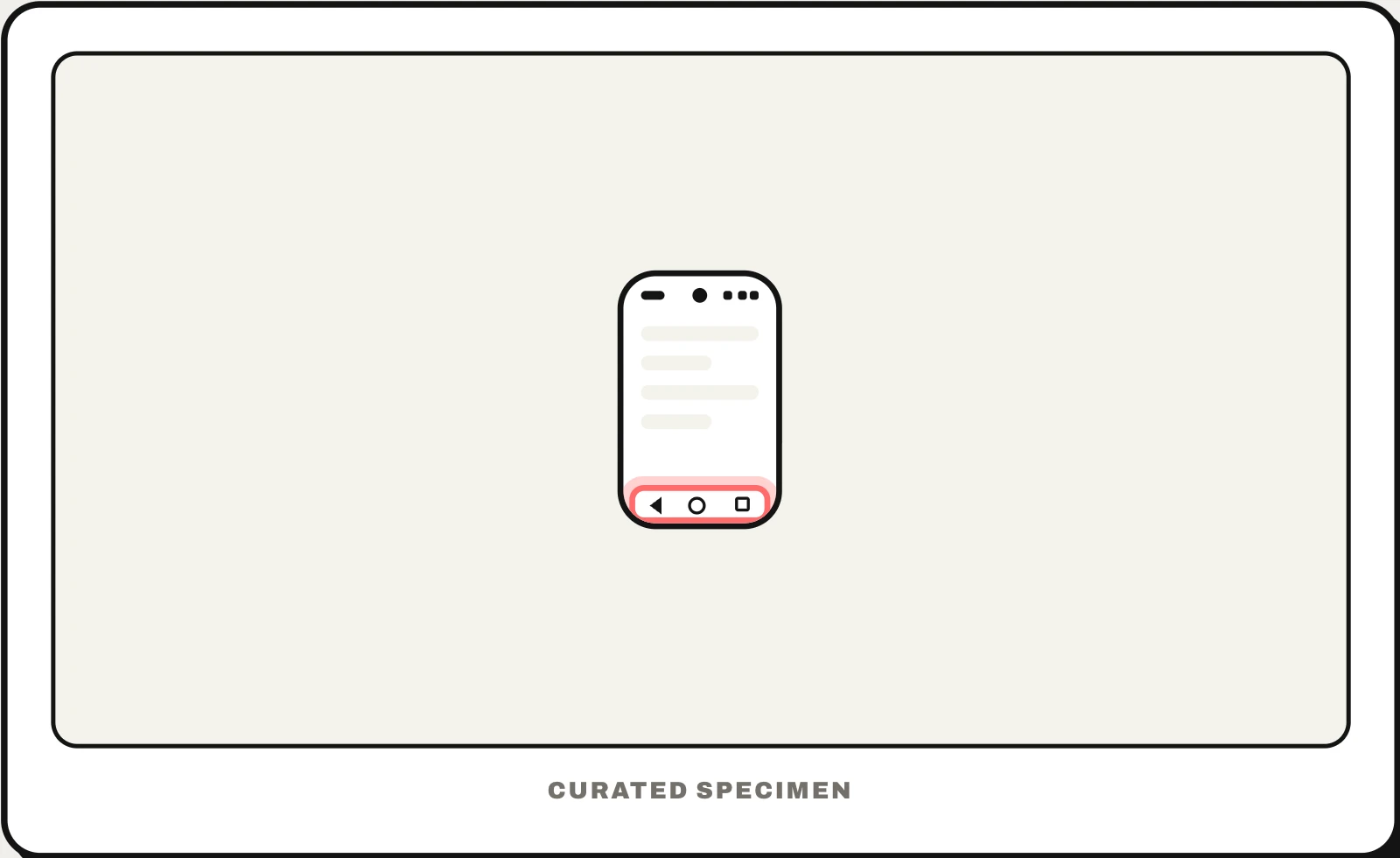
Also called: system navigation bar, Android navigation buttons, three-button navigation, soft keys.
You might call it
- “the 3 buttons at the bottom of Android”
- “the bar at the bottom of my Android phone”
- “the back home and recent buttons”
- “the buttons at the bottom of the phone screen”
- “the bar at the bottom of the screen on Samsung”
…its name is Android navigation bar.
Common questions
What are the 3 buttons at the bottom of Android called?
Together they are the navigation bar. On most phones, from left to right: Back (a triangle or arrow), Home (a circle or line) and Recents, also called Overview (a square or three lines). Samsung lets you swap the order or switch to swipe gestures in Settings > Display > Navigation bar.
Android navigation bar vs an app’s bottom navigation bar: what is the difference?
The navigation bar belongs to Android itself: Back, Home and Recents work the same in every app. An app’s bottom navigation bar, or tab bar, belongs to that one app and switches between its own sections. It sits just above the system bar.
In code
| Android | enableEdgeToEdge() WindowInsetsCompat.Type.navigationBars() |
|---|---|
| Jetpack Compose | Modifier.navigationBarsPadding() WindowInsets.navigationBars |
| Flutter | SafeArea SystemChrome.setEnabledSystemUIMode() |
| iOS | No navigation bar — iPhone uses the home indicator and a back swipe |
Prompt for your AI coding tool
Make this Android screen edge to edge without colliding with the system navigation bar: call enableEdgeToEdge(), draw backgrounds behind the bar, and pad bottom content, buttons and the app’s own tab bar by the navigation bar insets so they work with both three-button and gesture navigation. Handle Back with the predictive back API instead of intercepting the button.
More UI words to use when vibe coding →
Related patterns
All the parts of a phone and computer screen, named →