Tab bar
/tab BAR/ · noun · NAV pattern · #047
The app's whole map in one strip — three to five destinations, always visible, never scrolling away.
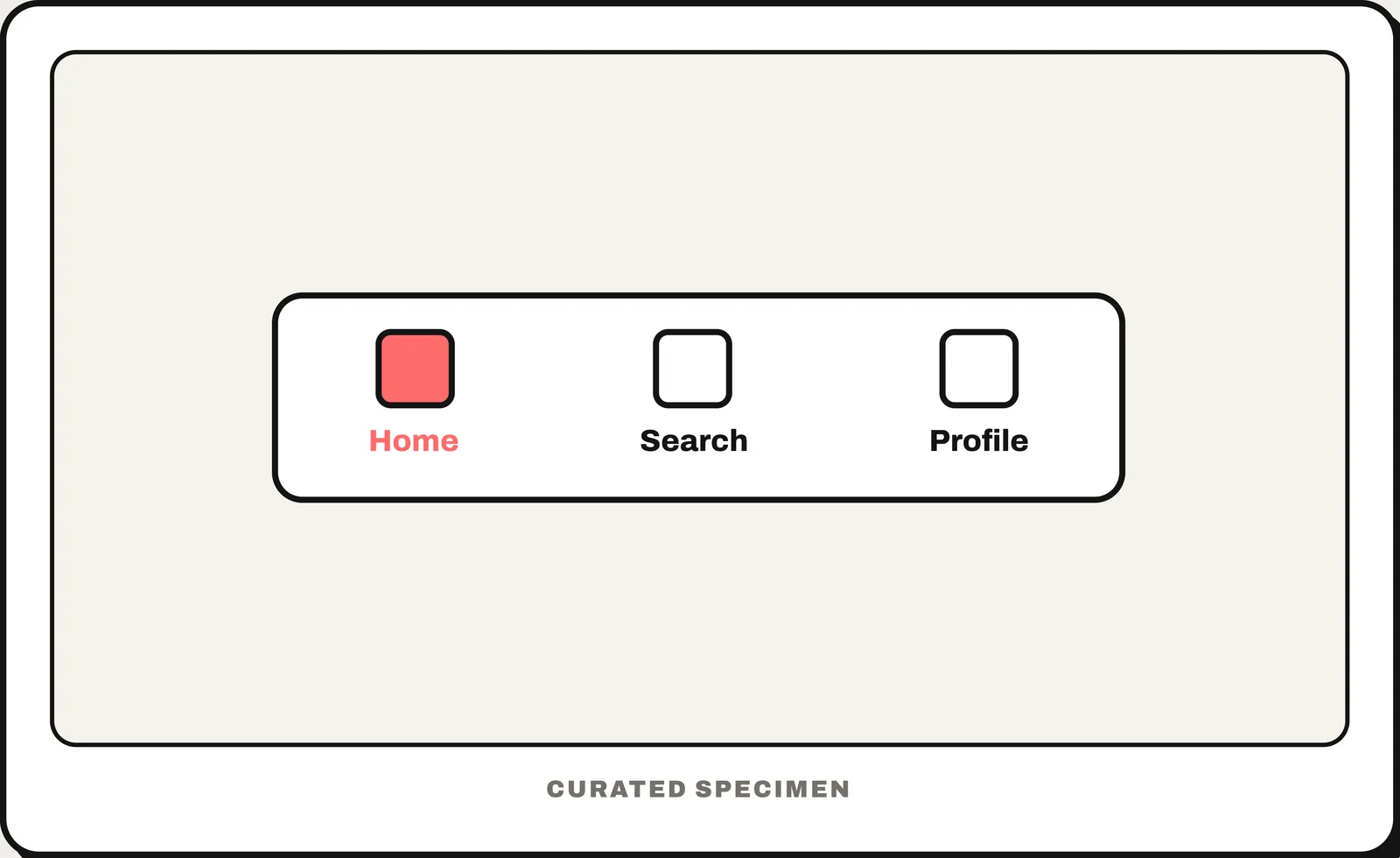
Also called: bottom navigation bar, bottom app bar, bottom bar.
You might call it
- “the icons at the bottom of an app”
- “the bottom menu of an app”
- “the menu bar at the bottom of the screen”
- “the bottom navigation buttons”
- “the row of tabs along the bottom”
…its name is Tab bar.
Common questions
What is the bar at the bottom of an app called?
It is called a tab bar on iOS and a bottom navigation bar (or bottom app bar) in Android’s Material Design. It keeps three to five top-level destinations visible on every screen.
What is a tab bar in an app?
A tab bar is the persistent strip of three to five icons at the bottom of a mobile app. Each icon is a top-level destination, and exactly one is active at a time.
What is the bar at the bottom of the iPhone or Android screen called?
Inside an app it is the tab bar (iOS) or navigation bar (Material 3; formerly bottom navigation). Outside any app it belongs to the system: the thin line at the bottom of an iPhone is the home indicator, and Android’s back / home / recents buttons or gesture handle form the system navigation bar.
In code
| SwiftUI | TabView |
|---|---|
| UIKit | UITabBarController UITabBar |
| Jetpack Compose | NavigationBar NavigationBarItem |
| Android (Views) | BottomNavigationView |
| Flutter | NavigationBar BottomNavigationBar |
| Web (HTML / ARIA) | <nav> aria-current="page" |
Prompt for your AI coding tool
Add a tab bar: a bar fixed to the bottom of the screen with three to five top-level destinations, each an icon with a short text label. Exactly one is active and visibly highlighted. Tapping another switches section and keeps each section’s scroll position. It stays visible on every top-level screen, respects the bottom safe area, and the active item is marked as current for screen readers (aria-current="page" on the web).
More UI words to use when vibe coding →