Control Center
/con-TROLE SEN-tur/ · noun · SYSTEM pattern · #083
The panel of shortcuts you pull down from the top-right corner of an iPhone: Wi-Fi, Bluetooth, brightness, volume, flashlight, timer. The settings you touch every day, one swipe from any screen.
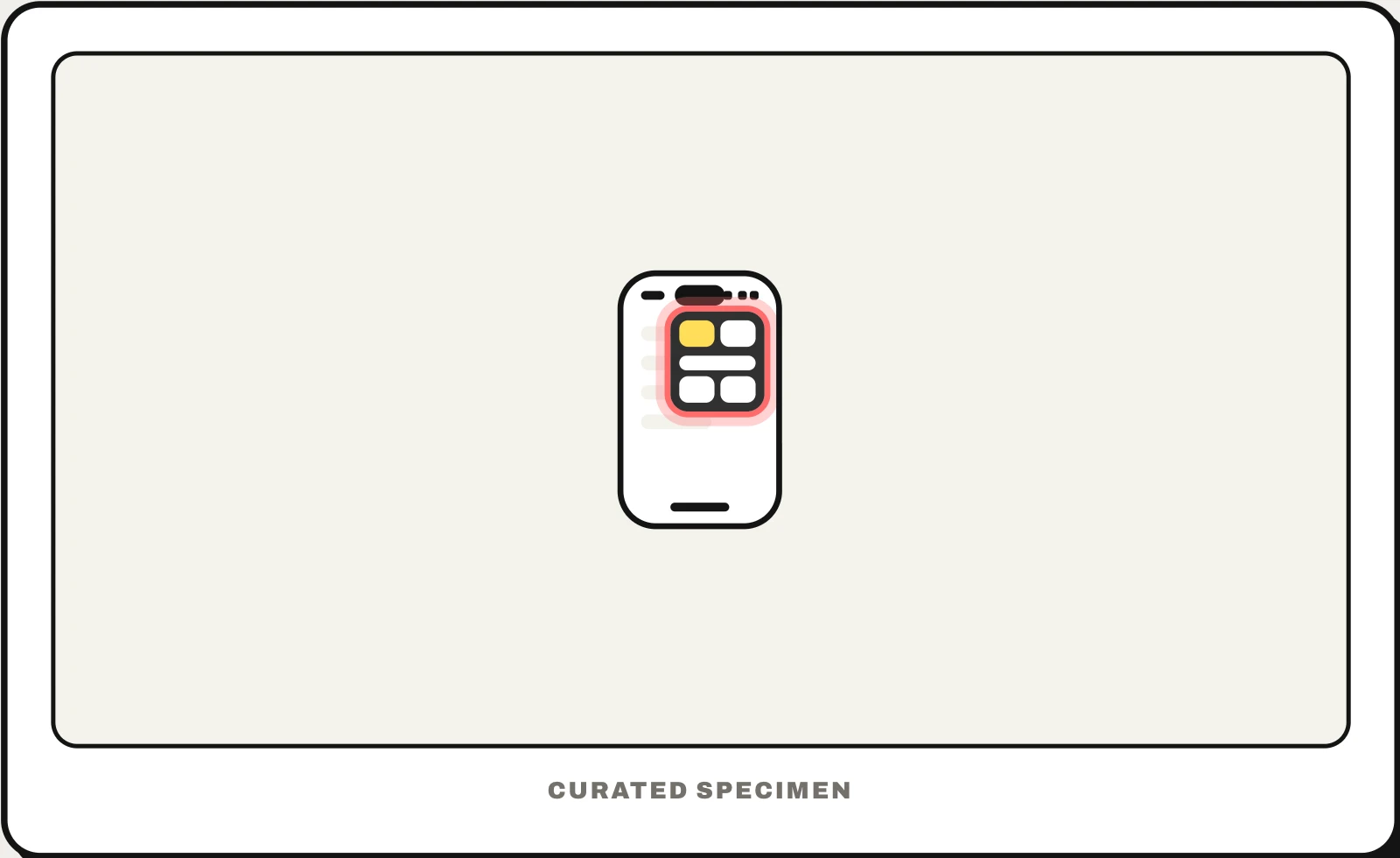
Also called: iPhone Control Center, control centre, swipe down menu on iPhone.
You might call it
- “the swipe down menu on iPhone”
- “the menu with Wi-Fi and the flashlight”
- “the shortcuts you pull down from the top right”
- “the brightness and volume panel”
- “the iPhone quick settings”
…its name is Control Center.
Common questions
What is the swipe down menu called on iPhone?
It depends where you swipe. From the top-right corner you open Control Center, with shortcuts such as Wi-Fi, brightness and the flashlight. From the top middle or left you open Notification Center, with your recent notifications. On iPhones with a Home button, Control Center swipes up from the bottom instead.
Control Center vs Notification Center: what is the difference?
Control Center holds controls — toggles, sliders and shortcuts that change something now. Notification Center holds messages — the notifications apps have sent you. On most Android phones both live in one pull-down shade: Quick Settings at the top, notifications below.
In code
| SwiftUI / WidgetKit | ControlWidget ControlWidgetButton ControlWidgetToggle |
|---|---|
| UIKit | Apps add controls through WidgetKit, not UIKit |
| Android | TileService The Android equivalent is a Quick Settings tile |
Prompt for your AI coding tool
Add a Control Center control for this app’s most frequent quick action (for example starting a timer or switching a mode): a button or toggle built with WidgetKit’s ControlWidget, with a clear SF Symbol and a short label, that runs the action through an App Intent without opening the app. Reflect the current state in the toggle, and keep it to one action people repeat often.
More UI words to use when vibe coding →
Related patterns
All the parts of a phone and computer screen, named →