Dynamic Island
/dy-NAM-ik EYE-lund/ · noun · SYSTEM pattern · #079
The black pill at the top of newer iPhones that hides the front camera and grows to show live activity — a call, a timer, music, directions. Apple turned a hole in the screen into a place for status.
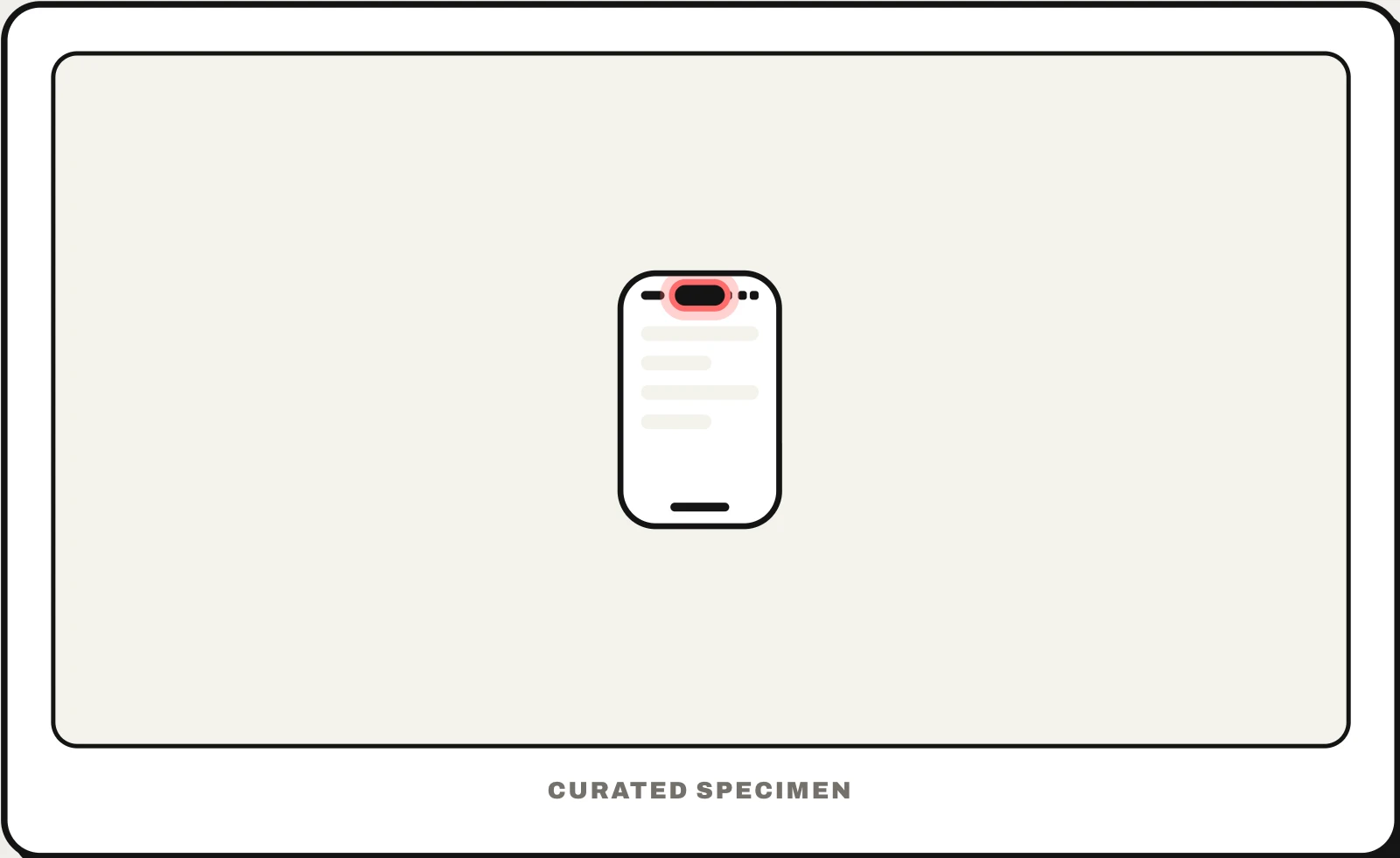
Also called: iPhone island, island on iPhone, pill at the top of iPhone.
You might call it
- “the black bar at the top of iPhone”
- “the island on iPhone”
- “the black pill at the top of the screen”
- “the floating bar on iPhone”
- “the bar at the top of iPhone 16 or 17”
…its name is Dynamic Island.
Common questions
What is the black bar at the top of iPhone called?
It is the Dynamic Island: a black pill that houses the front camera and Face ID sensors and expands to show ongoing activity such as a call, a timer, music or directions. It is on iPhone 14 Pro and later models; the budget iPhone 16e and 17e keep the older notch.
Dynamic Island vs notch: what is the difference?
Both hide the front camera. The notch is a fixed black cutout attached to the top edge of the screen. The Dynamic Island is a floating pill just below the edge that changes size, so apps can show live status inside it. iPhone X through iPhone 14 and 14 Plus have the notch.
Can I turn off the Dynamic Island?
No. It is the part of the display around the camera, so it is always there. You can only stop individual apps from showing Live Activities in it, with the Live Activities switch in each app’s settings.
In code
| iOS (ActivityKit) | ActivityAttributes Activity.request() |
|---|---|
| iOS (WidgetKit) | ActivityConfiguration DynamicIsland |
| Android | No Dynamic Island — ongoing activity goes in a notification |
| Web (CSS) | env(safe-area-inset-top) Pages cannot draw into it; keep content below it |
Prompt for your AI coding tool
Add a Live Activity for this ongoing task (for example a delivery or a timer) so it shows in the Dynamic Island: a compact view with one key value on each side of the camera, a minimal view for when another app shares the island, and an expanded view on long-press with a little more detail and one action. Keep it glanceable, update it as the task progresses, end it when the task is done, and keep the app’s own layout inside the top safe area.
More UI words to use when vibe coding →
Related patterns
All the parts of a phone and computer screen, named →