Toast
/TOHST/ · noun · FEEDBACK pattern · #062
A short confirmation that pops in, delivers one line, and leaves on its own. Never put anything in a toast the user must act on.
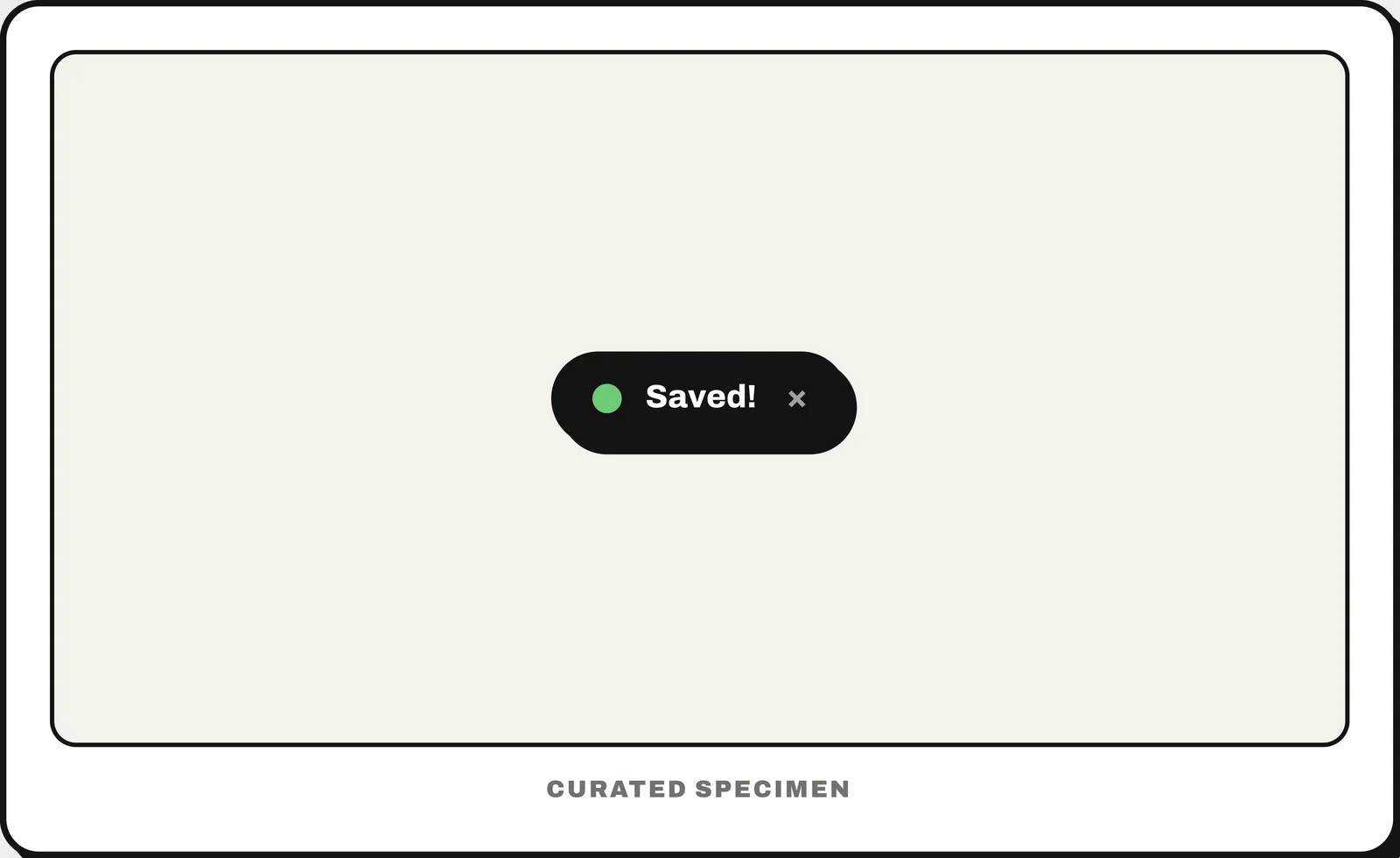
Also called: snackbar, toast notification.
You might call it
- “a pop-up message that disappears on its own”
- “the “Saved” message that flashes up and fades”
- “a popup notification inside the app”
- “the little bar with an Undo button”
- “a temporary status message”
…its name is Toast.
Common questions
Toast vs snackbar: what is the difference?
Both are brief messages that dismiss themselves. A snackbar (Material Design) appears at the bottom of the app’s own layout, can carry one action such as Undo, and can be swiped away. A toast is a plain line of text with no action. Android’s documentation suggests a snackbar instead of a toast while your app is in the foreground.
What is the brief popup message that disappears on its own called?
A toast. Material Design’s variant with an optional action button is a snackbar. Both deliver one short confirmation and dismiss themselves — never put anything the user must act on inside one.
In code
| Android (Views) | Toast Snackbar |
|---|---|
| Jetpack Compose | SnackbarHost SnackbarHostState.showSnackbar() |
| Flutter | SnackBar ScaffoldMessenger.showSnackBar() |
| iOS (SwiftUI / UIKit) | No system toast — built as a custom overlay |
| Web (HTML / ARIA) | role="status" aria-live="polite" |
Prompt for your AI coding tool
Add a toast: after the action succeeds, show a one-line confirmation (for example “Saved”) near the bottom of the screen. It must not block the page, should dismiss itself after about 4 seconds, and must be announced to screen readers (role="status"). Put nothing in it the user has to act on; if it needs an Undo button, make it a snackbar instead.
More UI words to use when vibe coding →