Alert banner
/uh-LURT BAN-er/ · noun · FEEDBACK pattern · #076
A full-width strip at the top of a page or section that states something worth knowing and stays until it is dealt with or dismissed. Louder than a toast, quieter than a modal — and never more than one at a time.
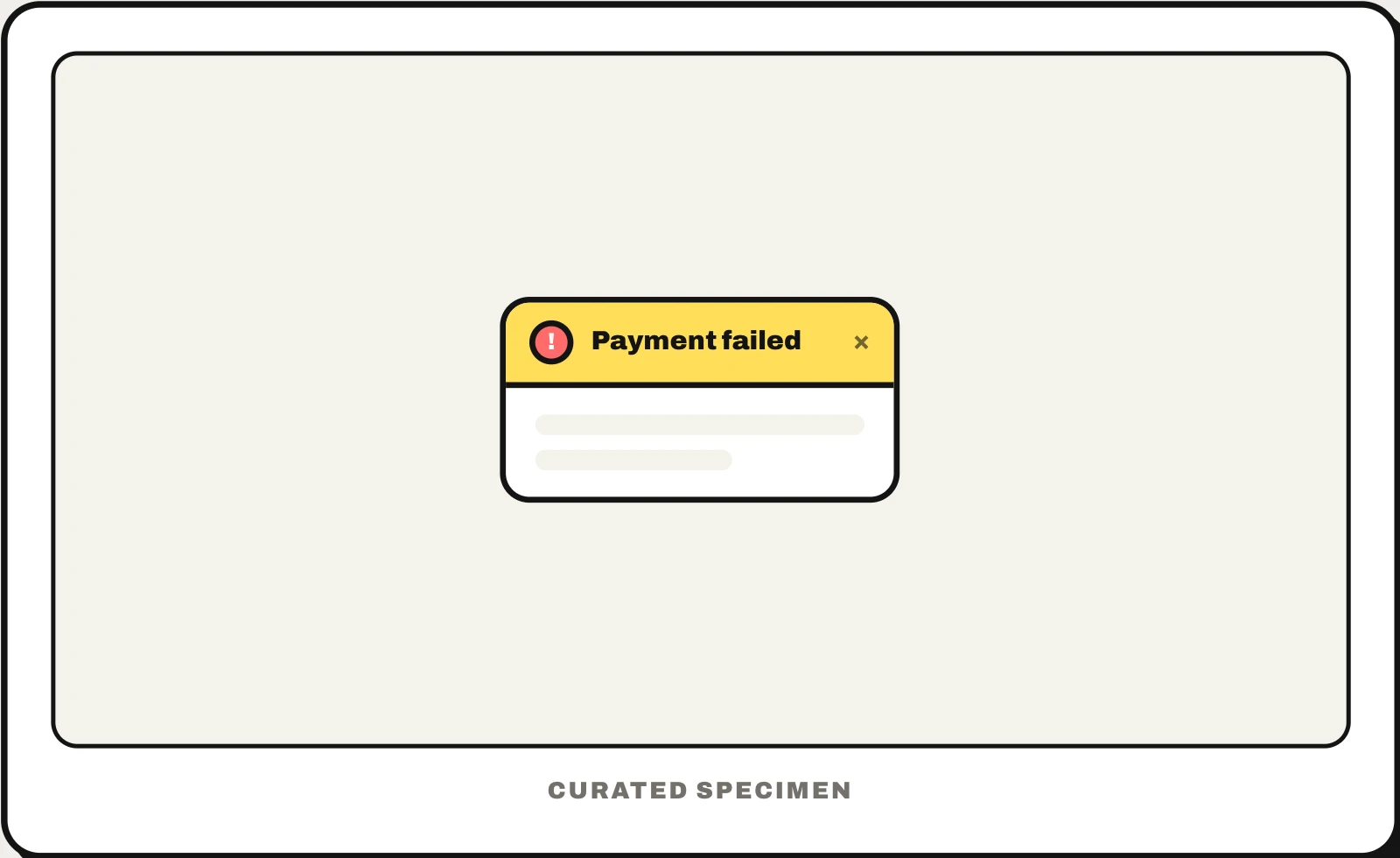
Also called: notification banner, announcement bar, alert bar, inline alert.
You might call it
- “the bar across the top of a website”
- “the banner at the top of a website”
- “the yellow warning bar”
- “an announcement bar”
- “the message strip above the page”
…its name is Alert banner.
Common questions
What is the banner at the top of a website called?
If it carries a message — a sale, a cookie notice, a warning that your payment failed — it is an alert banner, also called a notification banner or announcement bar. The large image area under the menu is a hero banner, and the strip with the logo and menu is the header.
Banner vs toast: what is the difference?
A toast pops up, says one thing and leaves on its own, so it suits confirmations like “Saved”. A banner stays at the top of the page until the problem is solved or the user dismisses it, so it suits things people must not miss, like a failed payment or an outage.
In code
| SwiftUI / UIKit | No banner component — built as a custom view pinned to the top |
|---|---|
| Android (Compose / Views) | No banner component — built as a custom row above the content |
| Flutter | MaterialBanner ScaffoldMessenger.showMaterialBanner() |
| Web (HTML / ARIA) | role="status" role="alert" |
Prompt for your AI coding tool
Add an alert banner at the top of this page for messages that must stay visible until handled (for example “Your payment failed”): a full-width strip with an icon, one sentence, an optional action link and a close button. Mark its type (info, success, warning, error) with an icon as well as colour, never colour alone. Use role="status" for routine messages and role="alert" only for urgent ones, do not move focus to it, remember dismissals, and show at most one banner at a time.
More UI words to use when vibe coding →