System tray
/SIS-tum TRAY/ · noun · SYSTEM pattern · #092
The corner at the right end of the Windows taskbar with Wi-Fi, volume, battery, the clock and the icons of apps running in the background. Microsoft’s official name is the notification area; the small up arrow beside it shows hidden icons.
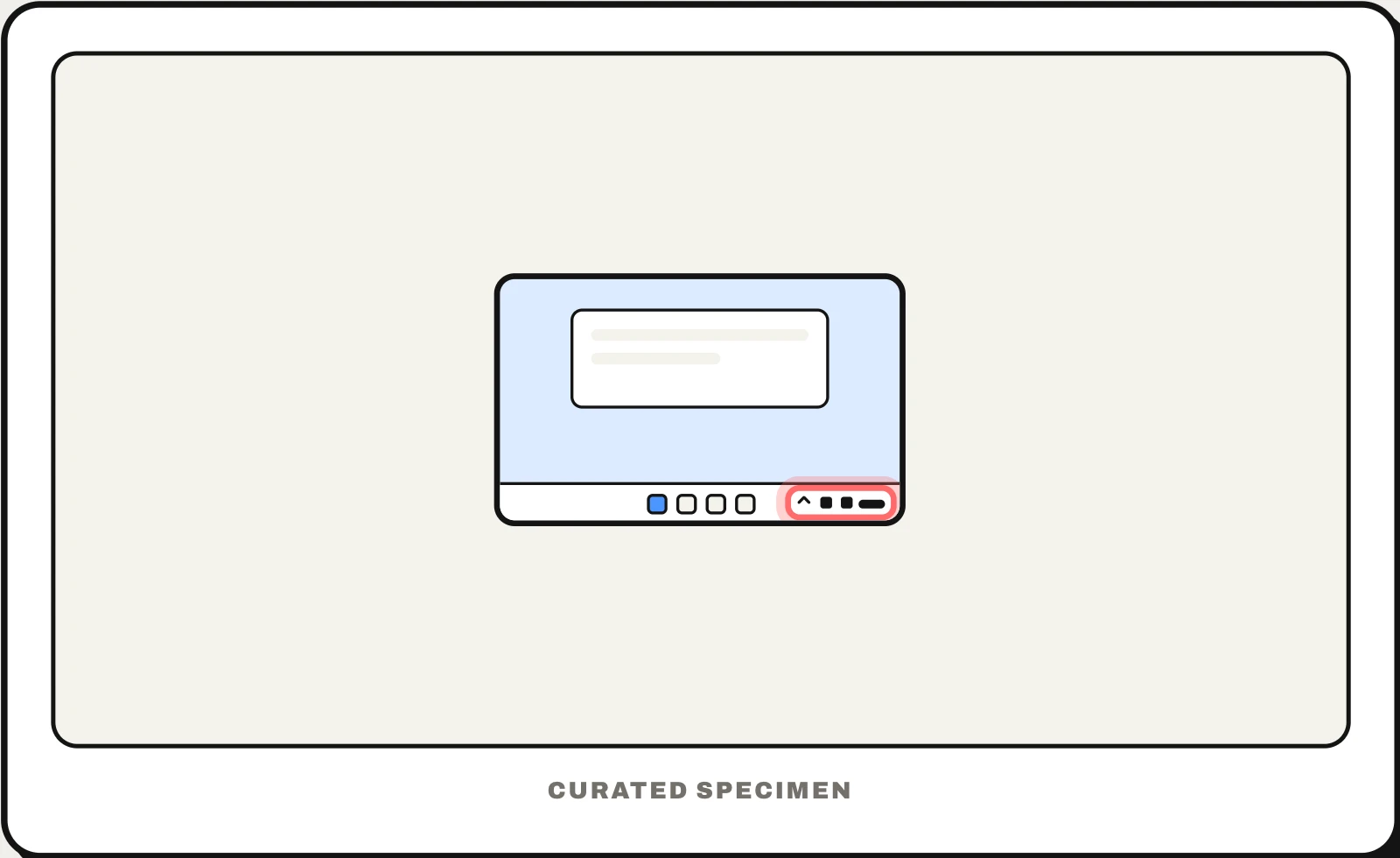
Also called: notification area, taskbar corner, tray icons, hidden icons.
You might call it
- “the icons at the bottom right of Windows”
- “the little arrow at the bottom right of the screen”
- “the clock and Wi-Fi corner of the taskbar”
- “hidden icons on Windows”
- “the tray at the bottom of my screen”
…its name is System tray.
Common questions
What is the system tray in Windows?
It is the area at the right end of the taskbar with the clock, network, volume and battery icons and the icons of apps running in the background. Microsoft’s official name is the notification area; “system tray” is the older name most people still use.
What is the little arrow at the bottom right of Windows?
It is the Show hidden icons arrow. It opens a small pop-up with tray icons that do not fit or that you chose to hide — in Windows 11 that pop-up is the taskbar corner overflow. Choose which icons stay visible in Settings > Personalization > Taskbar.
In code
| Win32 | Shell_NotifyIcon() NOTIFYICONDATA |
|---|---|
| WinForms | NotifyIcon |
| Electron | Tray Tray.setContextMenu() |
Prompt for your AI coding tool
Add a system tray icon for this app only because it keeps working in the background: a simple monochrome icon with a tooltip naming the app and its status, a left click that opens the main window, and a right-click menu with Open, a couple of key actions and Quit. Let users turn off the tray icon and background running in settings, and never use it for promotions.
More UI words to use when vibe coding →
Related patterns
All the parts of a phone and computer screen, named →