Taskbar
/TASK-bar/ · noun · SYSTEM pattern · #091
The bar along the bottom of a Windows screen: the Start button, search, pinned and open apps, and on the right the notification area with Wi-Fi, volume, battery and the clock. One click switches to any open window.
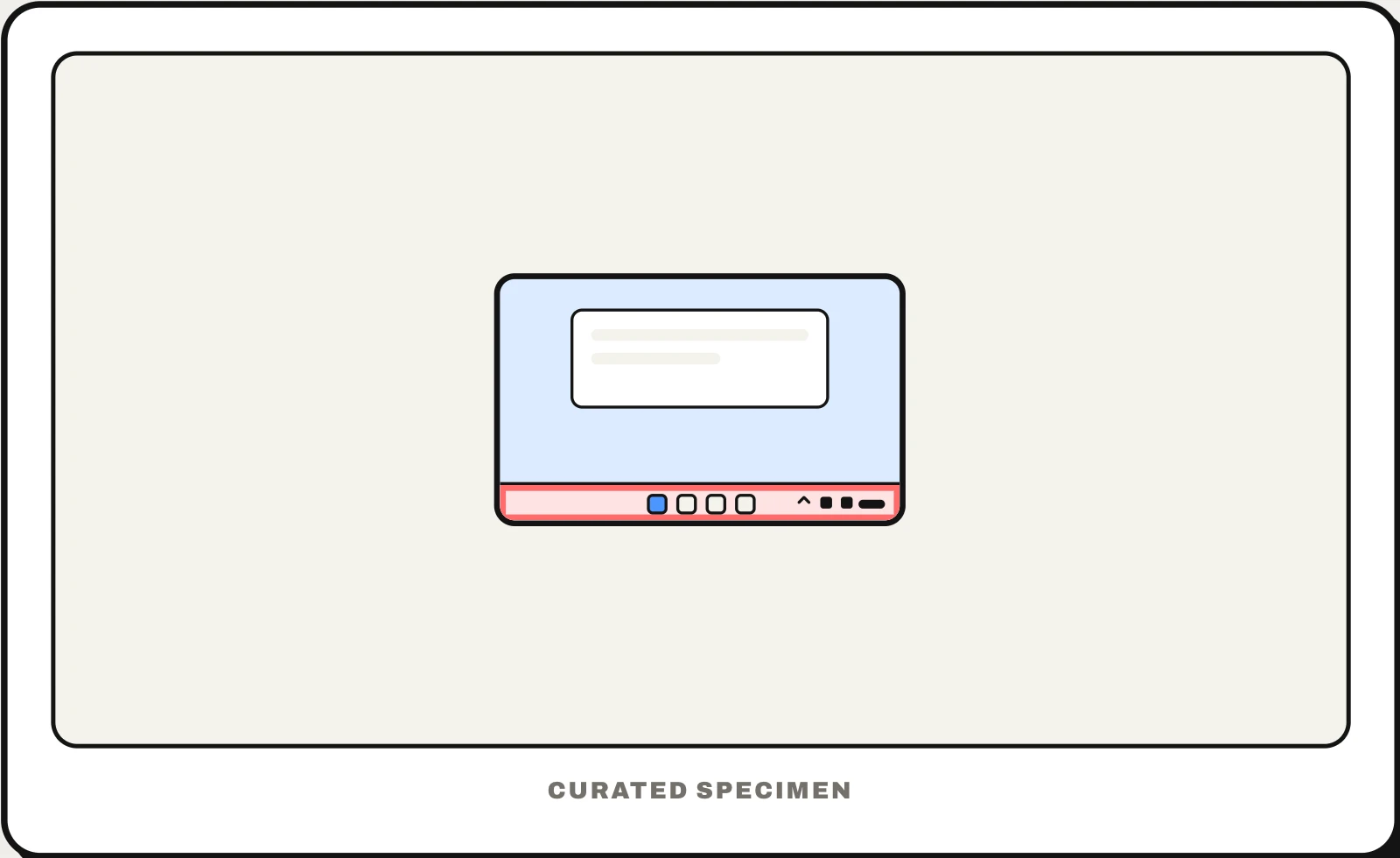
Also called: Windows taskbar, Start bar, bottom bar on Windows.
You might call it
- “the bar at the bottom of Windows”
- “the toolbar at the bottom of the screen”
- “the bar with the Start button”
- “the search bar at the bottom of Windows”
- “the bottom bar on my laptop”
…its name is Taskbar.
Common questions
What is the bar at the bottom of Windows called?
The taskbar. In Windows 11 its icons are centred: Start, Search, Task View and your pinned and open apps. On the right is the notification area (once called the system tray) with Wi-Fi, volume, battery and the clock. You can align it to the left in Settings > Personalization > Taskbar.
Taskbar vs toolbar: what is the difference?
The taskbar is the one system bar along the edge of the Windows screen for starting and switching apps. A toolbar belongs to a single app window and holds that app’s own buttons, like Bold or Print.
In code
| Win32 | ITaskbarList3 SetProgressValue() SetOverlayIcon() |
|---|---|
| WPF | TaskbarItemInfo |
| Electron | BrowserWindow.setProgressBar() BrowserWindow.setOverlayIcon() |
Prompt for your AI coding tool
Make this Windows app use the taskbar well: show long tasks such as downloads or exports as progress on the taskbar button, add a small overlay badge only for states that need attention, flash the button only when the user must act, and add a jump list with two or three frequent actions. Group the app’s windows under one taskbar button.
More UI words to use when vibe coding →
Related patterns
All the parts of a phone and computer screen, named →