Search field
/SERCH FEELD/ · noun · INPUT pattern · #045
A pill-shaped prompt for queries. The little magnifier is one of the few icons everyone reads instantly.
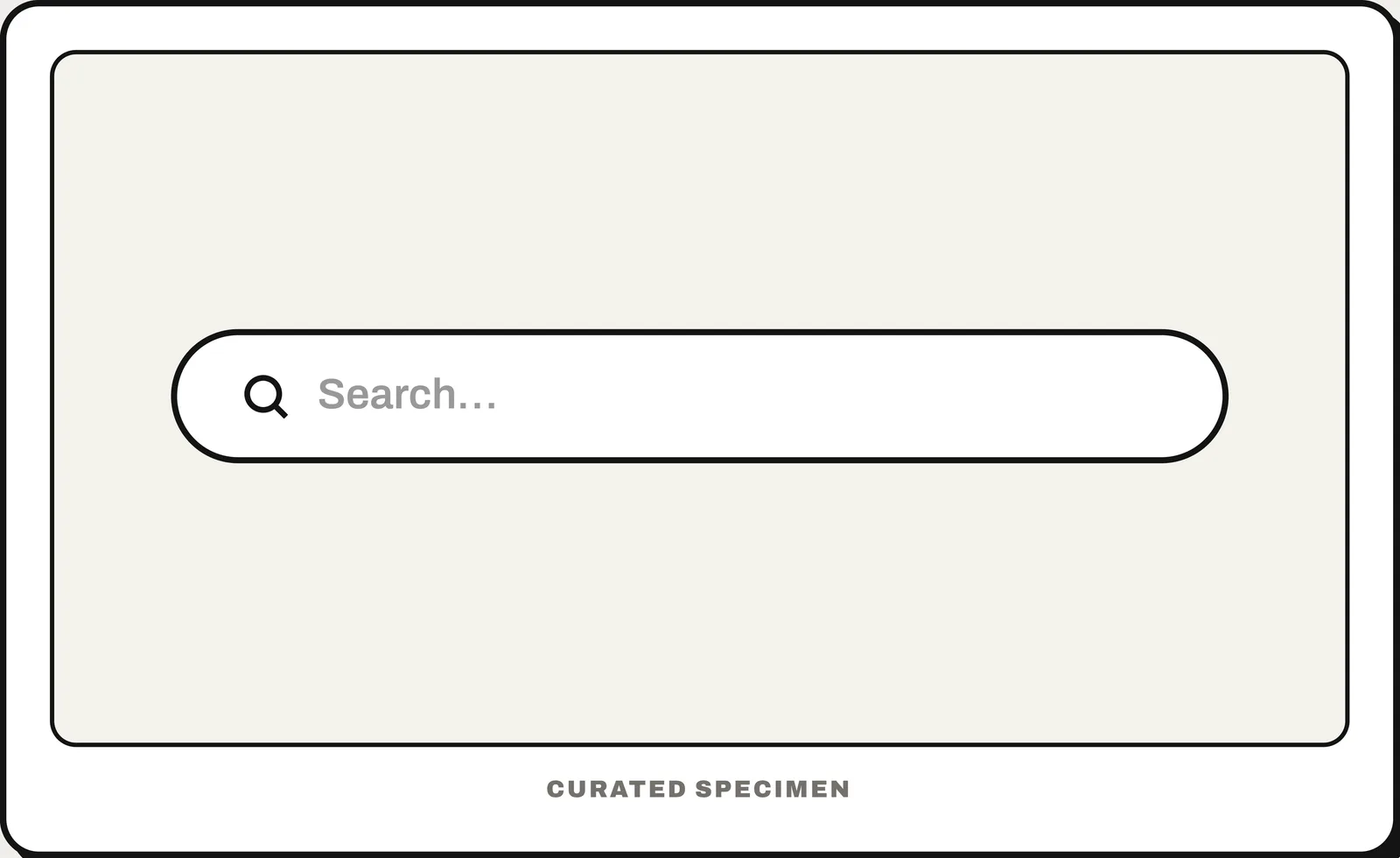
Also called: search box, search input, search bar.
You might call it
- “the search bar”
- “the box with a magnifying glass”
- “the type-to-search field at the top”
- “the search box on a website”
- “where you type to find things”
…its name is Search field.
Common questions
What is a search field in UI design?
A search field is the text input used to enter a query and find matching content. It is also commonly called a search box, search input, or search bar.
Search bar vs search box: what is the difference?
None in practice: search bar, search box, search field and search input all name the same text field with a magnifying-glass icon. “Search bar” sometimes means the whole strip that holds the field and its buttons.
In code
| SwiftUI | .searchable() |
|---|---|
| UIKit | UISearchController UISearchBar |
| Jetpack Compose | SearchBar DockedSearchBar |
| Android (Views) | SearchBar SearchView |
| Flutter | SearchBar SearchAnchor |
| Web (HTML) | <search> <input type="search"> |
Prompt for your AI coding tool
Add a search field at the top of the list: a rounded input with a magnifying-glass icon, placeholder text saying what can be searched (“Search orders”), and a clear (×) button once something is typed. Filter results as the user types with a short debounce, show a “no results for …” message instead of a blank list, and give the field a visible or accessible label. Use <input type="search"> inside a <search> element on the web.
More UI words to use when vibe coding →