Placeholder text
/PLAYS-hohl-der tekst/ · noun · INPUT pattern · #102
The grey hint inside an empty text field — “Search products”, “name@example.com” — that disappears as soon as you type. It shows an example or format; it is not a label, because it vanishes exactly when people need it.
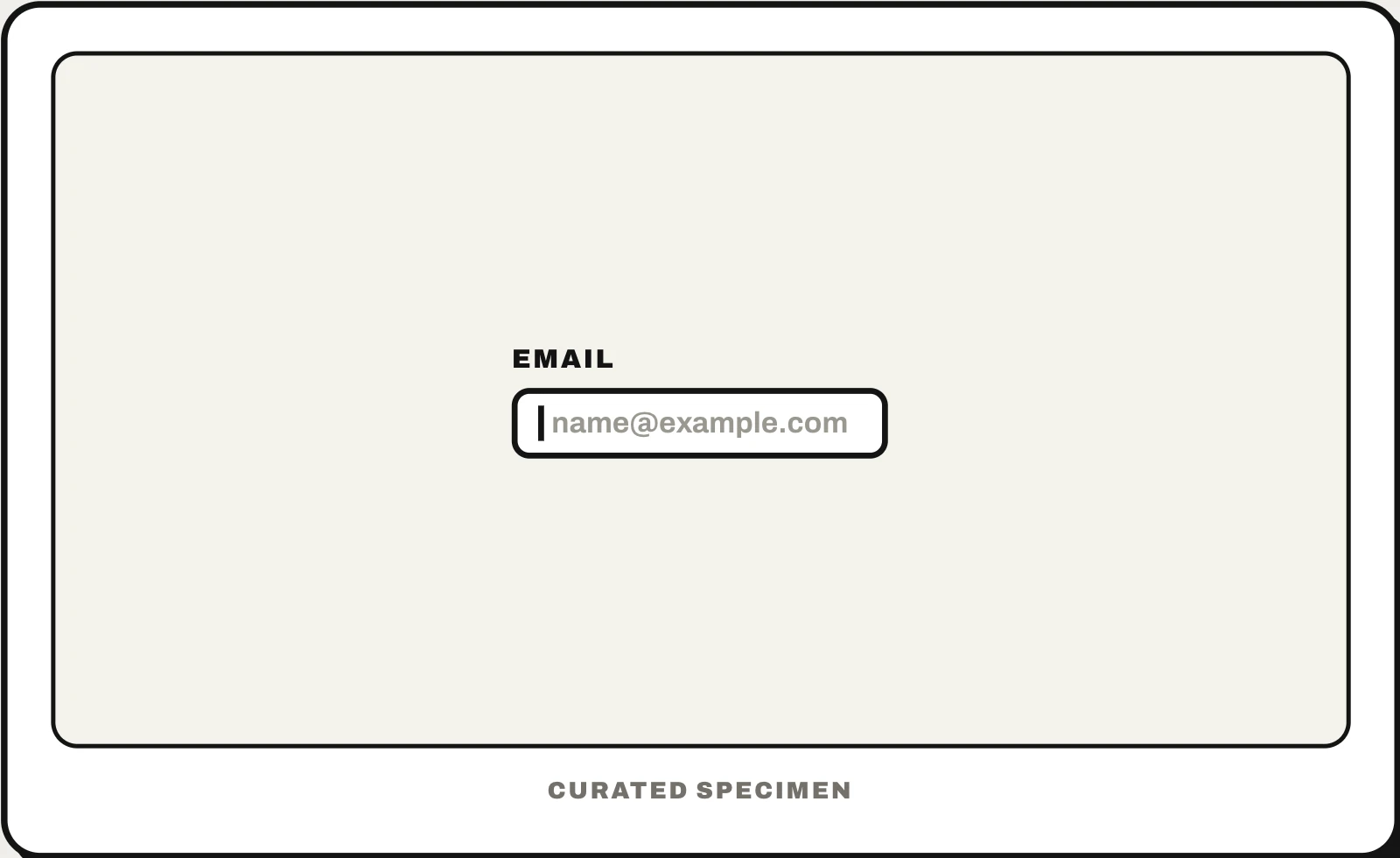
Also called: placeholder, hint text, input hint, ghost text, watermark text, gray text.
You might call it
- “the gray text in a text box”
- “the faded text in an input field”
- “the hint text inside a search box”
- “the example text that disappears when you type”
- “the light text in an empty field”
…its name is Placeholder text.
Common questions
What is the gray text in a text box called?
Placeholder text. It sits inside an empty field as a hint or example and disappears when you start typing. In HTML it is the placeholder attribute; Android calls it a hint, as does Flutter with hintText; SwiftUI calls it a prompt.
Placeholder vs label: what is the difference?
A label names the field and stays visible above or beside it. A placeholder is a hint inside the field that vanishes once you type, so people forget what the field was for and screen readers may skip it. Use a label for every field and keep placeholders for examples.
Placeholder text vs helper text?
Helper text sits below the field and stays visible — format rules, character limits, why you are asking. Placeholder text sits inside the field and disappears. Anything people must remember while typing belongs in helper text.
In code
| Web (HTML / CSS) | placeholder="…" ::placeholder |
|---|---|
| SwiftUI | TextField(_:text:prompt:) |
| UIKit | UITextField.placeholder |
| Jetpack Compose | TextField(placeholder = { … }) |
| Android (Views) | android:hint |
| Flutter | InputDecoration(hintText:) |
Prompt for your AI coding tool
Review the form fields in this screen: give every field a visible label above it, and use placeholder text only for a short example or format hint such as name@example.com. Put rules that must be read (password requirements, date format) in helper text below the field instead of the placeholder. Make the placeholder color meet 4.5:1 contrast and never use it as the only label.
More UI words to use when vibe coding →
Related patterns
All the parts of a website, named →