Text field
/TEKST FEELD/ · noun · INPUT pattern · #077
A box you type into, with a label that says what goes in it. The label stays visible — placeholder text that vanishes on the first keystroke is not a label.
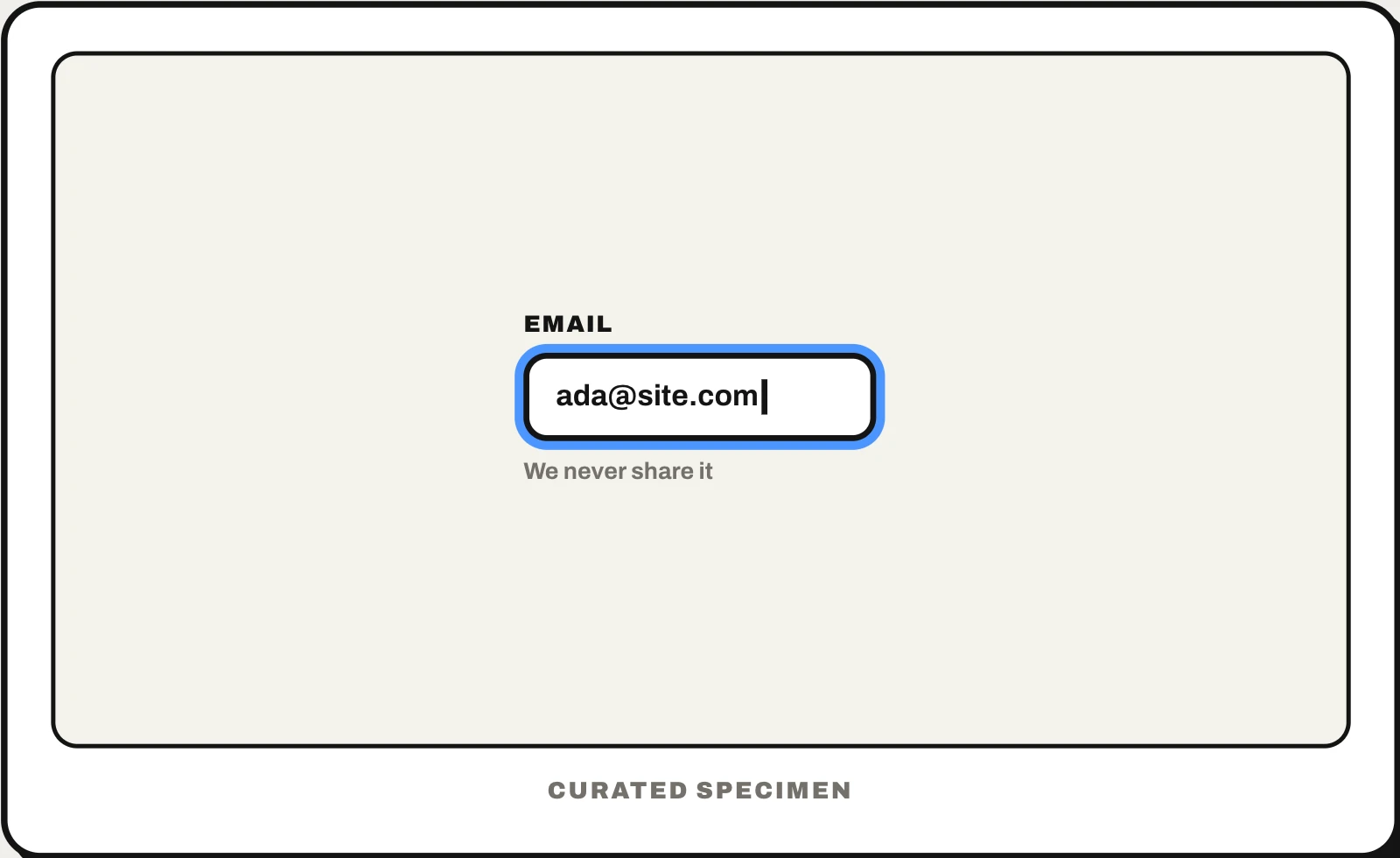
Also called: text box, input field, text input, form field.
You might call it
- “the box you type in”
- “an input box”
- “a text box on a form”
- “the field where you enter your email”
- “a fill-in box”
…its name is Text field.
Common questions
Text field vs text box: what is the difference?
In interface design they are the same thing: a box you type text into. “Text field” is the term in Apple’s and Google’s design guidelines; “text box” is the older Windows name. In Word or Google Docs, though, a text box is something else — a movable block of text placed on the page.
Text field vs text area: what is the difference?
A text field takes one line: a name, an email, a search. A text area takes several lines and grows or scrolls, for messages and comments — <textarea> on the web, UITextView on iOS, a multi-line TextField in SwiftUI, Compose and Flutter.
In code
| SwiftUI | TextField SecureField |
|---|---|
| UIKit | UITextField UITextView |
| Jetpack Compose | TextField OutlinedTextField |
| Android (Views) | EditText TextInputLayout TextInputEditText |
| Flutter | TextField TextFormField |
| Web (HTML / ARIA) | <input type="text"> <label for> <textarea> |
Prompt for your AI coding tool
Add a text field for this value: a visible label above the box (never placeholder text alone), the right input type and keyboard (email, number, tel) and an autocomplete attribute where one applies. Show help text below when needed and validate when the field loses focus, not on every keystroke; if the value is wrong, keep what was typed, outline the field and explain the fix in text linked with aria-describedby. Make the field at least 44px tall.
More UI words to use when vibe coding →