Date picker
/DAYT PIK-er/ · noun · INPUT pattern · #055
A pop-open calendar for choosing a day without typing it. The moment ranges or availability rules appear, this pattern earns its complexity.
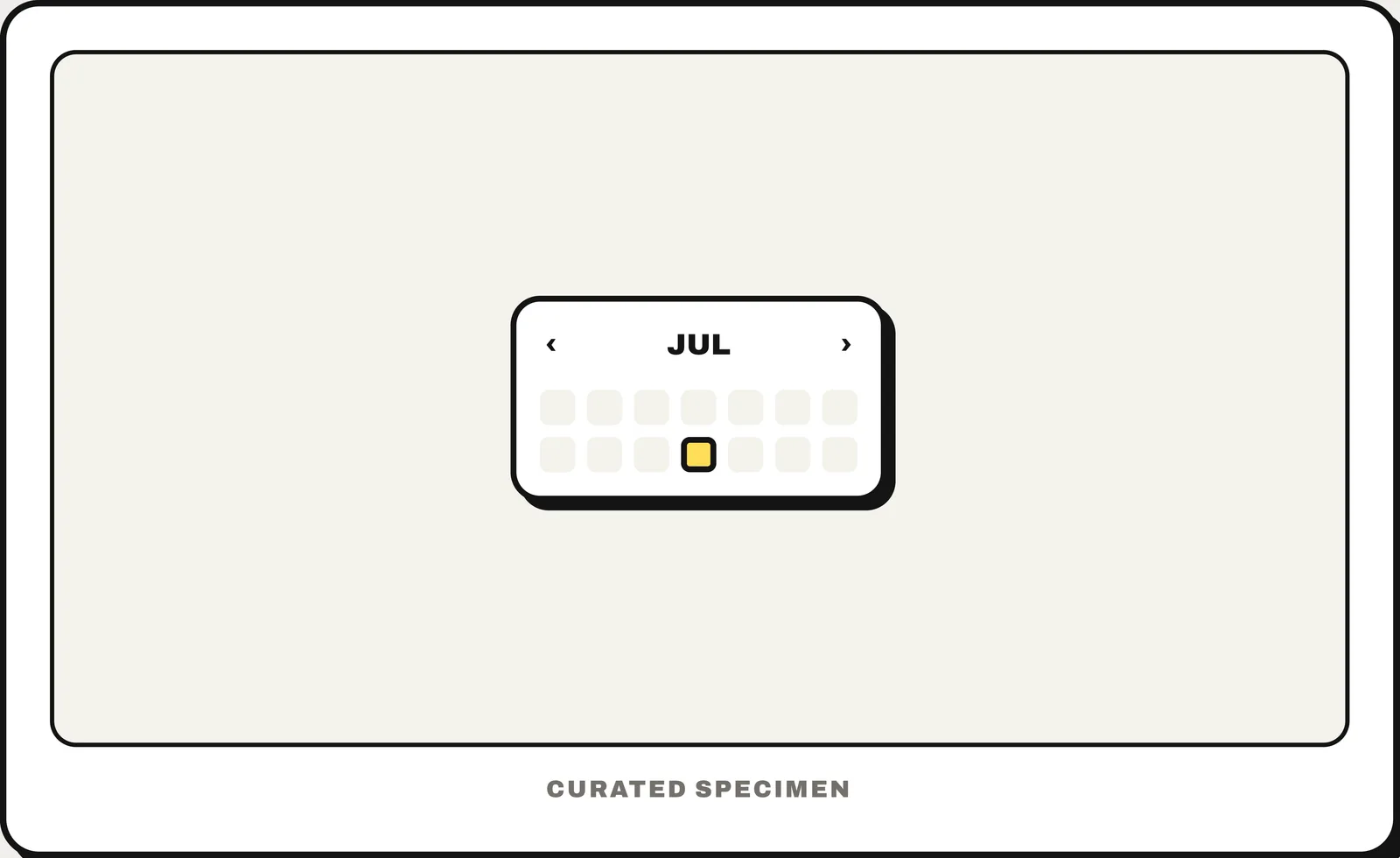
Also called: date range picker, date range selector.
You might call it
- “a calendar picker”
- “the pop-up calendar for choosing a date”
- “a date selector”
- “the little calendar in a form”
- “the date wheel on iPhone”
…its name is Date picker.
Common questions
What is the pop-up calendar for choosing a date called?
A date picker. On the web it is usually a calendar grid that opens from a date field (input type="date"); on iPhone it can also be a spinning wheel or an inline calendar.
Date range picker UX: what makes a good one?
A date range picker chooses a start and an end date in one control, such as check-in and check-out. Good ones show two months side by side on a computer and one on a phone, shade the days between the two picks, keep start and end fields you can type into, and offer presets like “Last 7 days” when ranges repeat. After the first tap, make it clear that the next one sets the end date.
Is there a date range picker in SwiftUI?
No. DatePicker picks one date (its in: parameter only limits which dates can be chosen), and MultiDatePicker, added in iOS 16, picks several separate days rather than a range. Use two DatePickers labelled Start and End, or a custom calendar. Jetpack Compose has DateRangePicker, Android’s MaterialDatePicker has a date range mode and Flutter has showDateRangePicker().
In code
| SwiftUI | DatePicker MultiDatePicker |
|---|---|
| UIKit | UIDatePicker |
| Jetpack Compose | DatePicker DatePickerDialog DateRangePicker |
| Android (Views) | MaterialDatePicker MaterialDatePicker.Builder.dateRangePicker() |
| Flutter | showDatePicker() CalendarDatePicker showDateRangePicker() |
| Web (HTML) | <input type="date"> No range input: use two date fields, start and end |
| React (MUI X) | DatePicker DateRangePicker DateRangePicker is in the paid Pro plan |
Prompt for your AI coding tool
Add a date picker to this field: tapping it opens a month calendar with previous / next month buttons, today marked, the selected date filled, and dates outside the allowed range disabled. Typing the date directly must also work for dates far away, like a birthday. Show the chosen date in the field in the user’s locale format, and make the calendar fully usable with the keyboard (an <input type="date"> on the web is acceptable).
More UI words to use when vibe coding →