Always-on display
/AWL-wayz on dih-SPLAY/ · noun · SYSTEM pattern · #130
A dimmed version of the lock screen that stays on while the phone sleeps, so you can see the time, date, widgets and notification icons without touching it. The screen drops to very low brightness and refresh rate to save power: iPhone can keep a darkened wallpaper or go black, while many Android phones show only a clock on black. Raising, tapping or unlocking the phone wakes the full screen.
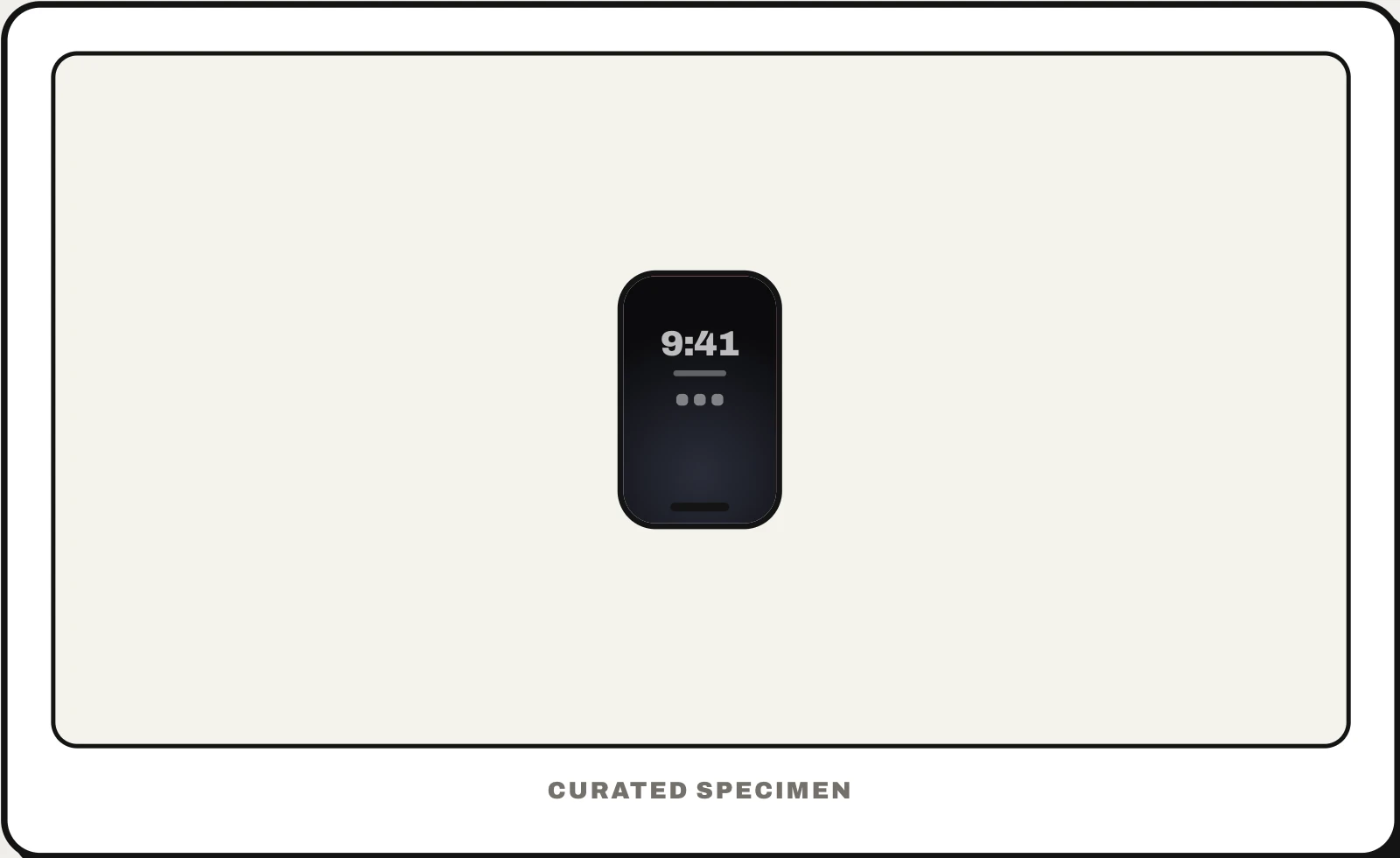
Also called: AOD, always on display, always-on screen, ambient display.
You might call it
- “the dim clock that stays on when the phone is asleep”
- “the screen that never fully turns off”
- “the black screen with the time on it”
- “the dark lock screen on iPhone 14 Pro”
…its name is Always-on display.
Common questions
What is always on display?
A low-power mode that keeps a dimmed version of the lock screen visible while the phone sleeps, so you can check the time, notifications and widgets without picking it up. Many recent phones have one: iPhone Pro models since the iPhone 14 Pro, iPhone 17 and iPhone Air, and most Samsung Galaxy and Google Pixel phones. Smartwatches have it too.
Does always on display drain battery?
A little. The screen runs at very low brightness and refreshes as slowly as once a second on iPhone, so the cost is small but real, and larger with a bright wallpaper or many notifications. iPhone also turns it off by itself when the phone is face down or in a pocket, in Low Power Mode, and when you walk away wearing a paired Apple Watch.
How do you turn off always on display?
On iPhone: Settings > Display & Brightness > Always On Display. On Samsung Galaxy phones: Settings > Lock screen and AOD > Always On Display; the Quick panel can also hold an AOD button. On Google Pixel: Settings > Display & touch > Always-on Display. Turning it off saves a little battery.
In code
| SwiftUI (widgets) | @Environment(\.isLuminanceReduced) |
|---|---|
| Wear OS | AmbientLifecycleObserver |
| Android phones | No public API to draw on it: the system draws the clock and shows notifications there |
Prompt for your AI coding tool
Make this lock screen widget read well on the always-on display: when isLuminanceReduced is true, switch to a quiet version — no bright fills or images, light text on dark, only the one key value, no animation — and keep it legible at very low brightness. Test it on a device with the always-on display, since dimmed rendering differs from the simulator.
More UI words to use when vibe coding →
Related patterns
All the parts of a phone and computer screen, named →