Live Activities
/LYVE ak-TIV-ih-teez/ · noun · SYSTEM pattern · #131
Live cards for something happening right now, such as a delivery on its way, a ride arriving, a game score or a timer, that apps put on the iPhone Lock Screen and, on iPhones with a Dynamic Island, in the island while you use other apps. Each one updates on its own and goes away when the event ends; it can stay active for up to eight hours. They can also appear in StandBy, in CarPlay and on a paired Apple Watch.
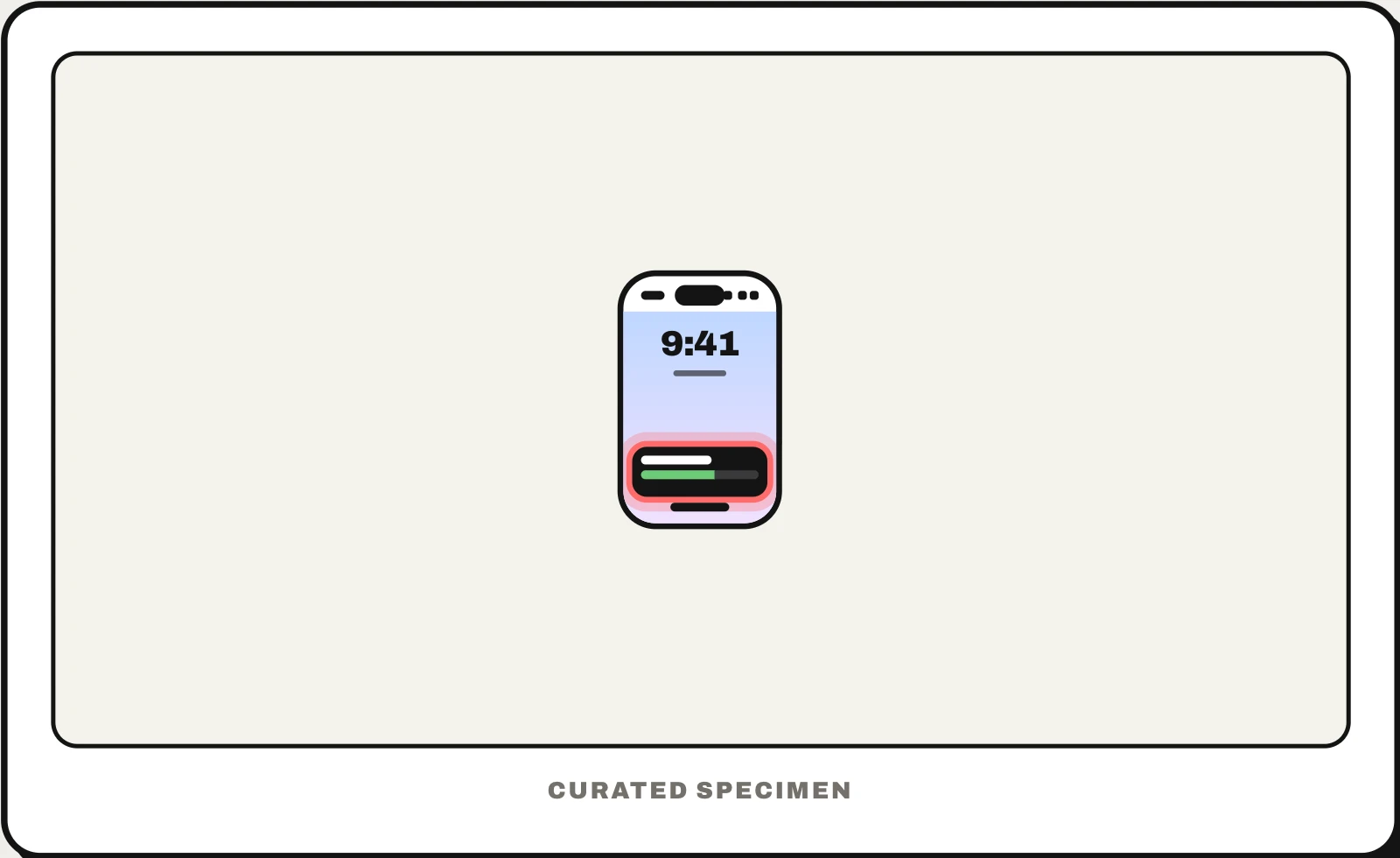
Also called: Live Activity, iPhone live activities, lock screen live activity, Live Activity widget, Live Updates.
You might call it
- “the live delivery tracker on my lock screen”
- “the Uber countdown on the lock screen”
- “the live score in the Dynamic Island”
- “the timer that stays on the lock screen”
…its name is Live Activities.
Common questions
What are Live Activities on iPhone?
Cards on the Lock Screen, and in the Dynamic Island on newer iPhones, that show something happening right now and update on their own: a delivery’s arrival time, a ride approaching, a live score, a timer. They last only as long as the event, up to eight hours, and can stay on the Lock Screen for a while after it ends.
What does Live Activities mean in iPhone settings?
It is the switch that lets an app show Live Activities. In iOS 18 and later it is under Settings > Apps > the app’s name > Live Activities; earlier versions list the app directly in Settings. Turning it off stops that app’s cards on the Lock Screen and in the Dynamic Island; the app itself keeps working.
Live Activity vs widget: what is the difference?
A widget is always there and shows ongoing information, such as the weather or your calendar, refreshed every so often. A Live Activity appears only for an event in progress, updates through push notifications, and disappears when the event ends. Both are drawn with WidgetKit and SwiftUI, which is why they look alike, but a Live Activity is started and updated through ActivityKit.
In code
| iOS (ActivityKit) | ActivityAttributes Activity.request(attributes:content:pushType:) |
|---|---|
| iOS (WidgetKit) | ActivityConfiguration DynamicIsland |
| Android 16 | Notification.ProgressStyle The nearest equivalent is Live Updates: promoted ongoing notifications |
Prompt for your AI coding tool
Add a Live Activity for this delivery with ActivityKit: static attributes for the order number and restaurant, a content state with the status and arrival time, a Lock Screen view with a progress bar and the time in large type, and Dynamic Island views — compact (icon and minutes left), minimal (icon) and expanded (status, time, a button to call the courier). Update it through ActivityKit push notifications, set a stale date, and end it with a final state when the food arrives.
More UI words to use when vibe coding →
Related patterns
All the parts of a phone and computer screen, named →