Footer
/FOOT-er/ · noun · NAV pattern · #094
The band across the bottom of every page of a website: secondary links (About, Contact, Careers), legal pages, social icons, copyright and sometimes a newsletter sign-up. It is where people scroll when they cannot find something in the header.
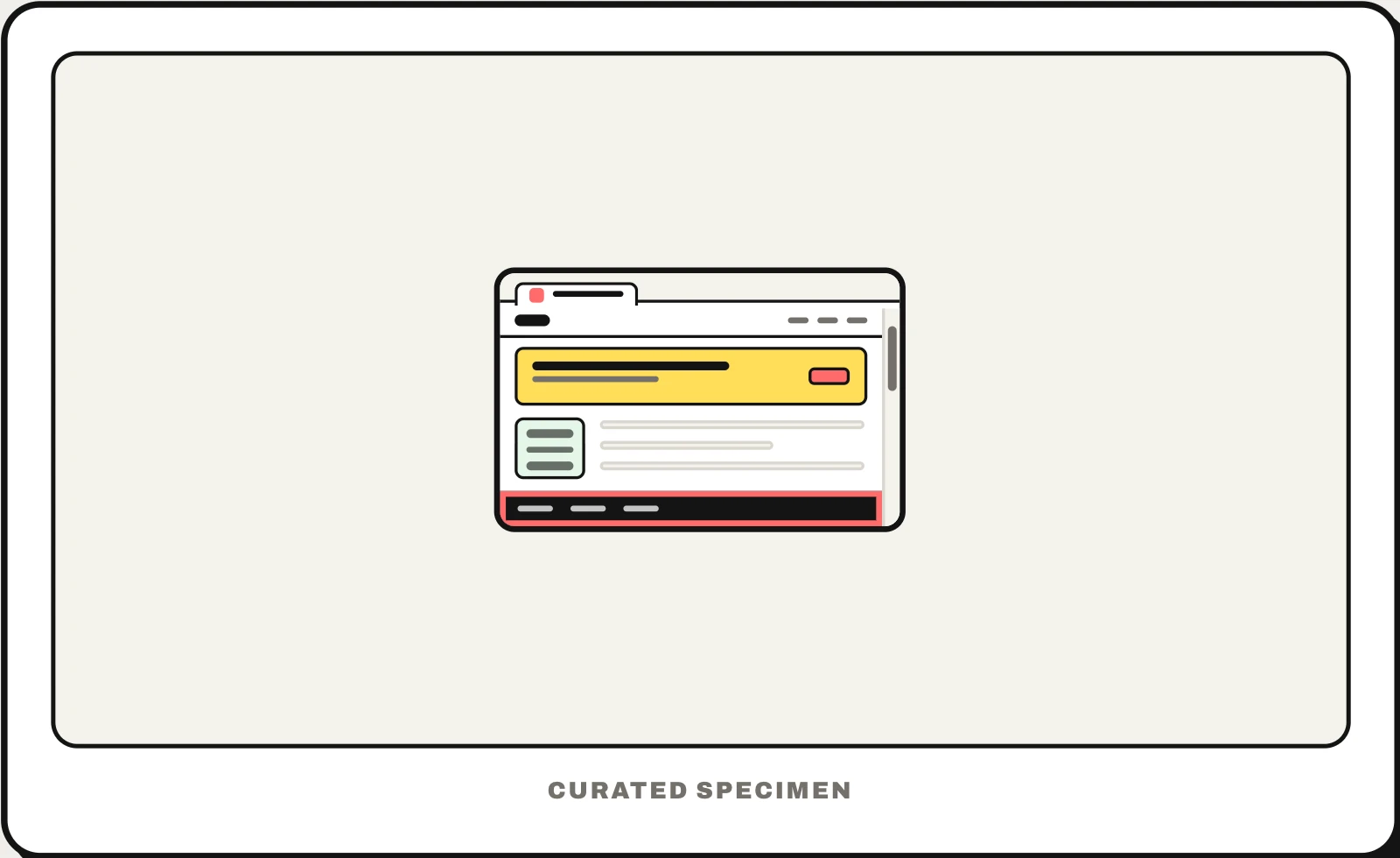
Also called: site footer, page footer, website footer.
You might call it
- “the bottom of a website”
- “the bottom part of a webpage”
- “the bar at the bottom of a website”
- “the links at the bottom of every page”
- “the end of a website”
…its name is Footer.
Common questions
What is the bottom of a website called?
The footer. It is the band at the bottom of every page with secondary links, legal pages such as Privacy and Terms, social icons and the copyright line. A thin bar pinned to the bottom of the window — for cookies or an app download — is a banner, not the footer.
What goes in a website footer?
The links people look for last: About, Contact, Careers, Help, Privacy, Terms and Accessibility, plus social icons, the copyright line and sometimes an address or newsletter sign-up. Large sites use a “fat footer” with several columns that works as a second sitemap.
In code
| Web (HTML / ARIA) | <footer> A top-level footer is the contentinfo landmark |
|---|---|
| iOS / Android | Apps have no page footer — legal and help links live in Settings or an About screen |
| Flutter | No footer widget; on the web build it is a widget at the end of the scroll view |
Prompt for your AI coding tool
Add a site footer at the bottom of every page: three or four short columns of links (Product, Company, Help, Legal), social icons with accessible names, a copyright line with the current year, and an optional email sign-up. Keep it visually quieter than the header, stack the columns on narrow screens, and use a footer landmark.
More UI words to use when vibe coding →
Related patterns
All the parts of a website, named →