Cookie consent banner
/KUK-ee kun-SENT BAN-er/ · noun · OVERLAY pattern · #099
The bar or box a website shows on your first visit to ask whether it may use cookies — usually with Accept, Reject and a link to choose by category. It exists for privacy law, so its buttons have rules: refusing must be as easy as accepting.
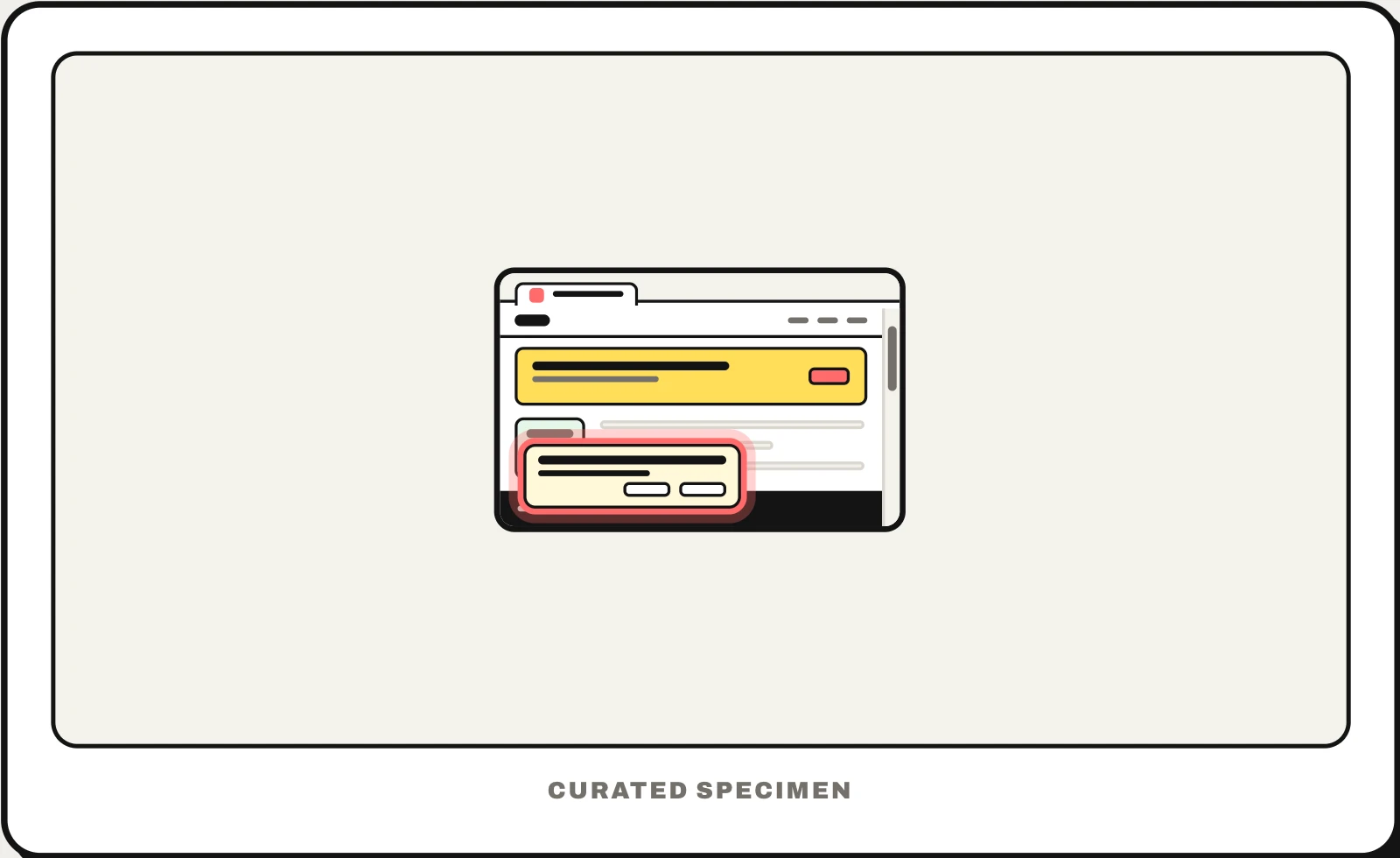
Also called: cookie banner, cookie consent pop up, cookie popup, cookie notice, consent banner, cookie bar.
You might call it
- “the pop up asking for cookies”
- “the cookie pop up on websites”
- “the accept cookies bar”
- “the cookie message at the bottom of a website”
- “the box asking me to accept all cookies”
…its name is Cookie consent banner.
Common questions
What is the pop-up asking about cookies called?
A cookie consent banner (or cookie banner, cookie notice). It asks whether the site may store cookies or similar trackers beyond the ones it needs to work, such as for analytics or ads. The tool that runs it and records your choice is called a consent management platform, or CMP.
Why do websites ask about cookies?
In the EU and UK, privacy rules require a visitor’s consent before a site stores non-essential cookies — for analytics, ads or tracking — and the GDPR sets what valid consent means: informed, specific and as easy to refuse as to give. Cookies the site needs to work, such as a login session, do not need consent.
Cookie banner vs cookie wall: what is the difference?
A banner asks while the site stays usable. A cookie wall blocks the content until you accept. European data protection authorities have said that making access depend on accepting cookies generally does not give freely given consent, so most sites use a banner.
In code
| Web | No native element — usually a consent management platform (CMP) script, with Google Consent Mode for Google tags |
|---|---|
| iOS (AppTrackingTransparency) | ATTrackingManager.requestTrackingAuthorization Apps ask for tracking permission in a system prompt instead |
| Android | No system prompt; in-app consent uses Google’s User Messaging Platform or a custom screen |
Prompt for your AI coding tool
Add a cookie consent banner shown on the first visit: a short plain-language message, Reject all and Accept all buttons of equal size and prominence, and a Customize link that opens per-category toggles (necessary, analytics, marketing) with necessary locked on. Load no analytics or ad scripts until the visitor agrees, remember the choice, and add a footer link to reopen the settings. Keep the banner keyboard-reachable without trapping focus.
More UI words to use when vibe coding →
Related patterns
All the parts of a website, named →