Header
/HED-er/ · noun · NAV pattern · #093
The band across the top of every page of a website: the logo on one side, the main navigation links in the middle or on the right, and often search, sign-in or a call-to-action button. The navigation inside it is the navbar.
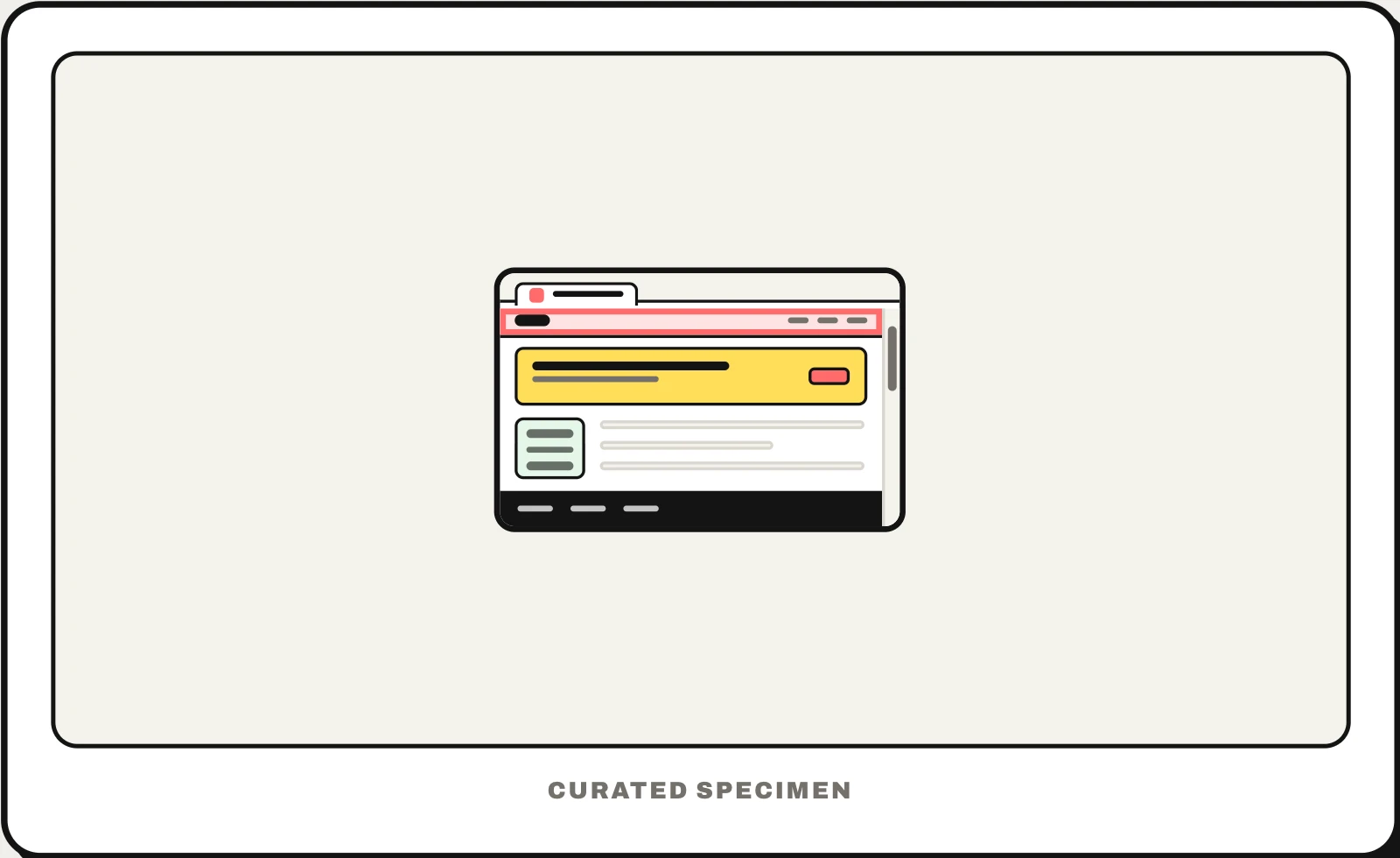
Also called: navbar, navigation bar, top bar, top menu, site header, sticky header.
You might call it
- “the top of a website”
- “the top bar of a website”
- “the menu at the top of a website”
- “the top part of a webpage”
- “the bar with the logo and links at the top”
…its name is Header.
Common questions
What is the top of a website called?
The header. It is the band across the top of every page with the logo, the main navigation and often search or sign-in. The navigation links inside it are the navbar (navigation bar). A thin strip above the header with an announcement or a sale is an announcement bar, a kind of banner.
Header vs navbar: what is the difference?
The header is the whole region at the top of the page; the navbar is the set of navigation links, which usually sits inside the header. A header can also hold a logo, search, a cart or a sign-in button. In HTML the region is a header element and the links go in a nav element.
What is a sticky header?
A header that stays pinned to the top of the window while the page scrolls under it, so the navigation is always one click away. It is usually made with position: sticky. Keep it short so it does not eat the screen on phones; some sites shrink it or hide it while scrolling down.
In code
| Web (HTML / ARIA) | <header> <nav> A top-level header is the banner landmark; the links go in a nav inside it |
|---|---|
| Web (CSS) | position: sticky top: 0 A sticky header stays in view while the page scrolls |
| SwiftUI | NavigationStack .toolbar Apps use a navigation bar per screen, not one header |
| UIKit | UINavigationBar |
| Jetpack Compose | TopAppBar |
| Flutter | AppBar |
Prompt for your AI coding tool
Add a site header across the top of every page: the logo on the left linking home, the main navigation links in a nav element, and search and a sign-in button on the right. Mark the current page in the navigation, make it sticky so it stays visible while scrolling, and collapse the links into a menu button on narrow screens. Use header and nav landmarks and keep every link reachable by keyboard.
More UI words to use when vibe coding →
Related patterns
All the parts of a website, named →