Hero section
/HEER-oh SEK-shun/ · noun · CONTENT pattern · #096
The first big block of a landing page, right under the header: a headline that says what the product is, a line of support, one or two call-to-action buttons and usually a large image or video. It is the part people see before they scroll.
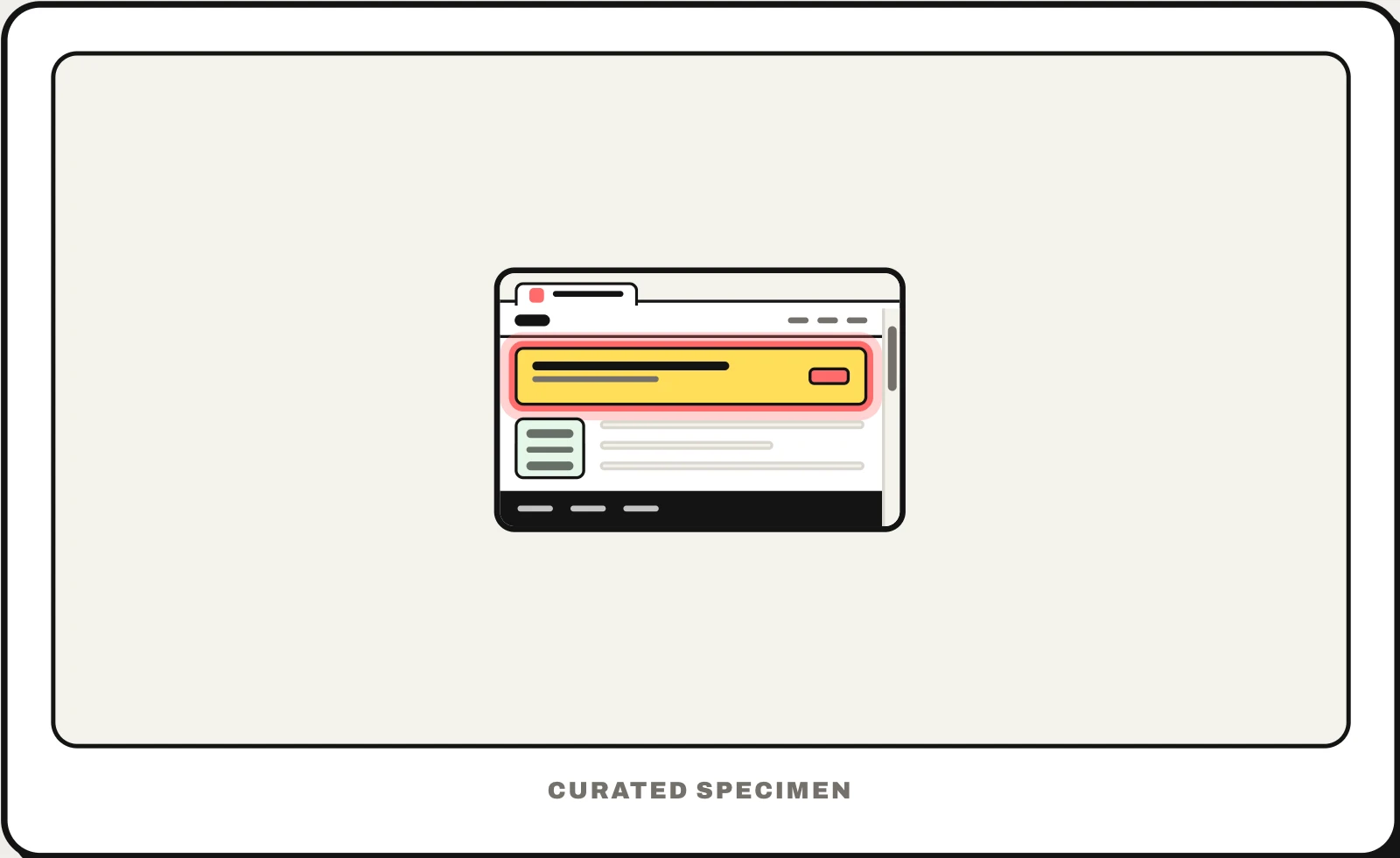
Also called: hero banner, hero image, hero area, hero header, above the fold section.
You might call it
- “the big image at the top of a website”
- “the first section of a landing page”
- “the big headline at the top of the home page”
- “the top banner of a website”
- “the part you see before you scroll”
…its name is Hero section.
Common questions
What is a hero section of a website?
The first large block of a page, usually the home or landing page, directly under the header. It carries the main headline, a short supporting line, the primary call-to-action button and often a big image or video. Its job is to tell a visitor what this is and what to do next before they scroll.
What is the big banner at the top of a website called?
If it is the large first block with the headline, a button and a big image, it is the hero section (or hero banner). If it is a thin strip across the very top with a notice or a sale, it is an announcement bar or alert banner. The band with the logo and menu above them is the header.
What does above the fold mean?
The part of a page visible without scrolling. The term comes from newspapers, where the top half of the front page shows on the stand. On the web the fold moves with every screen size, so the hero section is designed to make its point within the first screen on common laptops and phones.
In code
| Web (HTML) | <section> <h1> No dedicated element — a section with the page’s h1 and its main call to action |
|---|---|
| Web (CSS) | min-height: 100svh object-fit: cover |
| iOS / Android | No component — apps use a large title or a header image at the top of a screen |
Prompt for your AI coding tool
Add a hero section at the top of the landing page, right under the header: a headline that says what the product does in under ten words as the page’s only h1, one supporting sentence, a primary call-to-action button and a secondary text link, and a product screenshot beside or below them. Keep it within the first screen on a laptop, load the image eagerly with fixed dimensions, and keep text contrast readable over any background.
More UI words to use when vibe coding →
Related patterns
All the parts of a website, named →