AssistiveTouch
/uh-SIS-tiv TUTCH/ · noun · SYSTEM pattern · #085
The floating grey circle some iPhone screens show: an accessibility shortcut that opens a menu for Home, Control Center, screenshots and gestures. Someone turned it on in Settings — it is not a glitch.
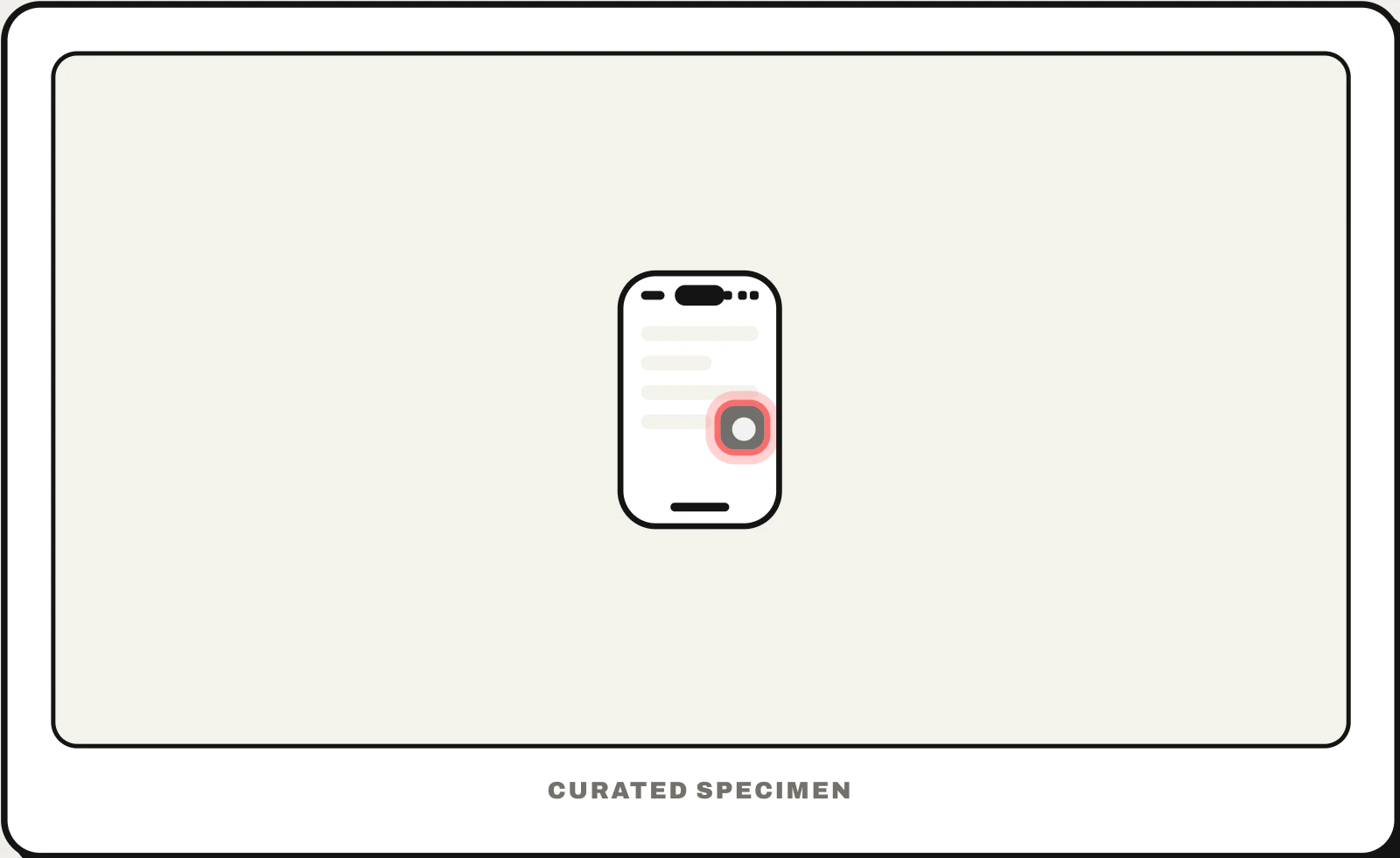
Also called: iPhone floating button, virtual home button, circle button on iPhone.
You might call it
- “the circle button on iPhone screen”
- “the little circle on my iPhone”
- “the floating home button”
- “the grey dot that moves around the screen”
- “the round button on iPhone screen”
…its name is AssistiveTouch.
Common questions
What is the circle button on my iPhone screen?
That floating circle is AssistiveTouch, an accessibility feature. Tap it for a menu with Home, Control Center, Notification Center, screenshots and custom gestures, and drag it to any edge. It is different from the small green or orange dot at the top, which shows the camera or microphone is in use.
How do I turn off the circle on my iPhone screen?
Go to Settings > Accessibility > Touch > AssistiveTouch and switch it off. If you only want it out of the way, drag it to another edge; when you are not using it, it fades so it is less noticeable.
In code
| iOS (UIKit) | UIAccessibility.isAssistiveTouchRunning |
|---|---|
| Android | The closest Android feature is the Accessibility Menu |
| Web | No API — make every gesture available as a button |
Prompt for your AI coding tool
Make this app usable for people who rely on AssistiveTouch and other assistive input: give every swipe, pinch, long-press and shake action an equivalent visible button or menu item, keep tap targets at least 44 by 44 points, and avoid anything that needs several fingers at once or precise timing.
More UI words to use when vibe coding →
Related patterns
All the parts of a phone and computer screen, named →