Ribbon
/RIB-un/ · noun · ACTION pattern · #118
The wide band of commands across the top of Microsoft Word, Excel, PowerPoint and Outlook, organised into tabs — Home, Insert, Layout — with each tab’s buttons grouped by task. Office introduced it in 2007 to replace the old menus and toolbars; Ctrl+F1 hides or shows it.
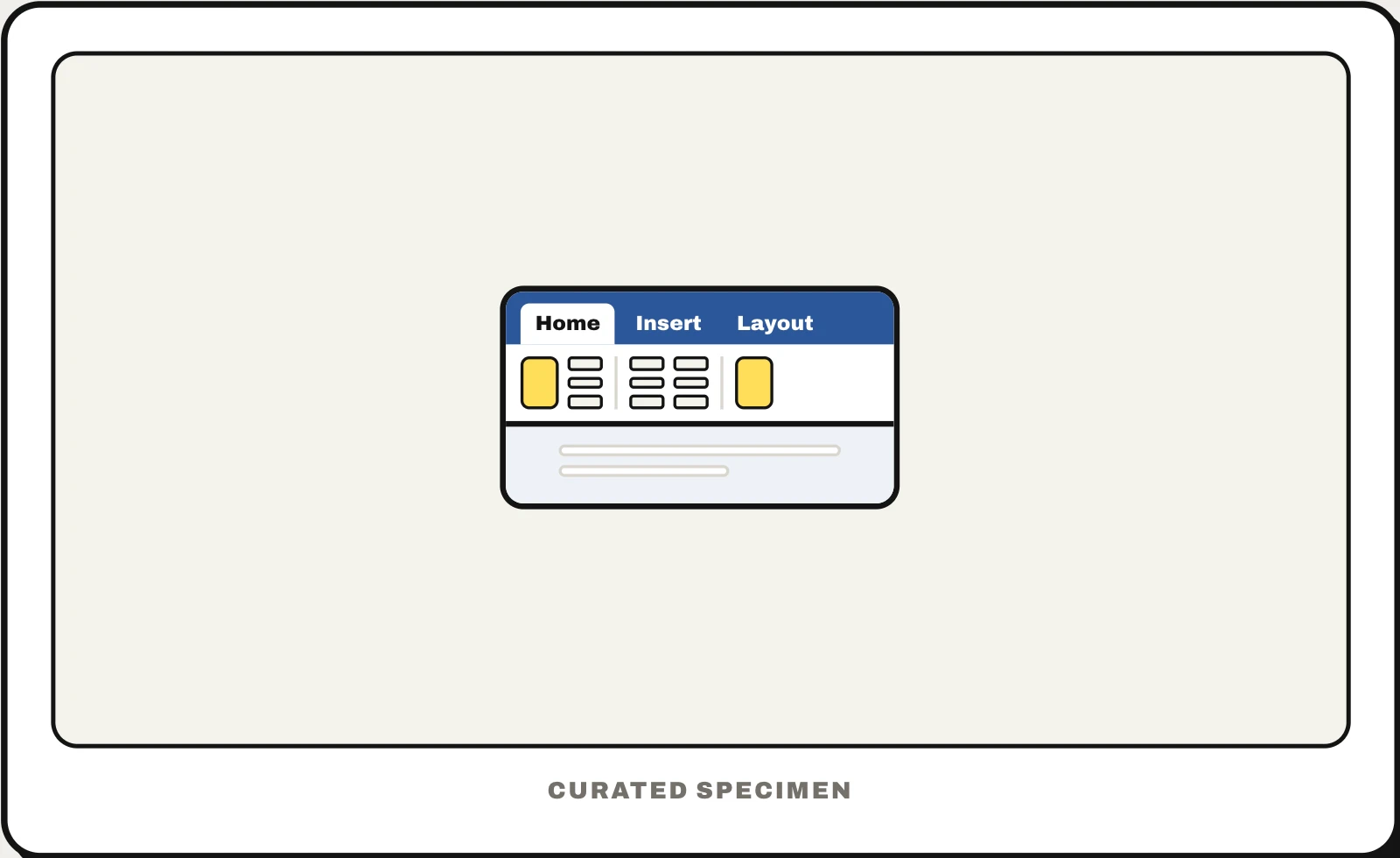
Also called: ribbon bar, ribbon toolbar, ribbon interface, ribbon menu, Office ribbon, Word ribbon.
You might call it
- “the bar at the top of Word”
- “the toolbar at the top of Excel”
- “the tabs with Home and Insert in Office”
- “the menu with all the buttons in Word”
- “the big toolbar in Microsoft Office”
…its name is Ribbon.
Common questions
What is the ribbon in Word?
The strip of tabs and buttons across the top of Word: Home, Insert, Layout and the rest, each with its commands in labelled groups such as Font and Paragraph. Extra tabs appear while you have a picture or a table selected. If the ribbon has disappeared, press Ctrl+F1 or double-click any tab to pin it open again.
Ribbon vs toolbar: what is the difference?
A toolbar is a single row of icon buttons. A ribbon is several toolbars stacked into tabs, with bigger labelled buttons grouped by task, so it can hold many more commands. The small row of icons above or below it — Save, Undo, Redo — is still a toolbar: the Quick Access Toolbar.
What is the bar at the top of Word called?
The ribbon: the band of tabs and grouped buttons that runs across the top of the window. Above it is the title bar with the document’s name and the window buttons, and the small row of Save, Undo and Redo icons near it is the Quick Access Toolbar.
In code
| Windows (Win32) | Windows Ribbon framework IUIFramework |
|---|---|
| WPF | Ribbon RibbonTab RibbonGroup |
| Office add-ins | PrimaryCommandSurface Where an add-in puts its buttons on the ribbon |
| Web | No native element: component libraries ship ribbon controls; most web apps use a single toolbar instead |
Prompt for your AI coding tool
Organise this desktop app’s commands into a ribbon: a row of tabs named after tasks (Home, Insert, Review) above a band of labelled buttons in groups, the most used commands larger, and contextual tabs that appear only while an object is selected. Add a collapse button and Ctrl+F1 to toggle it, keyboard access keys for every command, and a Quick Access Toolbar for Save, Undo and Redo.
More UI words to use when vibe coding →