Window controls
/WIN-doh con-TROLES/ · noun · SYSTEM pattern · #109
The buttons in the corner of every app window that close it, minimize it and make it fill the screen. On a Mac they are the red, yellow and green dots at the top left, nicknamed traffic lights; on Windows they are the minimize, maximize and close (X) buttons at the top right.
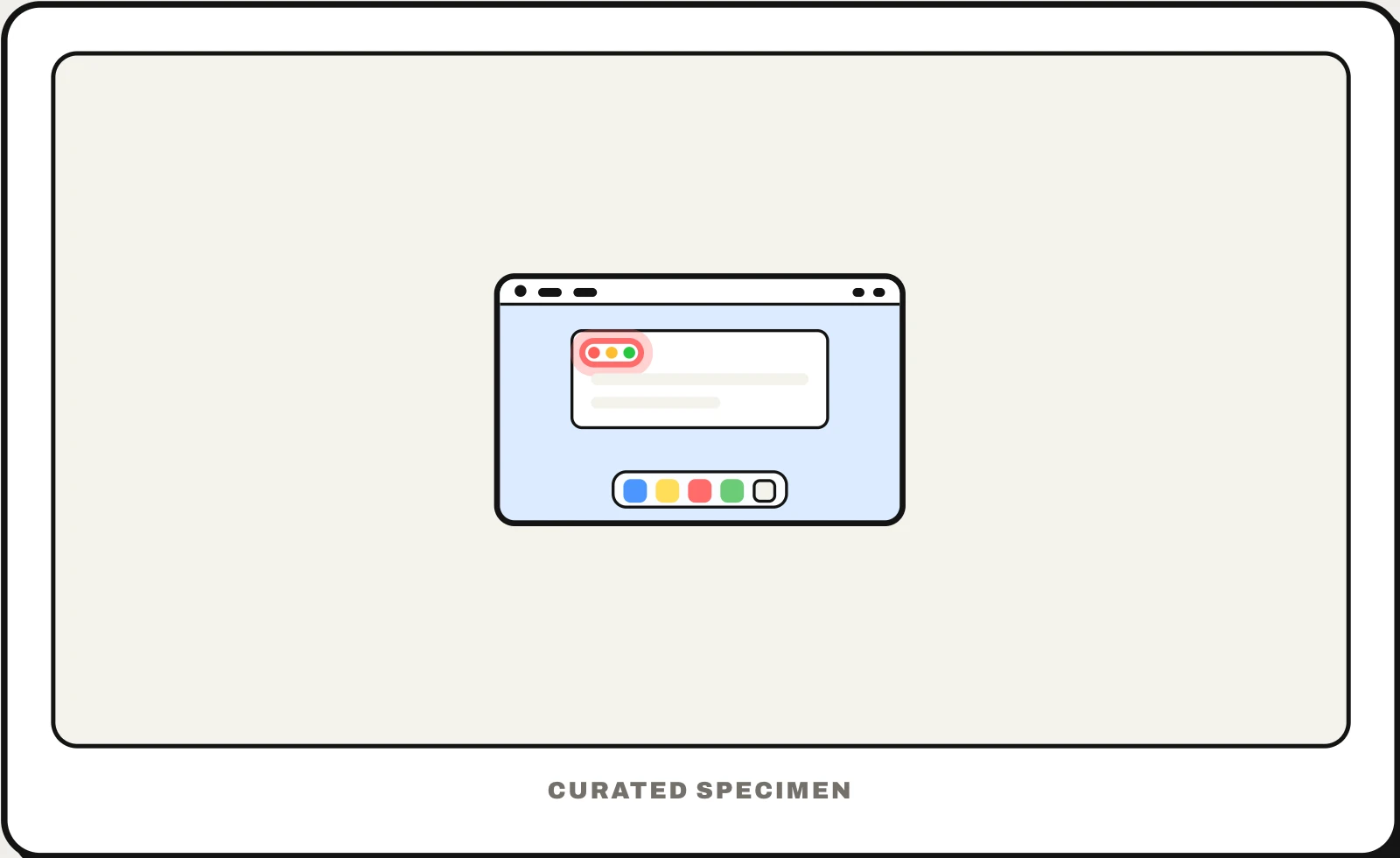
Also called: traffic lights, red yellow green buttons, minimize maximize close buttons, caption buttons, title bar buttons.
You might call it
- “the red, yellow and green buttons on a Mac”
- “the three dots at the top left of a window”
- “the minimize, maximize and close buttons”
- “the X in the corner of a window”
- “the traffic lights on a Mac”
…its name is Window controls.
Common questions
What are the red, yellow and green buttons on a Mac called?
Apple calls them window controls; most people say traffic lights. Red closes the window (the app usually keeps running), yellow minimizes it into the Dock, and green makes it full screen. Option-click green to zoom the window instead, or hover over it for options to tile the window.
What are the minimize, maximize and close buttons called on Windows?
Microsoft calls them caption buttons; they sit at the right end of the title bar. Minimize hides the window in the taskbar, maximize fills the screen (and becomes Restore), and close shuts the window. In Windows 11, hovering over maximize opens the Snap flyout of layouts for arranging windows side by side.
In code
| macOS (AppKit) | NSWindow.standardWindowButton(_:) .closeButton .miniaturizeButton .zoomButton |
|---|---|
| Windows (WinUI) | AppWindowTitleBar ExtendsContentIntoTitleBar |
| Win32 | WS_MINIMIZEBOX WS_MAXIMIZEBOX |
| Electron | titleBarStyle titleBarOverlay |
| Installed web app | "display_override": ["window-controls-overlay"] navigator.windowControlsOverlay |
Prompt for your AI coding tool
Give this desktop app a custom title bar that keeps the native window controls: leave room for the red, yellow and green buttons at the top left on macOS and for minimize, maximize and close at the top right on Windows, keep the title bar draggable except over interactive elements, double-click it to zoom or maximize, and never draw imitation buttons of your own.
More UI words to use when vibe coding →
Related patterns
All the parts of a phone and computer screen, named →