Context menu
/CON-tekst MEN-yoo/ · noun · OVERLAY pattern · #111
The menu that appears right where you right-click — or touch and hold on a phone — with actions for the thing under your pointer or finger: Copy, Paste, Rename, Delete, Open in new tab. What it offers depends on what you clicked, which is where the name comes from.
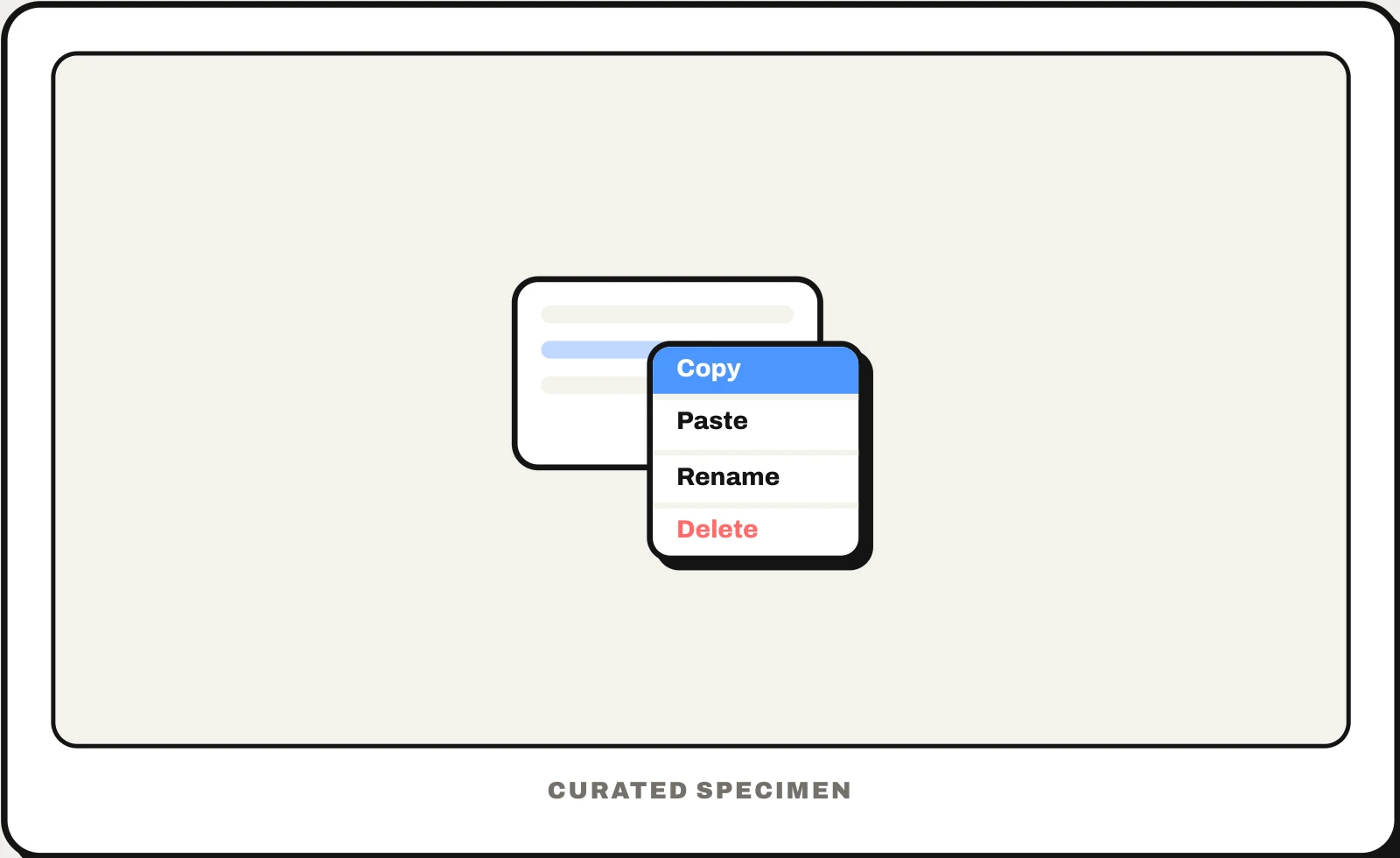
Also called: right-click menu, long-press menu, contextual menu, shortcut menu, pop-up menu.
You might call it
- “the menu when you right-click”
- “the box that pops up when you right-click”
- “the menu when you hold down on something”
- “the right-click options”
- “the long-press menu on iPhone”
…its name is Context menu.
Common questions
What is the right-click menu called?
A context menu: its items depend on what you clicked. Microsoft’s and Apple’s help pages for everyday users call it a shortcut menu, and older Mac documents a contextual menu. On a Mac you Control-click or click with two fingers; on iPhone and Android you open the same kind of menu by touching and holding an item.
Context menu vs dropdown menu: what is the difference?
A dropdown opens from a visible button or field and offers the same choices every time. A context menu stays hidden until you right-click or long-press, opens at the pointer and changes with the item under it. Because people cannot see it, everything in a context menu should also be reachable another way.
In code
| SwiftUI | .contextMenu |
|---|---|
| UIKit | UIContextMenuInteraction |
| Android (Views) | registerForContextMenu() onCreateContextMenu() |
| Windows (WinUI) | ContextFlyout MenuFlyout |
| Flutter | CupertinoContextMenu MenuAnchor |
| Web | contextmenu event event.preventDefault() |
Prompt for your AI coding tool
Add a context menu to the items in this list: right-click on desktop and touch-and-hold on touch screens opens a menu at the pointer with the actions for that item only — open, rename, duplicate, share, and delete last in red. Mirror every action somewhere visible, such as an overflow (⋯) button, because many people never right-click; support the keyboard menu key and Shift+F10, and close on Escape or a click outside.
More UI words to use when vibe coding →