Action sheet
/AK-shun SHEET/ · noun · OVERLAY pattern · #060
A short list of verbs answering one question: "what do you want to do with this?" Destructive options are dressed in red. On iPhone it used to slide up from the bottom with Cancel set apart; since iOS 26 it usually pops up from the button you tapped, as on iPad, with no Cancel: tapping anywhere else dismisses it.
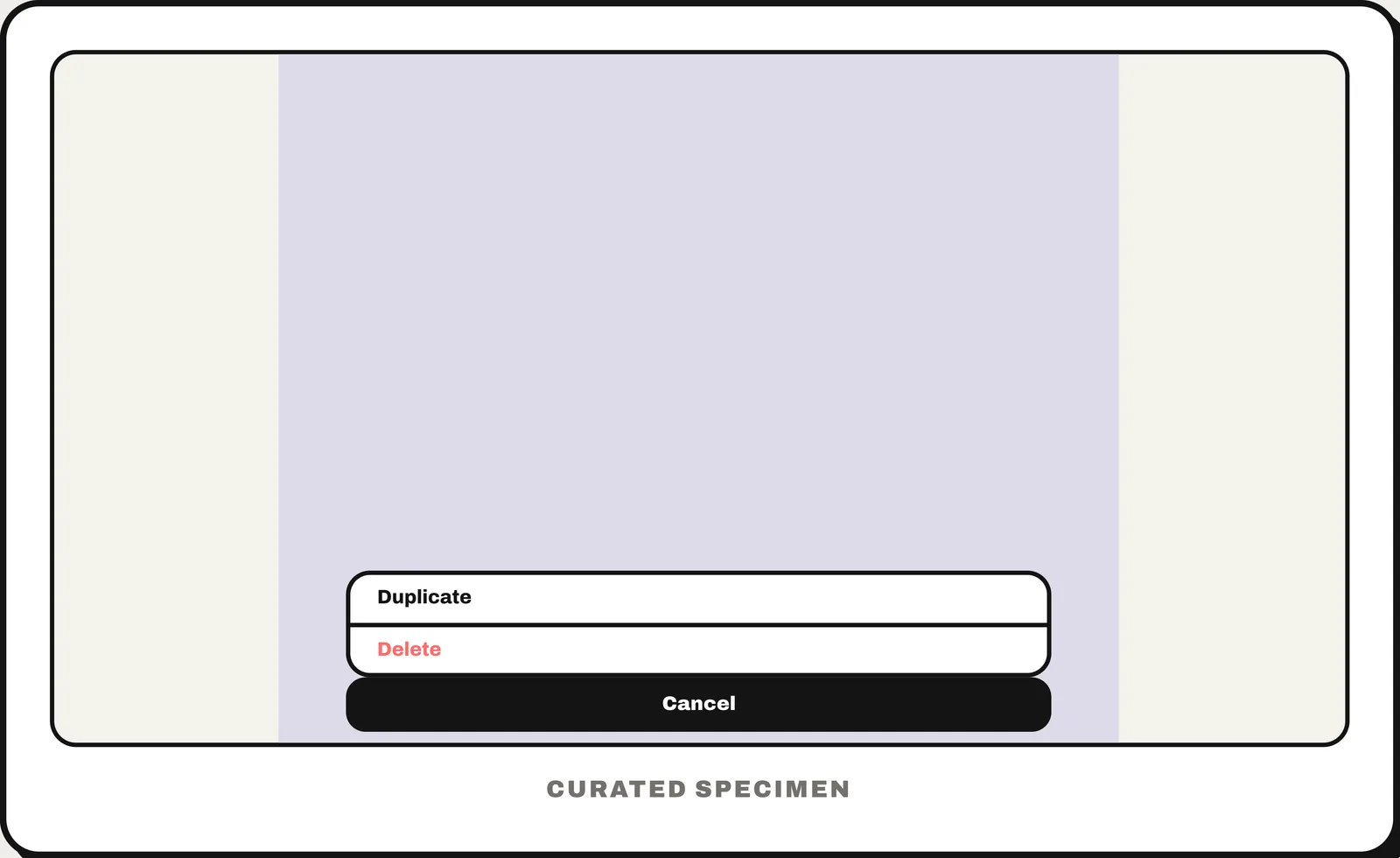
You might call it
- “the iPhone menu that pops up from the bottom with Cancel”
- “the list of options with a red Delete”
- “the options menu after tapping “…””
- “a bottom popup with choices”
- “iOS pop-up menu from the bottom”
…its name is Action sheet.
Common questions
Is the iPhone share menu an action sheet?
No. The share menu is the share sheet (UIActivityViewController), a system screen of apps and actions. An action sheet is a short list of choices your own app shows for one item: before iOS 26 it rose from the bottom with Cancel set apart, and since iOS 26 it usually pops up from the button you tapped.
In code
| SwiftUI | .confirmationDialog() |
|---|---|
| UIKit | UIAlertController(preferredStyle: .actionSheet) popoverPresentationController?.sourceItem Set the source on iPhone too: from iOS 26 the sheet pops up from it, without Cancel |
| Jetpack Compose / Android | No action sheet — a ModalBottomSheet holding a list of actions |
| Flutter | CupertinoActionSheet showCupertinoModalPopup() |
| Web (HTML) | No native element — a <dialog> pinned to the bottom with a list of buttons |
Prompt for your AI coding tool
Add an action sheet for this item: tapping “…” slides up a short list of actions from the bottom over a dimmed backdrop, with destructive actions (Delete) in red and a separate Cancel button at the bottom. Choosing an action or Cancel, tapping the backdrop or pressing Escape closes it. Keep it to the actions for this one item, and return focus to the “…” button when it closes.
More UI words to use when vibe coding →