Overflow menu
/OH-ver-flow MEN-yoo/ · noun · ACTION pattern · #071
Three dots holding the actions there was no room to show. Fine for the rarely used; a graveyard for anything people need every day.
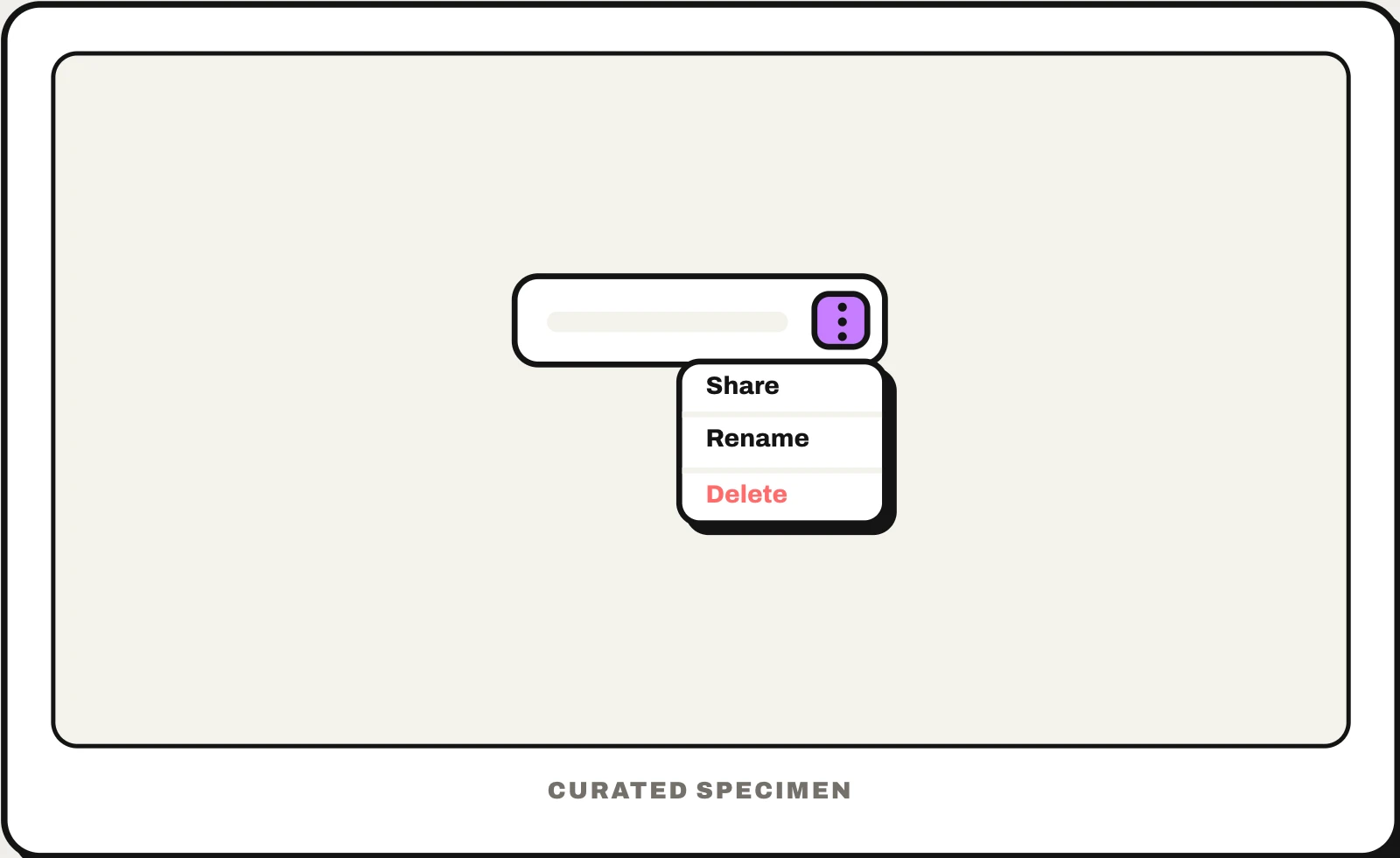
Also called: kebab menu, three dots menu, more menu, meatballs menu, more options button.
You might call it
- “the three dots menu”
- “the three vertical dots in the corner”
- “the three dots in an app”
- “the more options button”
- “the ⋯ button on a card”
…its name is Overflow menu.
Common questions
What are the three dots in an app called?
That button is an overflow menu: tap it and a small menu of extra actions opens. Vertical dots (⋮) are often called a kebab menu and horizontal dots (⋯) a meatballs menu. Android’s own name is the overflow menu; on iPhone the ⋯ button is usually just called “More”.
Kebab menu vs hamburger menu: what is the difference?
A hamburger menu (three lines) hides the app’s navigation — where you can go. A kebab menu (three dots) hides actions — what you can do to this screen or item. An app usually has one hamburger, in a top corner; kebabs can sit on every row or card.
In code
| SwiftUI | Menu Image(systemName: "ellipsis.circle") |
|---|---|
| UIKit | UIMenu showsMenuAsPrimaryAction |
| Jetpack Compose | DropdownMenu Icons.Filled.MoreVert |
| Android (Views) | PopupMenu onCreateOptionsMenu() |
| Flutter | PopupMenuButton Icons.more_vert |
| Web (HTML / ARIA) | <button aria-haspopup="menu"> role="menu" role="menuitem" |
Prompt for your AI coding tool
Add an overflow menu to this item: a three-dot button (⋮ on Android and the web, ⋯ on iOS) that opens a small menu of secondary actions anchored to it. Give the button an accessible label (“More options”) and aria-haspopup="menu"; arrow keys move through the items, Enter runs one, and Escape or clicking outside closes the menu and returns focus to the button. Keep the one or two actions people use most outside the menu as visible buttons.
More UI words to use when vibe coding →