Share sheet
/SHAIR SHEET/ · noun · SYSTEM pattern · #108
The panel that slides up when you tap Share: a row of people you message often, a row of apps to send to, and a list of actions such as Copy, Save to Files or Print. The system draws it, so it looks the same in every app; Android calls it the Sharesheet.
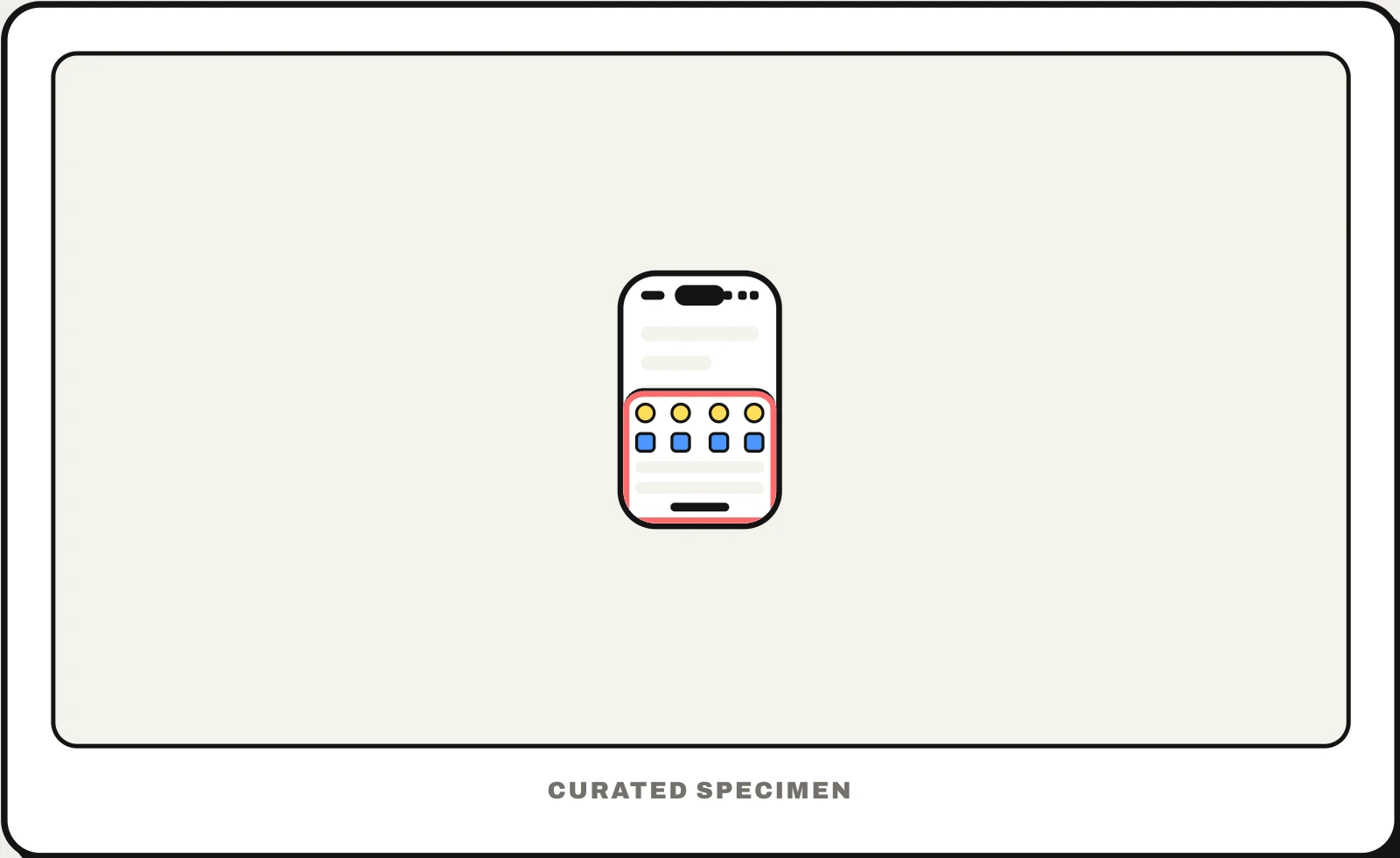
Also called: share menu, Sharesheet, share panel, activity view.
You might call it
- “the menu that comes up when I tap Share”
- “the share menu on iPhone”
- “the box with AirDrop and Messages”
- “the row of apps to send something to”
- “the square with an arrow pointing up”
…its name is Share sheet.
Common questions
What is the share sheet on iPhone?
It is the panel that opens when you tap the Share button — the square with an arrow pointing up. The top rows are AirDrop, people you message often and apps you can send to; below them is a list of actions such as Copy, Add to Photos or Print. Tap Edit Actions at the bottom to reorder or hide them.
Share sheet vs action sheet: what is the difference?
The share sheet is drawn by the system and sends something out to other people, apps and services. An action sheet is an app’s own short list of choices about the current item, like Delete or Duplicate, with a Cancel button. Both slide up from the bottom, which is why they get confused.
In code
| UIKit | UIActivityViewController |
|---|---|
| SwiftUI | ShareLink |
| Android | Intent.createChooser() Intent.ACTION_SEND |
| macOS (AppKit) | NSSharingServicePicker |
| Web | navigator.share() navigator.canShare() |
| Flutter | No built-in share API; plugins open the native share sheet |
Prompt for your AI coding tool
Add sharing to this screen with the system share sheet instead of a custom menu: a Share button using the platform’s share icon, passing the item’s title, a link and an image or file when there is one. On the web call navigator.share() where it is supported and fall back to a Copy link button with a short confirmation. Never re-create the sheet’s contact and app rows yourself.
More UI words to use when vibe coding →
Related patterns
All the parts of a phone and computer screen, named →