Split button
/SPLIT BUT-n/ · noun · ACTION pattern · #115
One button in two parts: the main part runs the most common action at once, and a narrow arrow segment beside it opens a menu of related alternatives — Send or Schedule send, Paste or Paste special, Save or Save as. It replaces a row of buttons when one choice is used most of the time.
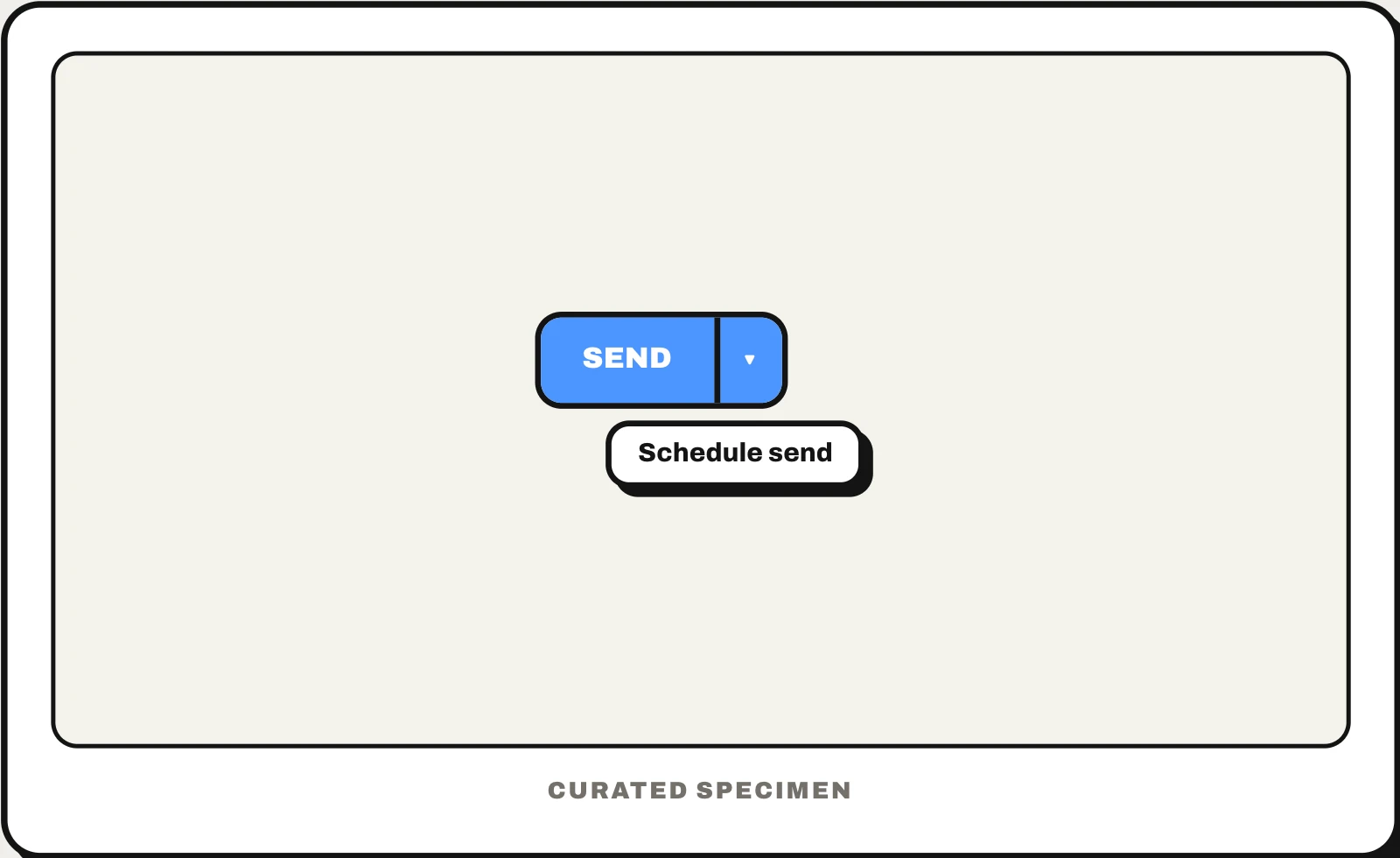
Also called: split dropdown button, button with dropdown arrow, dropdown split button, split action button.
You might call it
- “a button with a little arrow next to it”
- “the Send button with a dropdown arrow”
- “a button with two parts”
- “a button with a dropdown on the side”
…its name is Split button.
Common questions
What is a split button?
A button with a main action and a small arrow beside it. Clicking the main part does the default, like Send; clicking the arrow opens a menu of related options, like Schedule send. The Paste button in Microsoft Word and the Send button in Gmail work this way.
Split button vs dropdown button: what is the difference?
A dropdown button only opens a menu, and nothing happens until you pick an option. A split button has two targets: the main part acts immediately and only the arrow opens the menu. Use a split button when one option is the obvious default; otherwise a plain dropdown is clearer.
In code
| Windows (WinUI) | SplitButton ToggleSplitButton |
|---|---|
| Jetpack Compose | SplitButtonLayout |
| SwiftUI | Menu(content:label:primaryAction:) |
| macOS (AppKit) | NSComboButton |
| Web | No native element: a button group of two buttons, the second with aria-haspopup="menu" |
Prompt for your AI coding tool
Replace these side-by-side buttons with a split button: the main segment runs the action people choose most and is labelled with that verb, and a separate arrow segment with its own accessible name, such as “More send options”, opens a menu of the alternatives. Give both segments clear hover and focus states and a visible divider, and use a plain dropdown instead when no option is a clear default.
More UI words to use when vibe coding →