Masonry layout
/MAY-sun-ree LAY-owt/ · noun · CONTENT pattern · #134
A grid of cards in equal-width columns where each card keeps its own height, so the columns end at different points but there are no gaps between cards, like stones in a wall. Pinterest made it familiar; photo galleries, portfolios and blogs use it for images of mixed shapes. Unlike a bento grid, the arrangement comes from the content rather than a fixed plan.
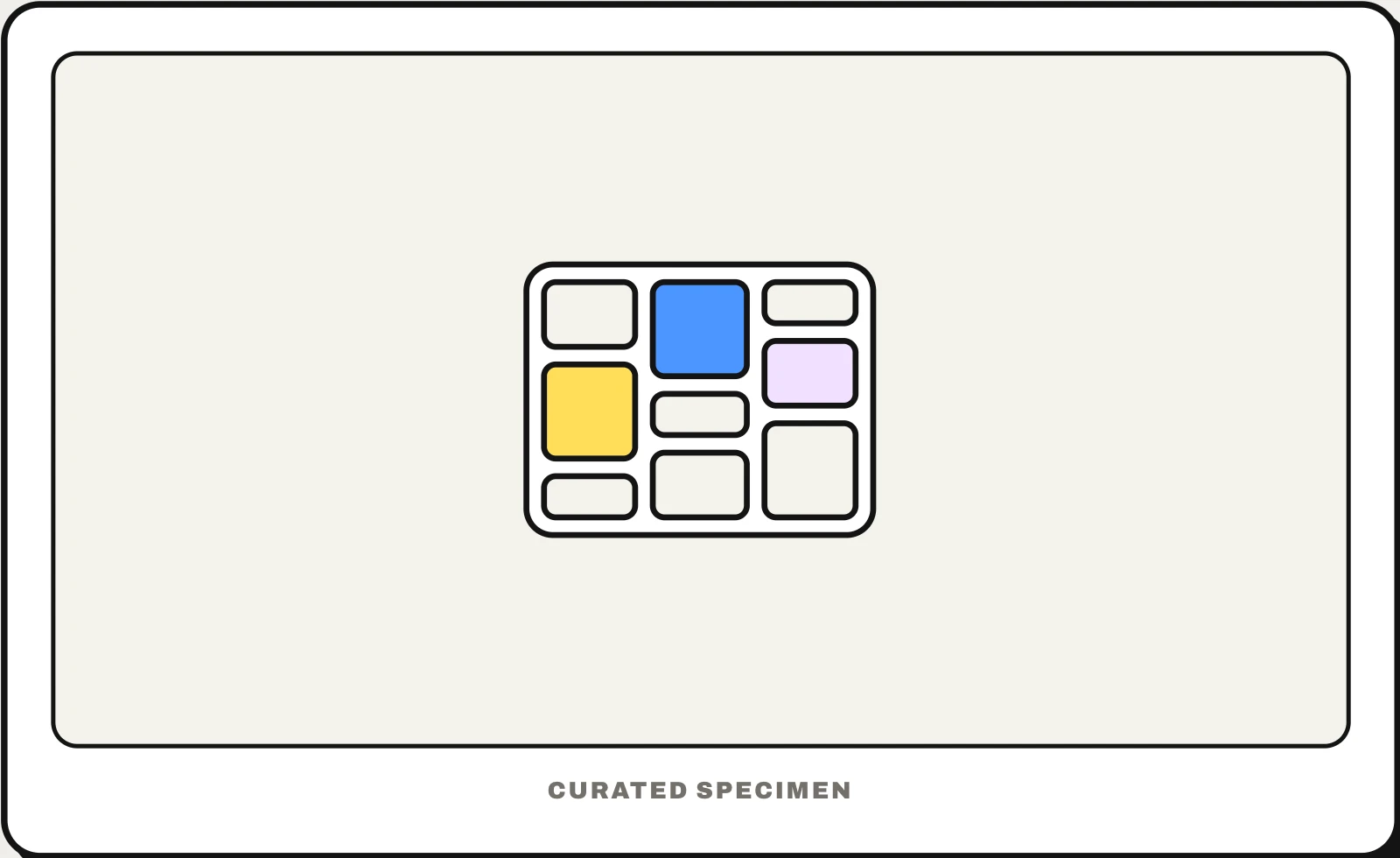
Also called: masonry grid, Pinterest layout, Pinterest-style grid, staggered grid, waterfall layout.
You might call it
- “the Pinterest grid”
- “the grid where pictures have different heights”
- “the staggered photo grid”
- “the waterfall layout”
- “columns of cards with no gaps”
…its name is Masonry layout.
Common questions
What is a masonry layout in web design?
A grid where every column is the same width but each item keeps its natural height, so items stack tightly in each column and the columns end unevenly, as on Pinterest. It suits images and cards of mixed proportions that would leave ugly gaps in an ordinary grid, such as photo galleries, portfolios and boards of saved ideas.
Masonry layout vs grid: what is the difference?
An ordinary grid lines items up in rows, so every item in a row gets the same height and shorter ones leave gaps. A masonry layout drops the rows: items flow down columns and fill the space under shorter neighbours. The cost is reading order, since the eye and the keyboard can jump between columns, so masonry works best for browsing rather than reading.
How do you make a masonry layout in CSS?
The simplest way is CSS columns: column-count with break-inside: avoid on each card, though items then run down each column rather than across the rows. Native CSS masonry, called grid lanes (display: grid-lanes), shipped in Safari 26.4 and is still behind a flag in Chrome; until it works everywhere, a library such as Masonry places each item in the shortest column.
In code
| Web (CSS) | column-count break-inside: avoid display: grid-lanes Native masonry is display: grid-lanes, so far only in Safari 26.4 and later; columns or a library fill the gap elsewhere |
|---|---|
| JavaScript | Masonry imagesLoaded |
| Jetpack Compose | LazyVerticalStaggeredGrid |
| Android (Views) | StaggeredGridLayoutManager |
| Flutter | MasonryGridView From the flutter_staggered_grid_view package |
| SwiftUI | Layout No masonry view: write a custom Layout, or put two VStacks in an HStack |
Prompt for your AI coding tool
Lay these images out as a masonry grid: equal-width columns (two on phones, three or four on wide screens) where each card keeps its image’s aspect ratio and the next card goes into the shortest column. Reserve each image’s height before it loads so nothing jumps, keep the reading and tab order as close to the visual order as possible, and load more cards as the user nears the end.
More UI words to use when vibe coding →
Related patterns
All the parts of a website, named →