Lightbox
/LYTE-boks/ · noun · OVERLAY pattern · #128
An overlay that shows a photo or video enlarged over the page, with the page dimmed behind it, a close (×) button, arrows or swipes to move through the rest of the gallery, and often a caption and a count (3 / 12). It opens when you click a thumbnail and closes with Esc or a click on the dark backdrop: a modal made for looking at media.
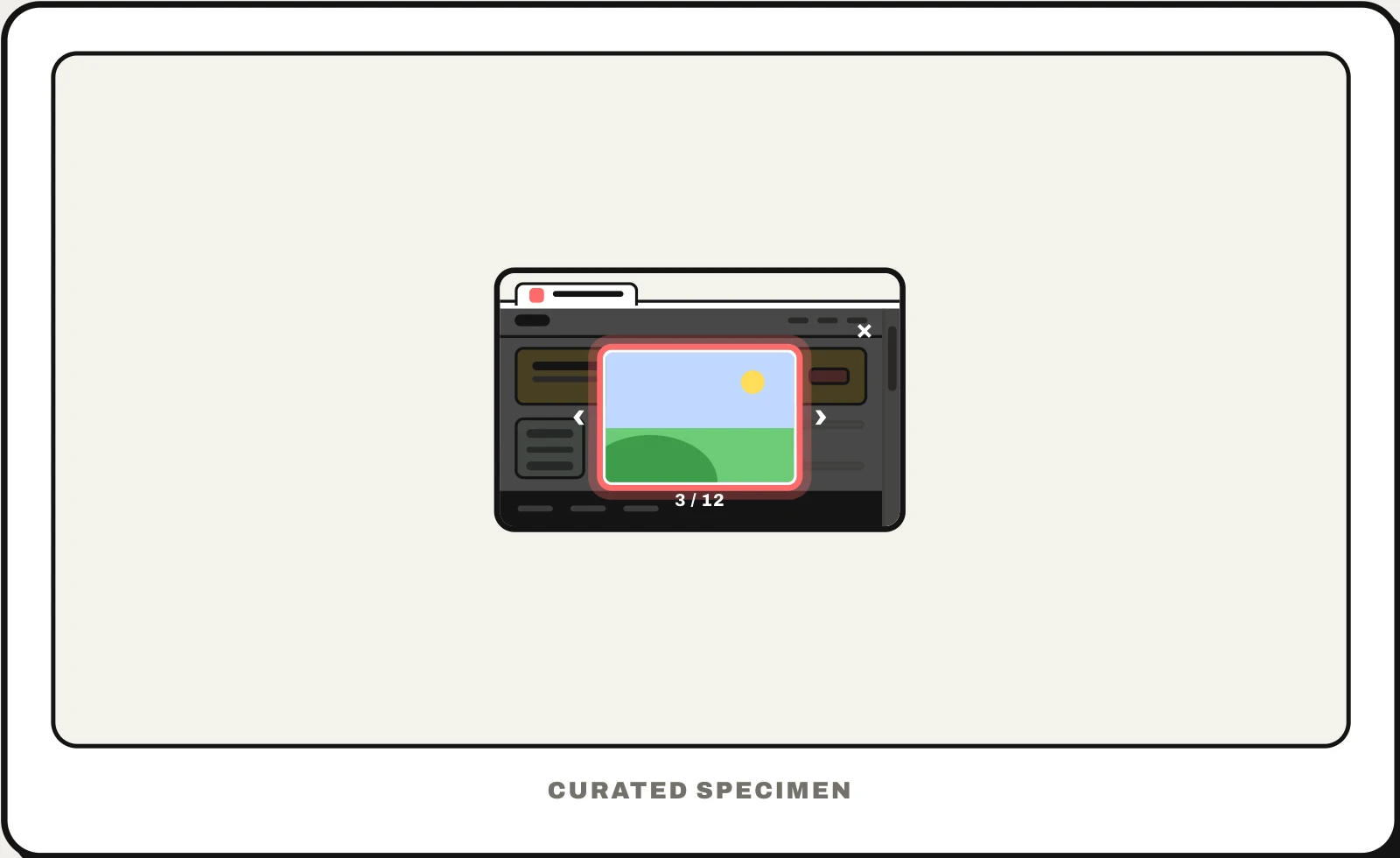
Also called: image lightbox, lightbox gallery, lightbox popup, image viewer, photo viewer, image popup.
You might call it
- “the picture that pops up big when you click it”
- “the image popup with a dark background”
- “the full-screen photo viewer”
- “the gallery you click through with arrows”
- “the enlarged image overlay”
…its name is Lightbox.
Common questions
What is a lightbox in web design?
An overlay that opens a photo or video at full size on top of a dimmed page when you click its thumbnail, with arrows to browse the rest of the gallery and Esc or × to close. The name comes from Lightbox, the script Lokesh Dhakar released in 2005 that made the effect common.
What is a lightbox popup?
Marketing tools and older site builders use “lightbox” for any popup that opens over the page, such as a newsletter sign-up or a discount offer; Wix now calls these popups, though its developer API still says lightbox. Developers would call it a modal dialog. In a gallery, a lightbox is the full-size photo viewer, so check which one is meant.
Lightbox vs modal: what is the difference?
A lightbox is a kind of modal: both open over a dimmed page and block it until closed. A modal holds a message or a form and asks you to do something; a lightbox holds media to look at, fills as much of the screen as it can, and adds gallery controls such as arrows, a counter and zoom.
In code
| Web (HTML) | <dialog> showModal() |
|---|---|
| Web libraries | PhotoSwipe GLightbox Fancybox |
| Ant Design | Image Image.PreviewGroup |
| SwiftUI (iOS) | .fullScreenCover TabView No viewer component: a full-screen cover with a paged TabView of zoomable images |
| Jetpack Compose | HorizontalPager No viewer component: a full-screen dialog with a pager of zoomable images |
Prompt for your AI coding tool
Open these thumbnails in a lightbox: clicking one shows the full image centred over a dimmed page in a modal <dialog>, with a close button, previous and next arrows, a counter (3 / 12) and the caption. Esc, the close button and a click on the backdrop close it and return focus to the thumbnail; arrow keys and swipes move between images, pinch or double-tap zooms on touch screens, and the next image loads in advance. Keep real alt text on every image.
More UI words to use when vibe coding →