Edge panel
/EJ PAN-ul/ · noun · SYSTEM pattern · #088
Samsung’s sidebar: a small handle on the edge of the screen that slides out a panel of favourite apps, contacts or tools from any screen. A shortcut drawer that belongs to the phone, not to the app you are in.
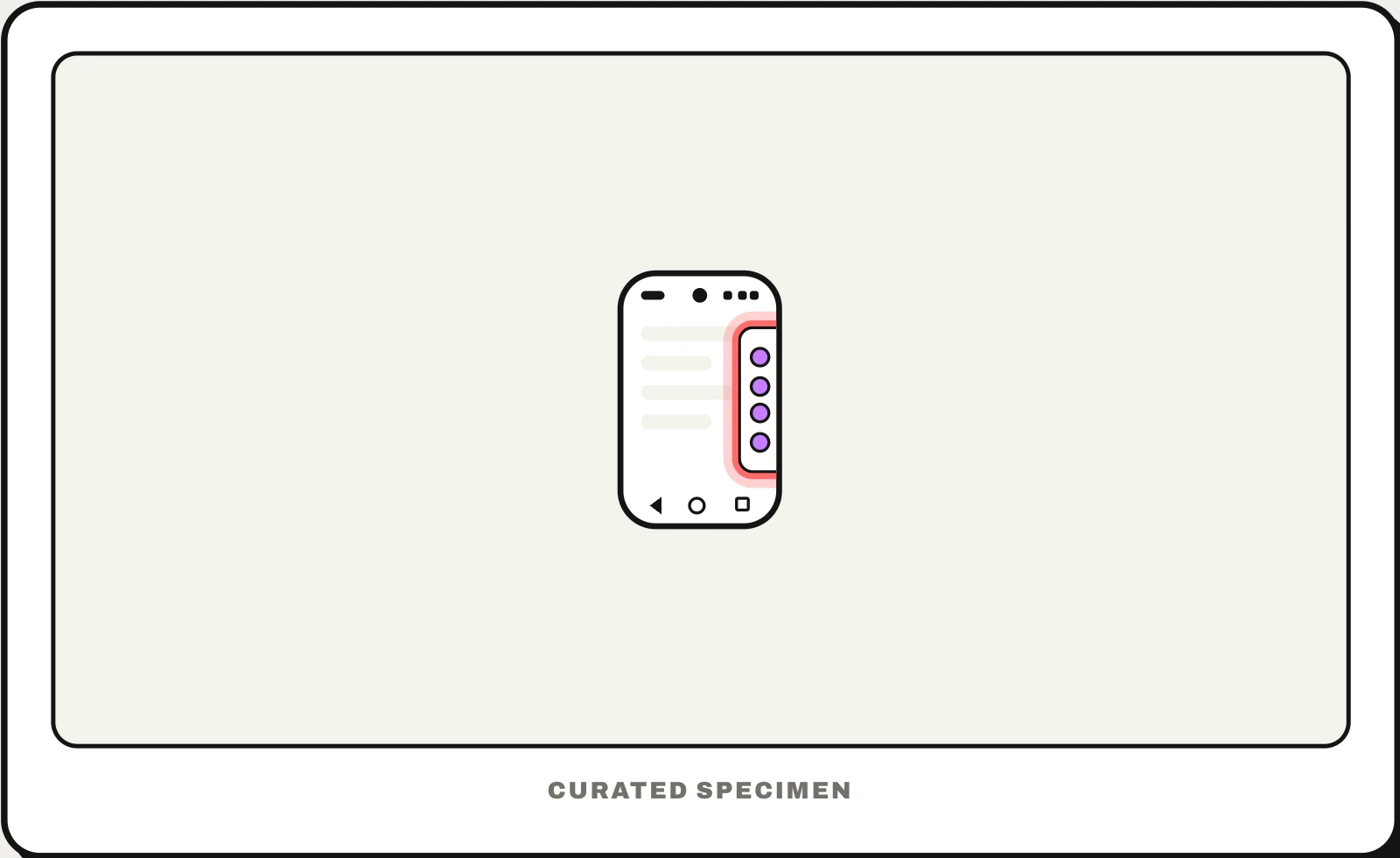
Also called: Samsung sidebar, Edge screen, side panel on Samsung, edge handle.
You might call it
- “the sidebar on Samsung”
- “the side panel on my Samsung”
- “the little bar on the side of the screen”
- “the slide-out apps on the edge of the screen”
- “the side swipe menu on Samsung”
…its name is Edge panel.
Common questions
What is the sidebar on Samsung called?
It is the Edge panel. Swipe the small handle on the edge of the screen toward the middle to open panels of apps, contacts, tools or the clipboard. Turn it on or off, and choose which panels it shows, in Settings > Display > Edge panels.
How do I get rid of the bar on the side of my Samsung screen?
Open Settings > Display > Edge panels and switch it off. To keep it but make it less visible, use Handle settings there to move the handle, make it smaller or make it more transparent.
In code
| Android | No standard API — Edge panels are Samsung’s own system feature |
|---|
Prompt for your AI coding tool
Make sure this app’s edge swipes do not fight Samsung’s Edge panel or the system back gesture: keep custom horizontal swipes away from the outer edge of the screen, give every drawer a visible button as well as a swipe, and test on a Galaxy phone with Edge panels turned on.
More UI words to use when vibe coding →
Related patterns
All the parts of a phone and computer screen, named →