Checkbox
/CHEK-boks/ · noun · INPUT pattern · #052
A small square that collects independent yes/no answers — any number can be ticked at once. The deferred cousin of the toggle: nothing happens until you submit.
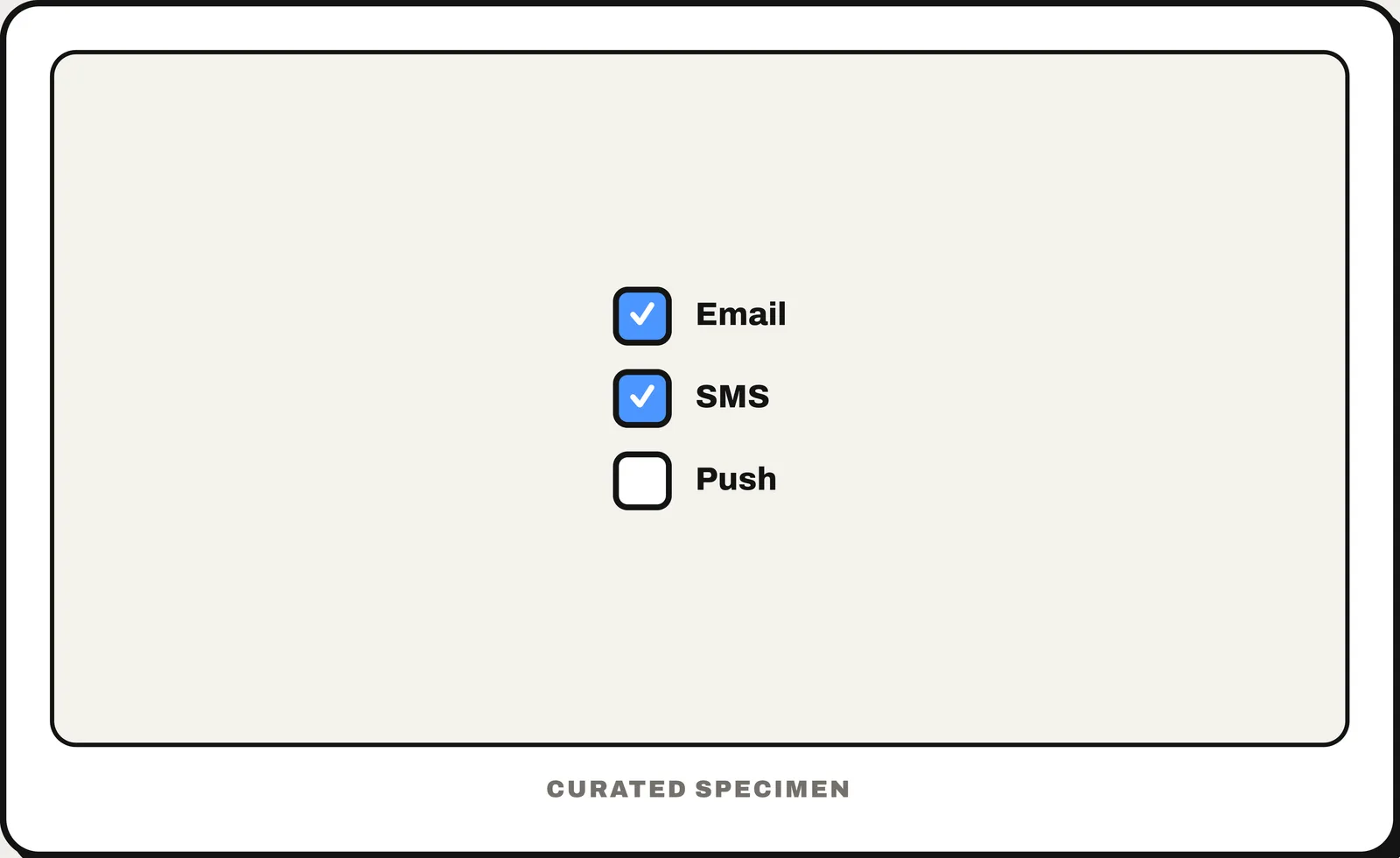
You might call it
- “a tick box”
- “the little square you click to tick”
- “the box with a check mark”
- “the “I agree” box”
- “the select-all box”
…its name is Checkbox.
Common questions
Checkbox vs radio button: what is the difference?
Checkboxes let you pick any number of options, including none. Radio buttons make you pick exactly one from a short list — choosing one clears the others. If only one answer is allowed, a checkbox list is the wrong control.
In code
| iOS (SwiftUI / UIKit) | No checkbox on iPhone — use a Toggle or a list row with a checkmark; macOS has .toggleStyle(.checkbox) |
|---|---|
| Jetpack Compose | Checkbox TriStateCheckbox |
| Android (Views) | MaterialCheckBox |
| Flutter | Checkbox CheckboxListTile |
| Web (HTML) | <input type="checkbox"> indeterminate |
Prompt for your AI coding tool
Use checkboxes for this list of options: one square box per option with its label to the right, where clicking the label also toggles the box. Any number can be selected, including none, and the choice applies when the form is submitted. If there is a “select all” box, show it as indeterminate (a dash) when only some options are selected. Use native checkbox inputs inside a <fieldset> with a <legend> on the web.
More UI words to use when vibe coding →