Loading spinner
/LOH-ding SPIN-er/ · noun · FEEDBACK pattern · #073
A circle that keeps turning to say “working on it” — and nothing else. Fine for a second or two; any longer and people want to know how long, so show a progress bar or a skeleton instead.
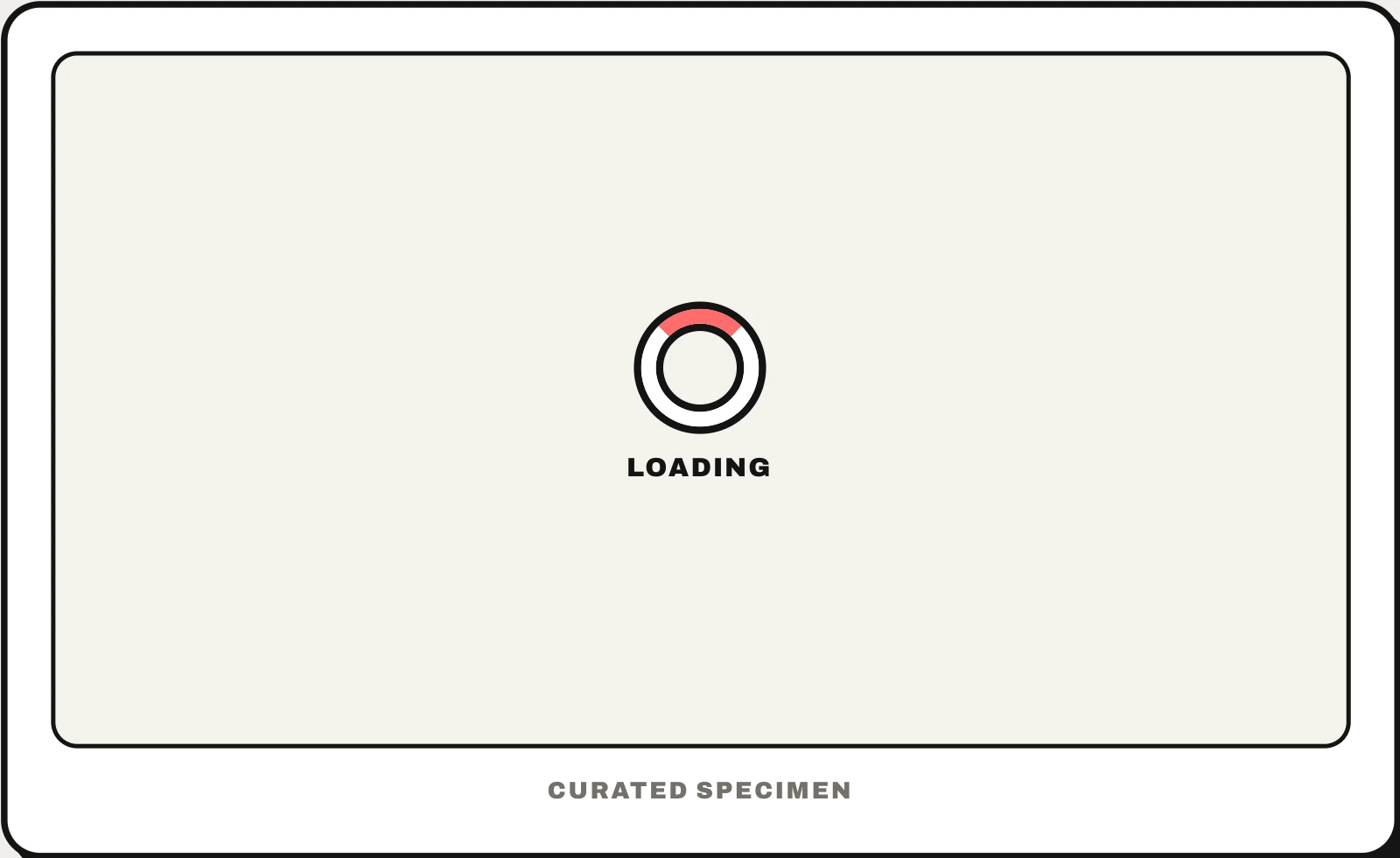
Also called: loading circle, activity indicator, loading wheel, throbber, circular progress indicator.
You might call it
- “the loading circle”
- “the spinning circle”
- “the spinning wheel while something loads”
- “the little circle that goes round and round”
- “the loading symbol”
…its name is Loading spinner.
Common questions
What is the loading circle called?
A loading spinner. Apple calls it an activity indicator and Material Design a circular progress indicator; an older web name is throbber. The rainbow wheel on a Mac and the busy cursor on Windows are different things: the system telling you an app is not responding.
Spinner vs progress bar: which should I use?
Use a spinner when you cannot say how long the wait will be and it is short — a second or two. Use a progress bar when you can measure the work, like an upload, a download or the steps of an install. For a page whose content is loading, a skeleton screen usually feels faster than either.
In code
| SwiftUI | ProgressView() |
|---|---|
| UIKit | UIActivityIndicatorView |
| Jetpack Compose | CircularProgressIndicator |
| Android (Views) | CircularProgressIndicator ProgressBar |
| Flutter | CircularProgressIndicator CupertinoActivityIndicator |
| Web (HTML / ARIA) | role="status" aria-busy="true" |
Prompt for your AI coding tool
Show a loading spinner while this request runs: a small circular indicator centred where the content will appear, shown only if loading takes longer than about 300 ms so fast responses do not flash it. Put an accessible “Loading…” label in a role="status" region, mark the loading area aria-busy="true", and respect prefers-reduced-motion. If the wait can run past a few seconds, use a progress bar or a skeleton screen instead.
More UI words to use when vibe coding →