Pull to refresh
/PULL too ree-FRESH/ · noun · ACTION pattern · #074
Drag the top of a list down and let go to load what is new. A gesture nobody can see, so it needs a visible way to refresh beside it for anyone who cannot or will not swipe.
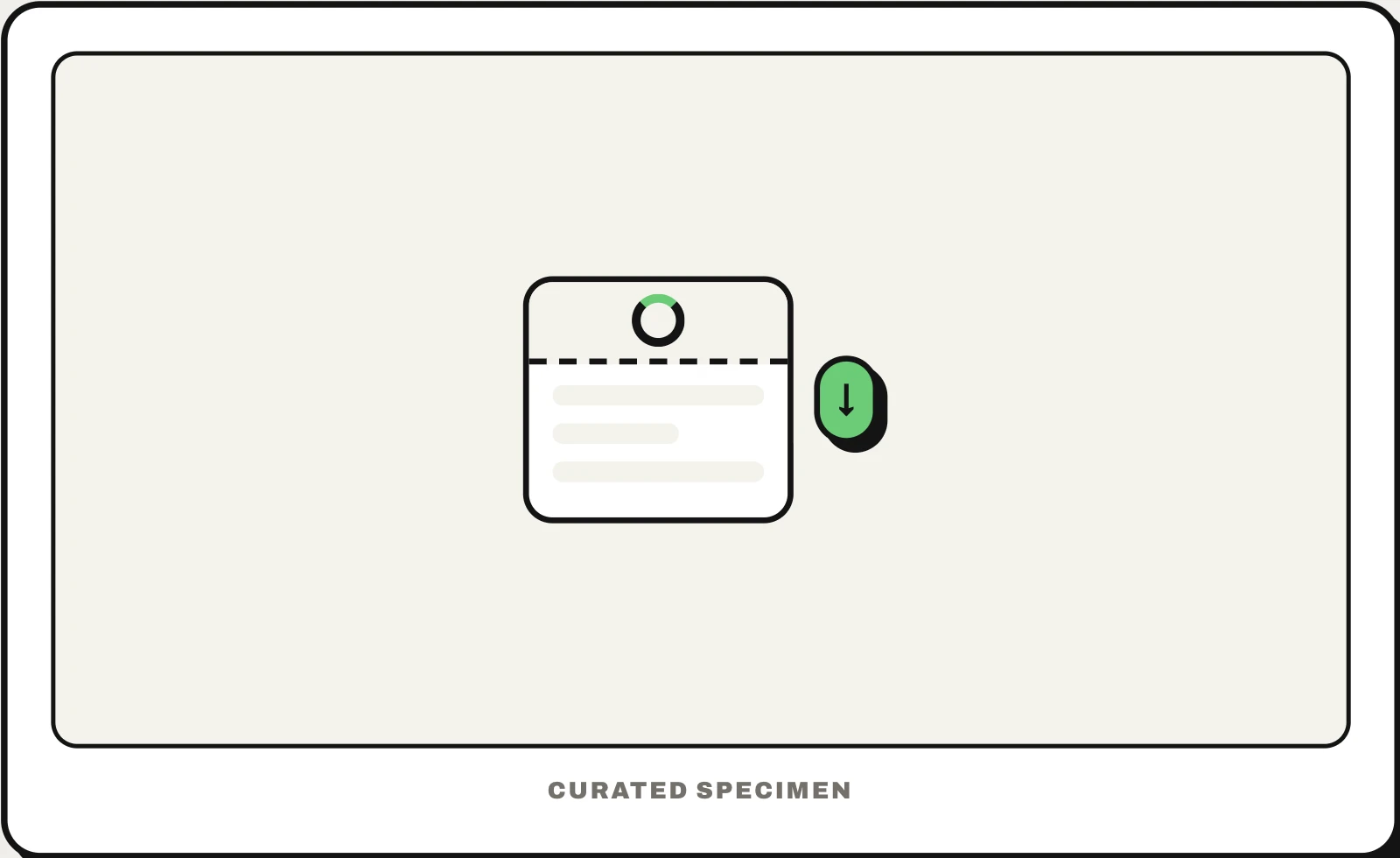
Also called: swipe to refresh, pull down to refresh, refresh control.
You might call it
- “swipe down to refresh”
- “pull down to refresh the page”
- “dragging the list down to update it”
- “the circle that appears when you pull down”
- “refreshing by scrolling past the top”
…its name is Pull to refresh.
Common questions
What does pull to refresh mean?
It is a gesture for updating a list: scroll to the top, drag down past the edge and let go, and the app loads anything new while a spinner turns. Android calls it swipe to refresh. It was introduced by Loren Brichter in Tweetie, an iPhone Twitter app that Twitter later bought.
In code
| SwiftUI | .refreshable |
|---|---|
| UIKit | UIRefreshControl |
| Jetpack Compose | PullToRefreshBox |
| Android (Views) | SwipeRefreshLayout |
| Flutter | RefreshIndicator CupertinoSliverRefreshControl |
| Web (HTML / ARIA) | overscroll-behavior-y No web API — mobile browsers pull to reload the whole page; turn that off when you build your own |
Prompt for your AI coding tool
Add pull to refresh to this list: when it is scrolled to the top, dragging down reveals a spinner that follows the finger, and releasing past a threshold reloads the newest items while the spinner keeps turning, then the list settles back. Use the platform’s own control (refreshable, UIRefreshControl, SwipeRefreshLayout or RefreshIndicator), announce “Refreshing” to screen readers, and also offer a visible Refresh button or menu item, because not everyone can perform the gesture.
More UI words to use when vibe coding →