Toolbar
/TOOL-bar/ · noun · ACTION pattern · #127
A row of buttons, mostly icons, for the commands you use most in an app or window: Bold, Italic and Link in an editor; Back, Share and Delete in a photo app. It runs along the top or bottom edge of a window or screen, and commands that do not fit go into an overflow (⋯) menu. A ribbon is many toolbars stacked into tabs.
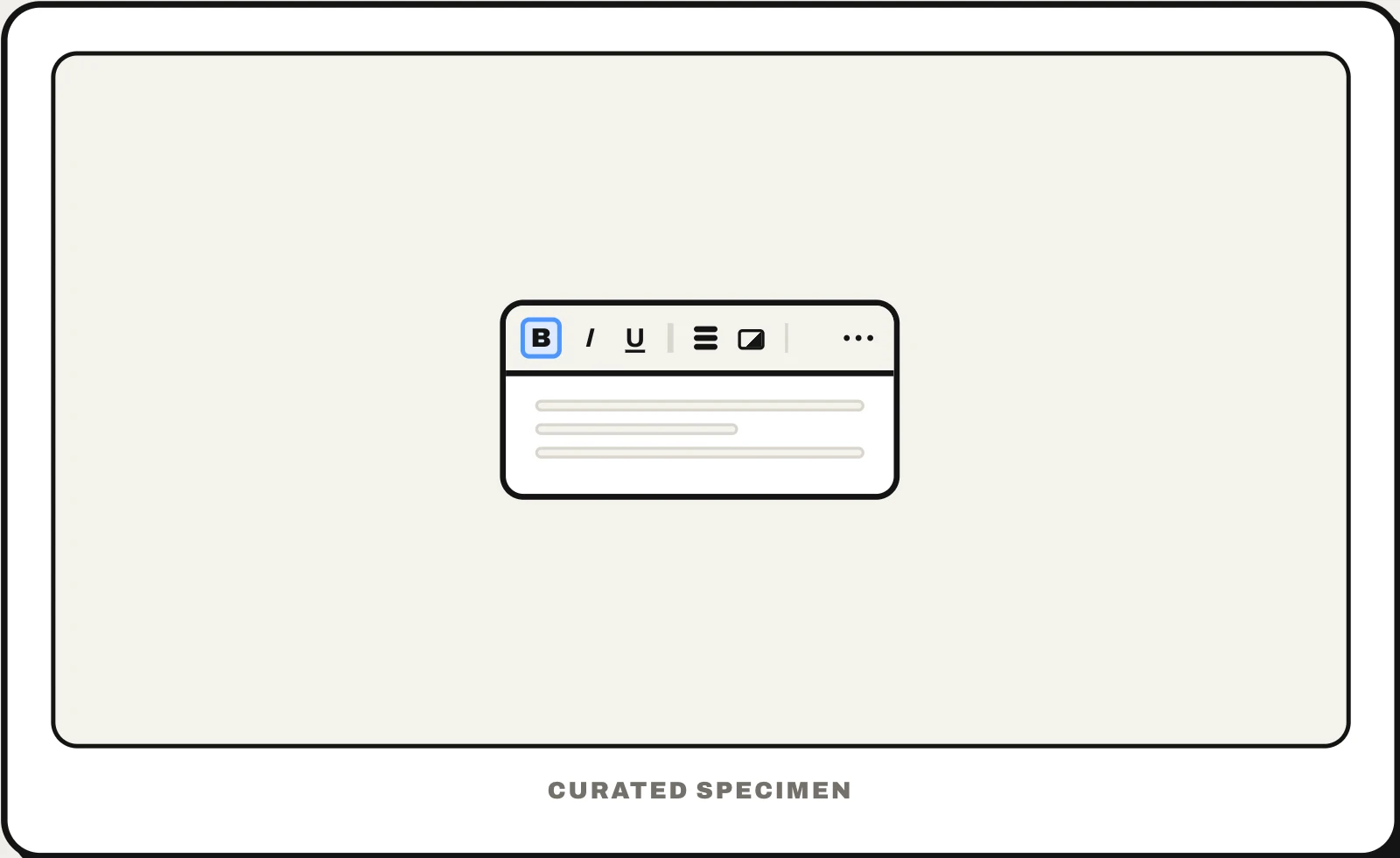
Also called: tool bar, formatting toolbar, floating toolbar, quick access toolbar, command bar, action bar.
You might call it
- “the row of icons at the top of a window”
- “the bar with Bold, Italic and Underline”
- “the buttons along the bottom of the screen in an iPhone app”
- “the formatting bar”
- “the icon bar in an app”
…its name is Toolbar.
Common questions
What is a toolbar?
A strip of buttons, usually icons, that gives one-click access to an app’s most used commands, such as Save, Undo, Bold or Share. Toolbars run along the top or bottom edge of a window or screen; on iPhone, Apple notes, the one at the top that handles navigation is sometimes called a navigation bar. Add-on browser toolbars, once bundled with other installers, are mostly gone.
Toolbar vs menu bar: what is the difference?
A menu bar is a row of words (File, Edit, View) that each open a menu listing every command the app has. A toolbar is a row of buttons for the few commands you use most, one click each. On a Mac the menu bar sits at the top of the screen and each window has its own toolbar; Windows apps that have both put them inside the window.
What is the Quick Access Toolbar?
A small toolbar in Microsoft Office apps such as Word, Excel and PowerPoint, above or below the ribbon, that holds a few commands you pick, such as Save, Undo and Redo. Add a command by right-clicking it on the ribbon and choosing Add to Quick Access Toolbar; if you cannot see the toolbar, right-click the ribbon and choose Show Quick Access Toolbar.
In code
| Web (ARIA) | role="toolbar" aria-label aria-pressed |
|---|---|
| SwiftUI | .toolbar ToolbarItem ToolbarItemGroup |
| UIKit | UIToolbar UIBarButtonItem |
| macOS (AppKit) | NSToolbar NSToolbarItem |
| Android | Toolbar MaterialToolbar |
| Windows (WinUI) | CommandBar AppBarButton |
| Flutter | AppBar BottomAppBar |
Prompt for your AI coding tool
Add a toolbar above this editor: one row of icon buttons grouped by task (text style, lists, insert) with thin dividers between groups, each with a tooltip and an accessible name, and toggles such as Bold showing their state with aria-pressed. Use role="toolbar" with an aria-label so Tab enters the toolbar once and the arrow keys move between its buttons, and move commands that do not fit into an overflow (⋯) menu instead of wrapping onto a second row.
More UI words to use when vibe coding →