Read receipts
/REED rih-SEETS/ · noun · FEEDBACK pattern · #132
The small note under a message that tells the sender it has been seen: “Read 9:41” in iMessage, two blue ticks in WhatsApp, “Seen” or the reader’s tiny profile picture in Messenger and Instagram. Before that, “Delivered” or two grey ticks mean it reached the other phone. Most apps let you stop sending them; in WhatsApp that also stops you seeing other people’s.
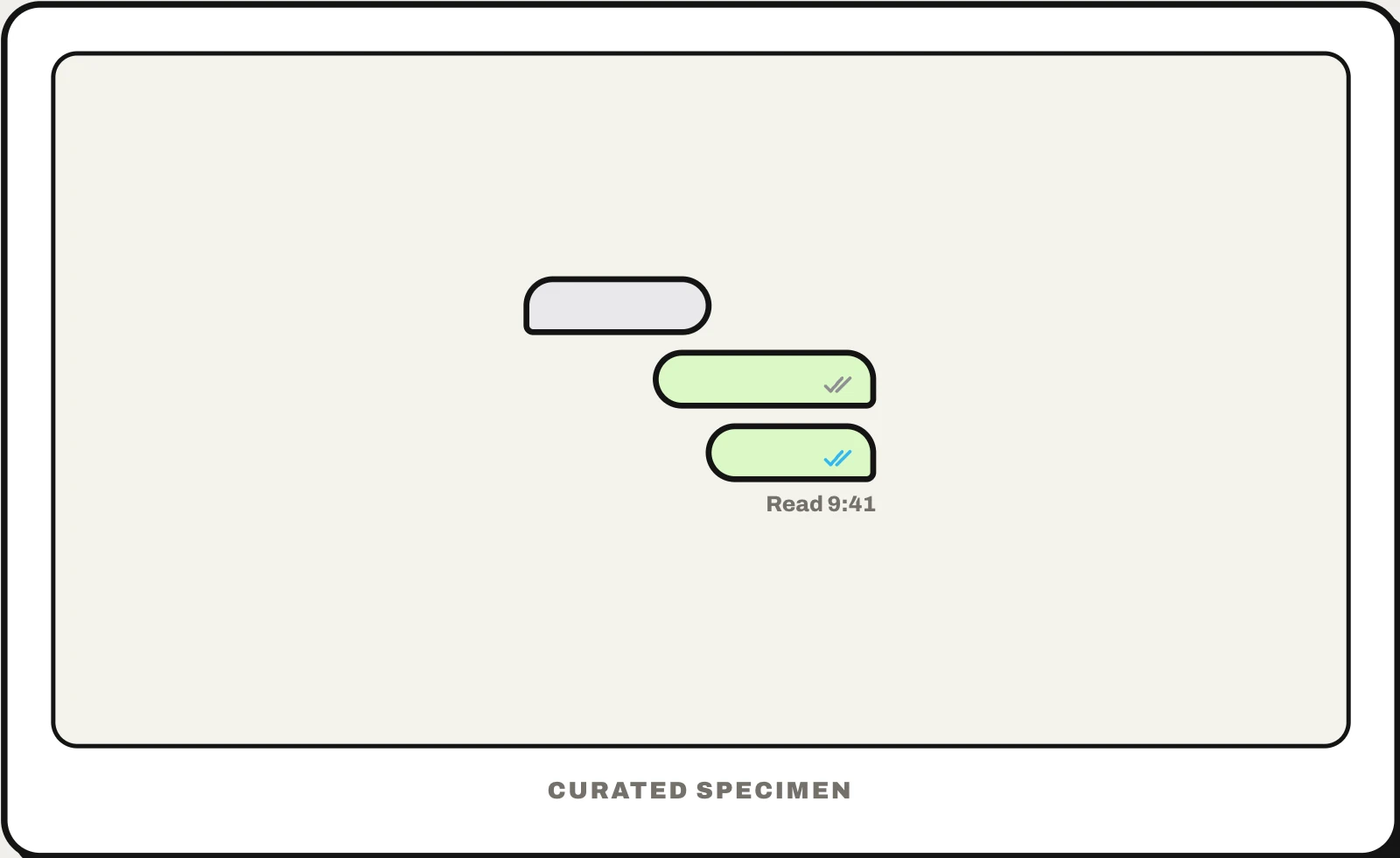
Also called: read receipt, seen receipts, read status, blue ticks, delivered and read, seen indicator.
You might call it
- “the Read under my message”
- “the two blue ticks in WhatsApp”
- “the Seen under a message”
- “the little picture that shows they read it”
- “the Delivered under a text”
…its name is Read receipts.
Common questions
What are read receipts?
Notices that tell the sender you have opened their message: “Read” and a time in iMessage, two blue ticks in WhatsApp, “Seen” in Messenger and Instagram. Your app sends one when the message appears on your screen. Most messaging apps, and some email programs, let you turn them off.
Delivered vs Read: what is the difference?
“Delivered” means the message reached the other person’s phone; “Read” means they opened the conversation and it showed on their screen. If you only ever see Delivered, they may have read receipts turned off. WhatsApp shows the same steps as ticks: two grey for delivered, two blue for read.
How do read receipts work?
When a message shows on the recipient’s screen, their app tells the server, which passes a receipt back to the sender’s app. Turning them off stops yours from being sent. In WhatsApp that also hides other people’s from you, and group chats send them regardless; in iMessage you can switch them on or off for each conversation.
In code
| Matrix | m.read m.read.private |
|---|---|
| XMPP | XEP-0184 XEP-0333 |
Disposition-Notification-To | |
| iOS / Android | No system API: the chat backend stores the last message each member has read |
Prompt for your AI coding tool
Add read receipts to this chat: store each member’s last-read message on the server, and mark messages read only when they are actually on screen with the app in the foreground. Under the sender’s latest message show its state in small grey text — Sent, then Delivered, then “Read 9:41”, or the readers’ avatars in a group — and let people turn off sending receipts in settings. Never show them in a way that pressures someone to reply.
More UI words to use when vibe coding →