Avatar
/AV-uh-tar/ · noun · CONTENT pattern · #125
The small circle, sometimes a rounded square, that stands for a person: their profile photo, or their initials or a grey silhouette when there is none. It sits beside their name, comments and messages, and as the account button in a corner of the header; a dot on its edge can show they are online. Several overlapping in a row are an avatar group.
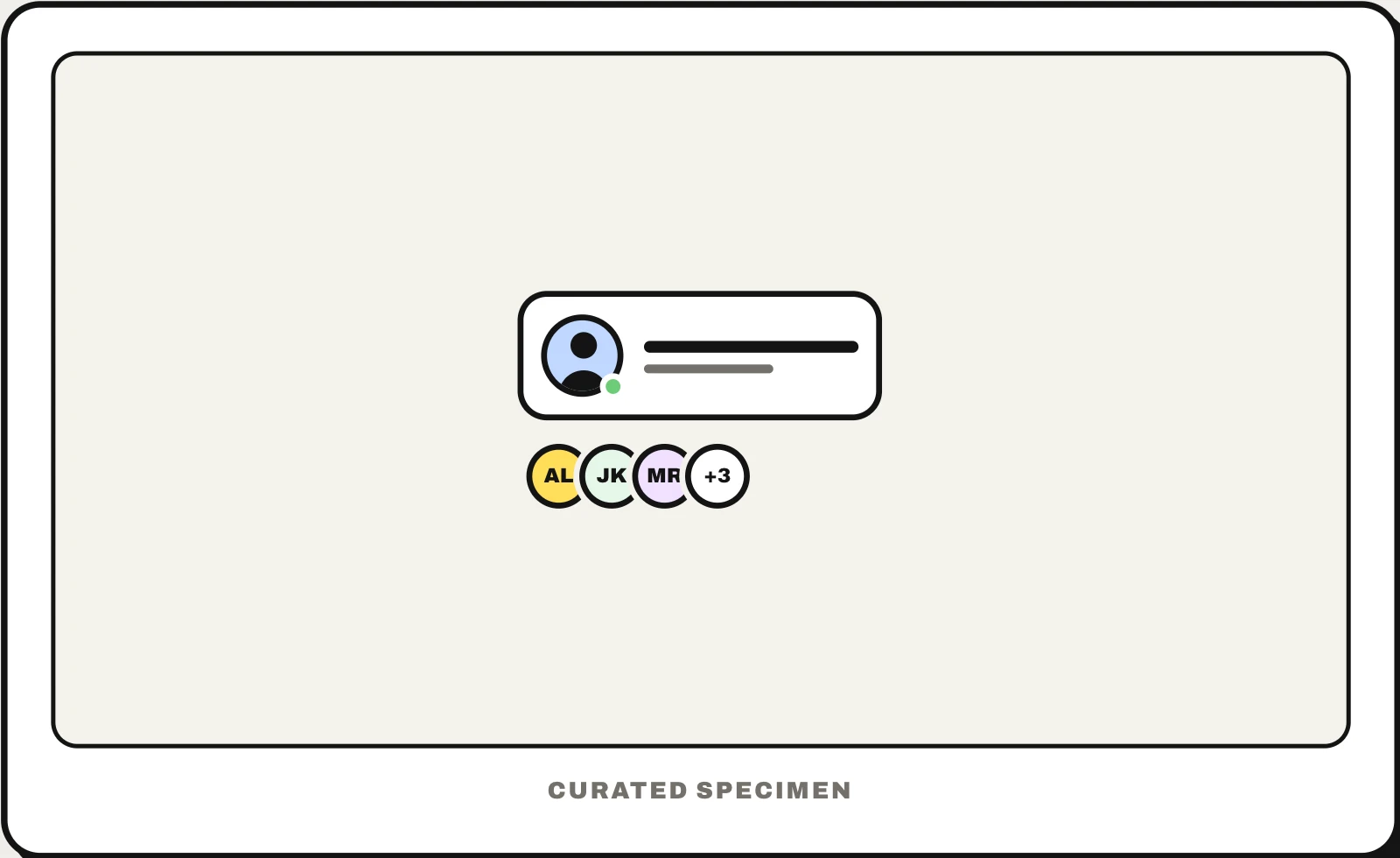
Also called: profile picture, avatar UI, user avatar, user icon, avatar group, avatar stack.
You might call it
- “the circle with your profile picture”
- “the little circle with my initials”
- “the account icon in the top right corner”
- “the row of overlapping profile pictures”
- “the user photo next to a comment”
…its name is Avatar.
Common questions
What is an avatar in UI design?
The small picture that represents a user wherever they appear: next to their name, posts and messages, and as the account button in the header. It is usually a circle cropped from their profile photo; without a photo, apps show the person’s initials on a coloured background or a generic silhouette, so every user still has a recognisable mark.
Avatar vs profile picture: what is the difference?
The profile picture is the photo a person uploads. The avatar is the interface element that shows it: the circle, its size, the initials shown when there is no photo, and extras such as a status dot. Some services keep the two apart: on PlayStation you choose an avatar from a set of characters and can add a separate profile photo.
What is a user avatar?
The image that represents one account across an app: the profile photo someone uploads, shown in a circle beside everything they post, or a generated stand-in (initials, a pattern or a silhouette) until they add one. It is not the same as a “customer avatar” in marketing, which is a made-up profile of an ideal customer, also called a persona.
In code
| Web (HTML) | <img alt=""> border-radius: 50% object-fit: cover |
|---|---|
| React (MUI) | Avatar AvatarGroup |
| React (shadcn/ui) | Avatar AvatarImage AvatarFallback AvatarGroup |
| Flutter | CircleAvatar |
| SwiftUI | AsyncImage .clipShape(Circle()) |
| Jetpack Compose | Modifier.clip(CircleShape) No avatar component: clip an image, often loaded with Coil’s AsyncImage, to a circle |
Prompt for your AI coding tool
Add avatars to this list: a 40px circle showing each person’s photo, cropped to fill with object-fit: cover. While it loads, or when there is no photo, show their initials on a background colour picked from their name, never a broken image. Use empty alt text when the name is printed beside it and the name as alt when it is not, add a small green dot at the bottom right only when presence matters, and in a group show three overlapping avatars and “+5” for the rest.
More UI words to use when vibe coding →