Coach marks
/KOHCH MARKS/ · noun · OVERLAY pattern · #119
Short tips that point at parts of an app the first time you use it — often with the rest of the screen dimmed and a spotlight on one button — saying what it does, with Next or Got it to move on. A run of them is a product tour. They should be brief and skippable, and never come back once dismissed.
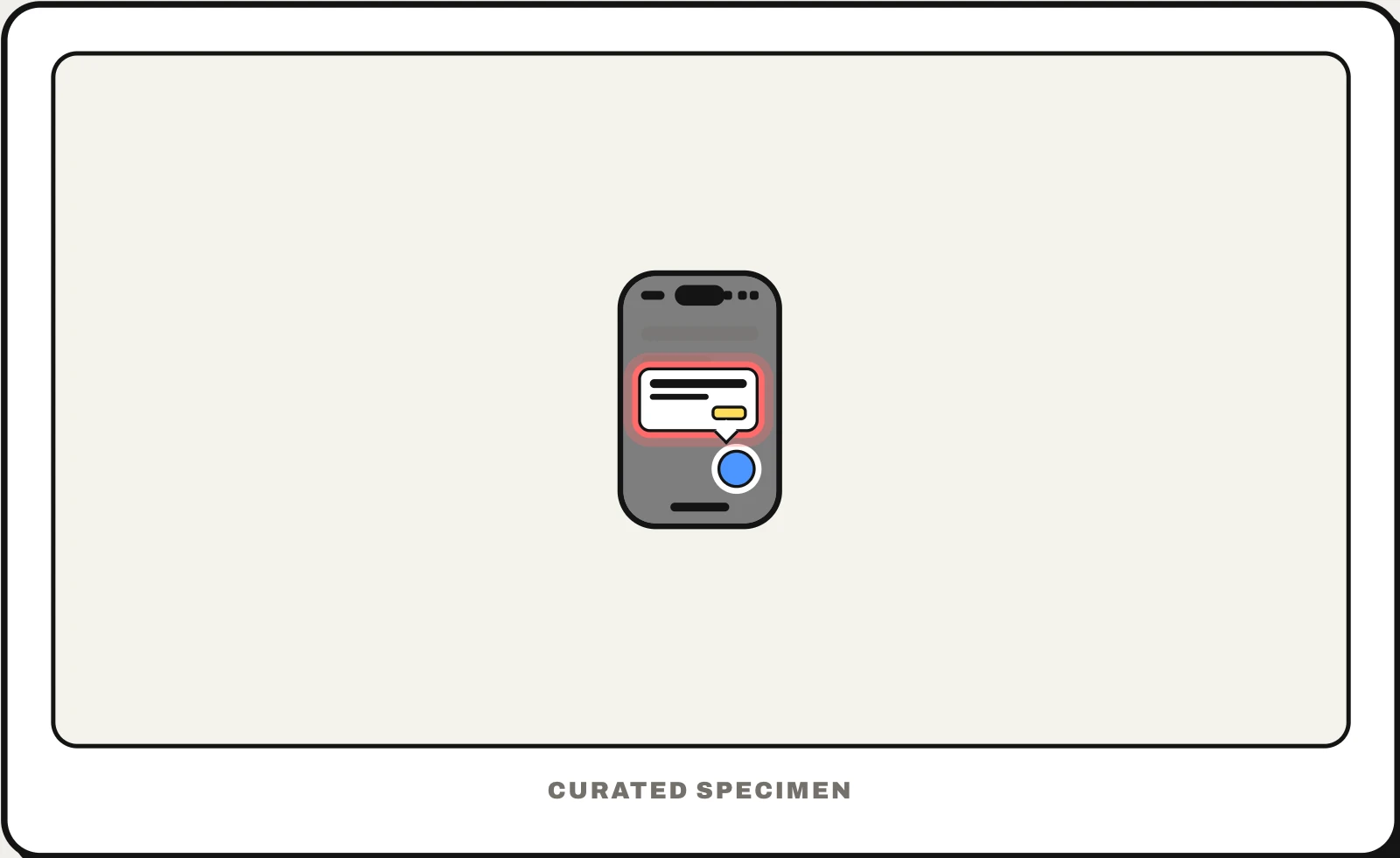
Also called: coach mark, coachmarks, product tour, onboarding tooltips, walkthrough, instructional overlay.
You might call it
- “the tips that point at buttons when you first open an app”
- “the dark screen with one button highlighted”
- “the tutorial bubbles in an app”
- “the onboarding tooltips”
- “the step-by-step tour of a new feature”
…its name is Coach marks.
Common questions
What are coach marks?
The hints an app shows on first use to point out a button or gesture: a short label with an arrow, often over a dimmed screen with the target lit up. Several in a row make a product tour. They work best for one or two things people would not discover alone; if a screen needs many, the design itself should be clearer.
Coach mark vs tooltip: what is the difference?
A tooltip appears only when someone hovers over or focuses a control and wants to know what it does. A coach mark appears on its own, usually once, to teach something the person has not discovered yet, and stays until they dismiss it. Apple’s TipKit calls these tips; on the web a series of them is usually called a product tour.
In code
| SwiftUI (TipKit) | Tip TipView .popoverTip(_:) |
|---|---|
| UIKit / AppKit (TipKit) | TipUIView TipNSView |
| Android / Compose | No system component: draw a dimmed overlay with a cut-out, or use a tour library |
| Web | popover attribute anchor-name Tour libraries such as Shepherd.js and Driver.js add the dimmed spotlight |
Prompt for your AI coding tool
Add coach marks for first-time users of this screen: at most three steps, each a short sentence in a bubble with an arrow pointing at the control it explains, the rest of the screen dimmed except a spotlight on that control, with Next, Skip and a step count. Show them once, remember the dismissal per user, never block an action the user has started, and keep each tip findable later in help.
More UI words to use when vibe coding →