Drag and drop list
/DRAG und DROP LIST/ · noun · ACTION pattern · #135
A list you reorder by dragging: grab an item, usually by its handle of six dots (⋮⋮), and as you drag it the other items slide apart to show where it will land; let go and it drops into place. To-do apps, playlists, form builders and menu or tab order settings use it. It needs a keyboard or button alternative, because not everyone can drag.
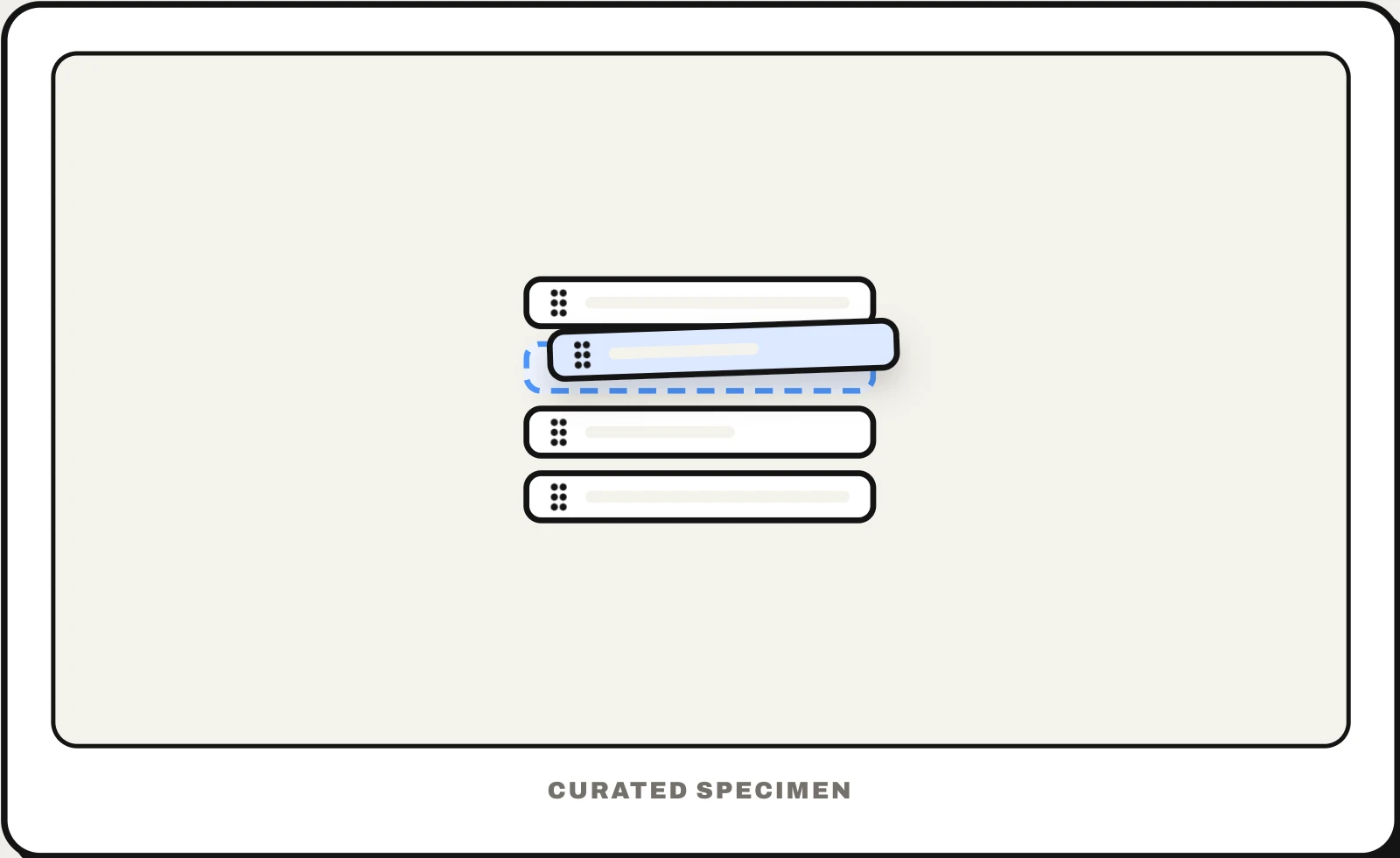
Also called: sortable list, reorderable list, draggable list, drag to reorder, drag handle, drag grip.
You might call it
- “the list you can reorder by dragging”
- “the six dots you grab to move an item”
- “the drag handle on each row”
- “the grip icon”
- “drag to rearrange”
…its name is Drag and drop list.
Common questions
What is the 6 dots icon called?
In a list or table it is a drag handle, also called a grip or gripper: two columns of three dots (⋮⋮) that you press and drag to move the row. Material Design’s icon for it is called drag indicator. A square of nine dots is something else: it usually opens an app launcher, like Google’s apps menu.
How do you make a drag and drop list accessible?
Give every item another way to move: Move up and Move down buttons, a menu, or keyboard support where Space or Enter picks an item up, the arrow keys move it, Space or Enter drops it and Escape cancels. Announce each new position to screen readers, keep the handle large enough to grab on touch screens, and never make dragging the only way to change the order.
In code
| SwiftUI | .onMove(perform:) EditButton |
|---|---|
| UIKit | tableView(_:moveRowAt:to:) dragInteractionEnabled |
| Jetpack Compose | Modifier.animateItem() No built-in reorderable list: libraries such as Reorderable add drag to LazyColumn |
| Flutter | ReorderableListView ReorderableDragStartListener |
| Web (HTML) | draggable="true" dragstart drop |
| Web libraries | SortableJS @dnd-kit/react/sortable |
Prompt for your AI coding tool
Make this list reorderable: a six-dot drag handle at the start of each row (the only part that starts a drag, so scrolling and tapping still work), a lifted look on the dragged row, a gap that opens where it will land, and auto-scroll near the edges. Give every row Move up and Move down actions or a menu, announce the new position to screen readers, and save the order after each drop, rolling back with a message if saving fails.
More UI words to use when vibe coding →