File upload
/FYLE UP-lohd/ · noun · INPUT pattern · #121
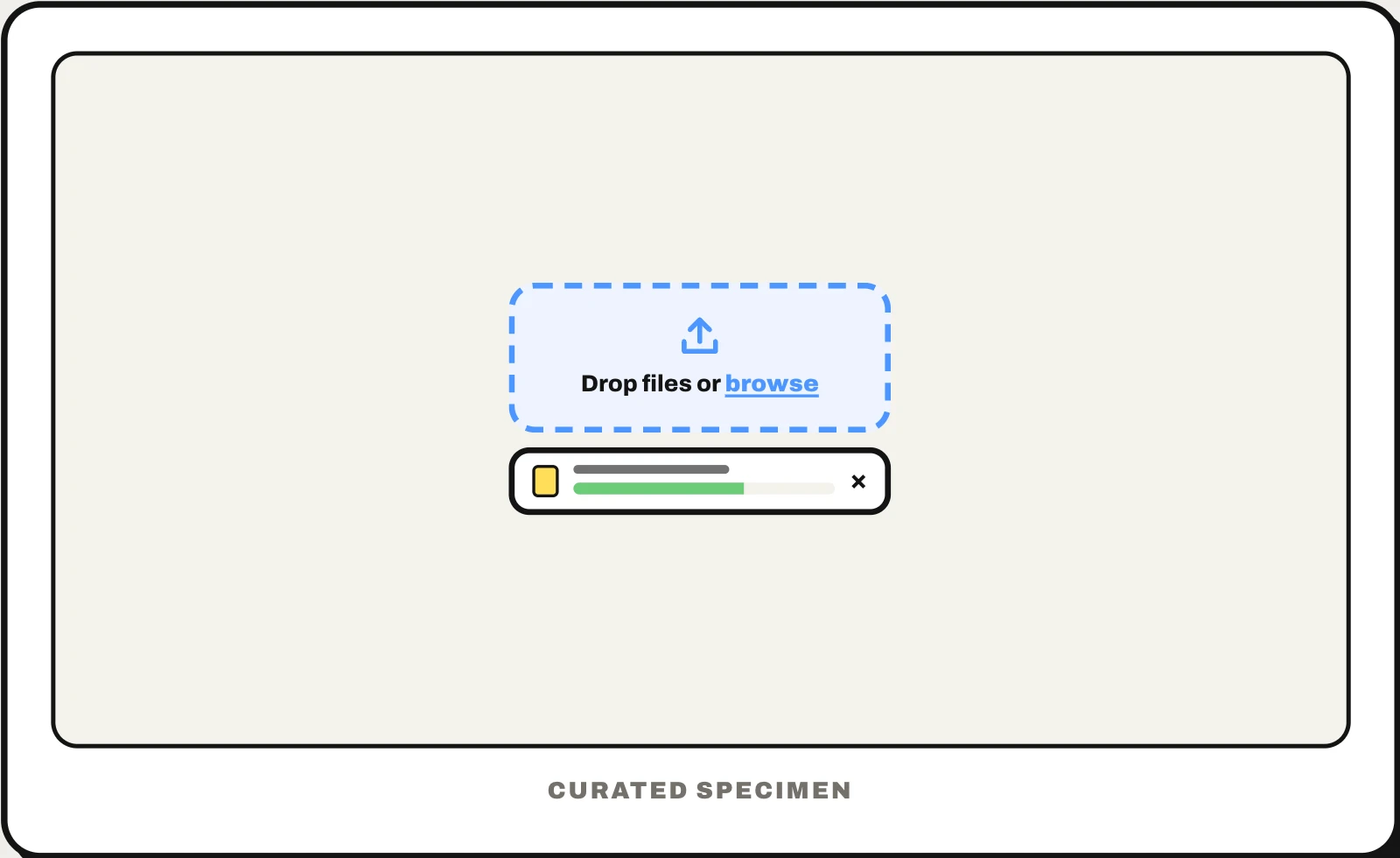
The part of a form for adding files: a box with a dashed border — the dropzone — that takes files dragged onto it or opens the file picker when clicked, then a list of the chosen files, each with its name, size, a progress bar while it uploads and a button to remove it. On a phone the same control opens the photo or file picker.
Also called: dropzone, drop zone, drag and drop file upload, file uploader, file upload box, file input.
You might call it
- “the box you drag files into”
- “the drag and drop area”
- “the upload box with a dashed border”
- “the Choose file button”
- “the drop files here area”
…its name is File upload.
Common questions
What is a dropzone?
In a web page or app, a dropzone (or drop zone) is the box, usually with a dashed border and an upload icon, that accepts files you drag onto it. It is one part of a file upload component, which should also have a browse button for people who would rather use the file picker, and a list showing each file and its progress.
Is drag and drop accessible?
Not on its own: dragging needs a mouse or a steady finger, and keyboard and screen-reader users cannot drag at all. So a dropzone must also open the file picker on click, Enter or Space, with a real <input type="file"> behind it; WCAG 2.2’s Dragging Movements criterion asks for this kind of alternative to dragging. Announce each file’s progress and errors as text too.
In code
| Web (HTML) | <input type="file"> accept multiple |
|---|---|
| Web (drag and drop) | dragover drop DataTransfer.files |
| React | react-dropzone useDropzone |
| Ant Design | Upload Upload.Dragger |
| SwiftUI + PhotosUI | .fileImporter .dropDestination PhotosPicker |
| Android | ActivityResultContracts.OpenDocument PickVisualMedia |
Prompt for your AI coding tool
Add a file upload area to this form: a dashed-border dropzone that says “Drag files here or browse”, highlights while files are dragged over it and opens the file picker on click, Enter or Space. State the allowed types and size limit up front and set accept to match. List each file with its name, size, a progress bar and a remove button, show an error beside the file that failed, and keep a real <input type="file"> behind it so keyboard and screen-reader users can upload too.
More UI words to use when vibe coding →