Mega menu
/MEG-uh MEN-yoo/ · noun · NAV pattern · #116
A large panel that drops down from a website’s top navigation and shows many links at once, grouped into columns with headings — sometimes with pictures or a featured offer. Shops and sites with many sections use it so people can see a whole section without clicking page after page.
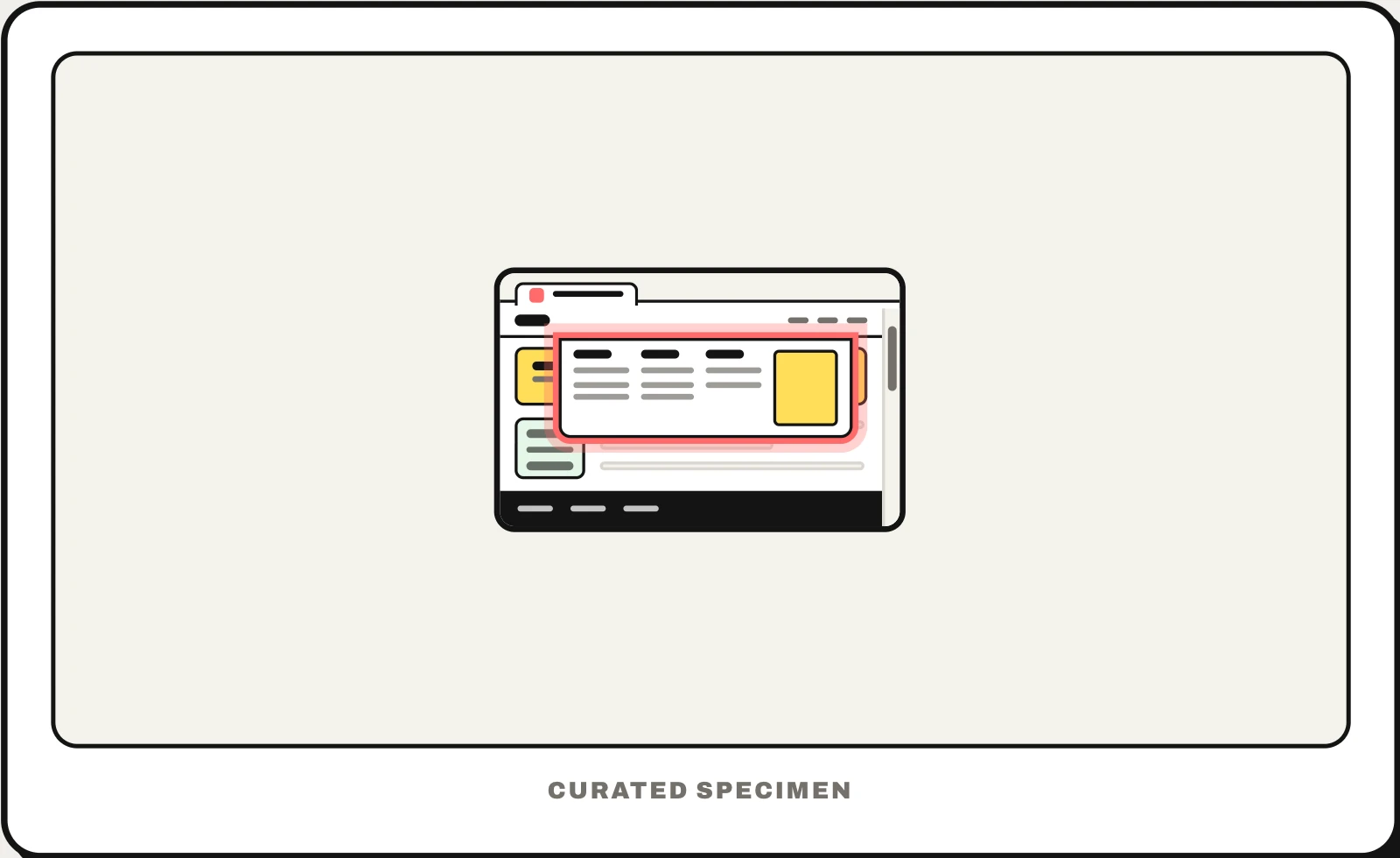
Also called: mega dropdown, mega menu navigation, mega nav, big dropdown menu.
You might call it
- “the big dropdown on a website”
- “the menu that opens across the whole page”
- “the dropdown with columns of links”
- “the big menu under the navigation bar”
- “the shop menu with all the categories”
…its name is Mega menu.
Common questions
What is a mega menu on a website?
A wide dropdown panel that opens from a link in the site’s top navigation and shows a whole section at once: several columns of links with headings, sometimes with images. Shops and large company sites use it so people can scan many categories without opening page after page. On phones it usually becomes a menu behind the hamburger button.
Mega menu vs dropdown menu: what is the difference?
A dropdown navigation menu is one short list of links under a single item. A mega menu is a wide panel, often as wide as the page, with grouped columns, headings and sometimes pictures. Use a plain dropdown for a handful of links and a mega menu when a section has dozens of pages people need to see at once.
In code
| Web (HTML / ARIA) | <nav> <button aria-expanded> A disclosure pattern, not role="menu" |
|---|---|
| WordPress / Shopify | Comes from the theme or a mega menu plugin, not from the platform itself |
| iOS / Android | No equivalent: on phones the same links move into a menu or drawer with expandable sections |
Prompt for your AI coding tool
Add a mega menu to this site’s top navigation: each top-level item with sub-pages is a button with aria-expanded that opens a full-width panel of grouped columns with headings, plus one optional featured card. Open on click or tap (on hover only after a short delay), close on Escape, an outside click or when focus leaves, keep every link reachable with Tab, and on narrow screens turn it into expandable sections inside the mobile menu.
More UI words to use when vibe coding →
Related patterns
All the parts of a website, named →