Pagination dots
/pa-jih-NAY-shun DOTS/ · noun · NAV pattern · #133
The row of small dots under a carousel, a set of onboarding screens or the pages of a home screen: one dot per page, with the current one filled or stretched. They show how many pages there are and which one you are on; in iOS you can also tap beside the current dot or drag along the row to move. Apple calls the control a page control.
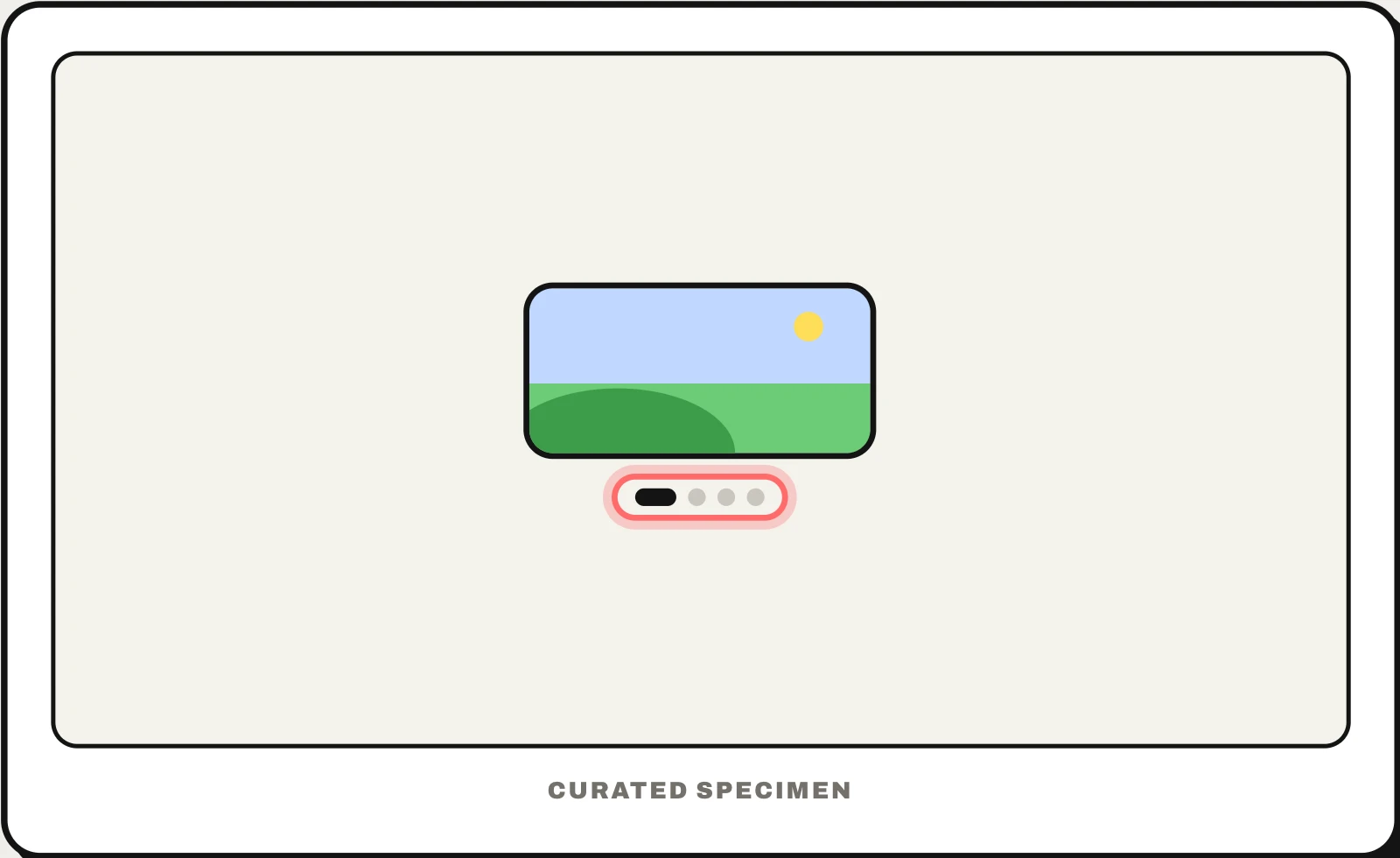
Also called: page control, carousel indicators, carousel dots, dot indicator, page indicator, slider dots.
You might call it
- “the dots at the bottom of a carousel”
- “the little dots that show which slide you are on”
- “the dots that show which home screen page you are on”
- “the slider dots”
- “the dots under the onboarding screens”
…its name is Pagination dots.
Common questions
What are the dots at the bottom of a carousel called?
Pagination dots, also called carousel indicators, a dot indicator or, in Apple’s terms, a page control. There is one dot per slide and the current one is filled or wider, so you can see how many slides there are and where you are. Many carousels let you click a dot to jump to that slide.
What are carousel indicators?
The controls that show which slide of a carousel is showing and let you move to another: most often a row of dots, but also numbers (2 / 5), small thumbnails or a thin progress bar on slides that advance by themselves. Dots are compact but hard to tap and say nothing about the slides, so pair them with arrows or swiping.
Are pagination dots good UX?
For a handful of slides that people swipe through in order, such as onboarding screens or a product’s photos, yes: they show progress at a glance. As the only control they are weak, because the dots are tiny targets and say nothing about each slide. Pair them with arrows or swiping, and switch to thumbnails or numbers beyond five or six slides.
In code
| UIKit | UIPageControl |
|---|---|
| SwiftUI | TabView .tabViewStyle(.page) .indexViewStyle(.page) |
| Jetpack Compose | HorizontalPager PagerState.currentPage No dots component on phones (Wear OS Material 3 has HorizontalPageIndicator): draw one dot per page from the pager state |
| Flutter | PageView TabPageSelector |
| Web (ARIA) | <button aria-label="Slide 2 of 4"> aria-current="true" |
| React (Swiper) | modules={[Pagination]} pagination={{ clickable: true }} |
Prompt for your AI coding tool
Add pagination dots under this carousel: one small dot per slide, the current one stretched into a pill, centred under the slides. Make each dot a real button labelled “Slide 2 of 4” with a 44px tap area even though the dot itself is 8px, mark the current one with aria-current, and keep arrows or swiping as well, because dots are small targets and say nothing about what each slide holds. Hide them when there is only one slide.
More UI words to use when vibe coding →