Privacy indicator
/PRY-vuh-see IN-dih-kay-ter/ · noun · SYSTEM pattern · #104
The small orange or green dot at the top of the screen that lights up while an app is using the microphone or camera, so you always know when you could be recorded. iPhone, iPad, Mac and Android phones all show one; Control Center or the pull-down shade names the app.
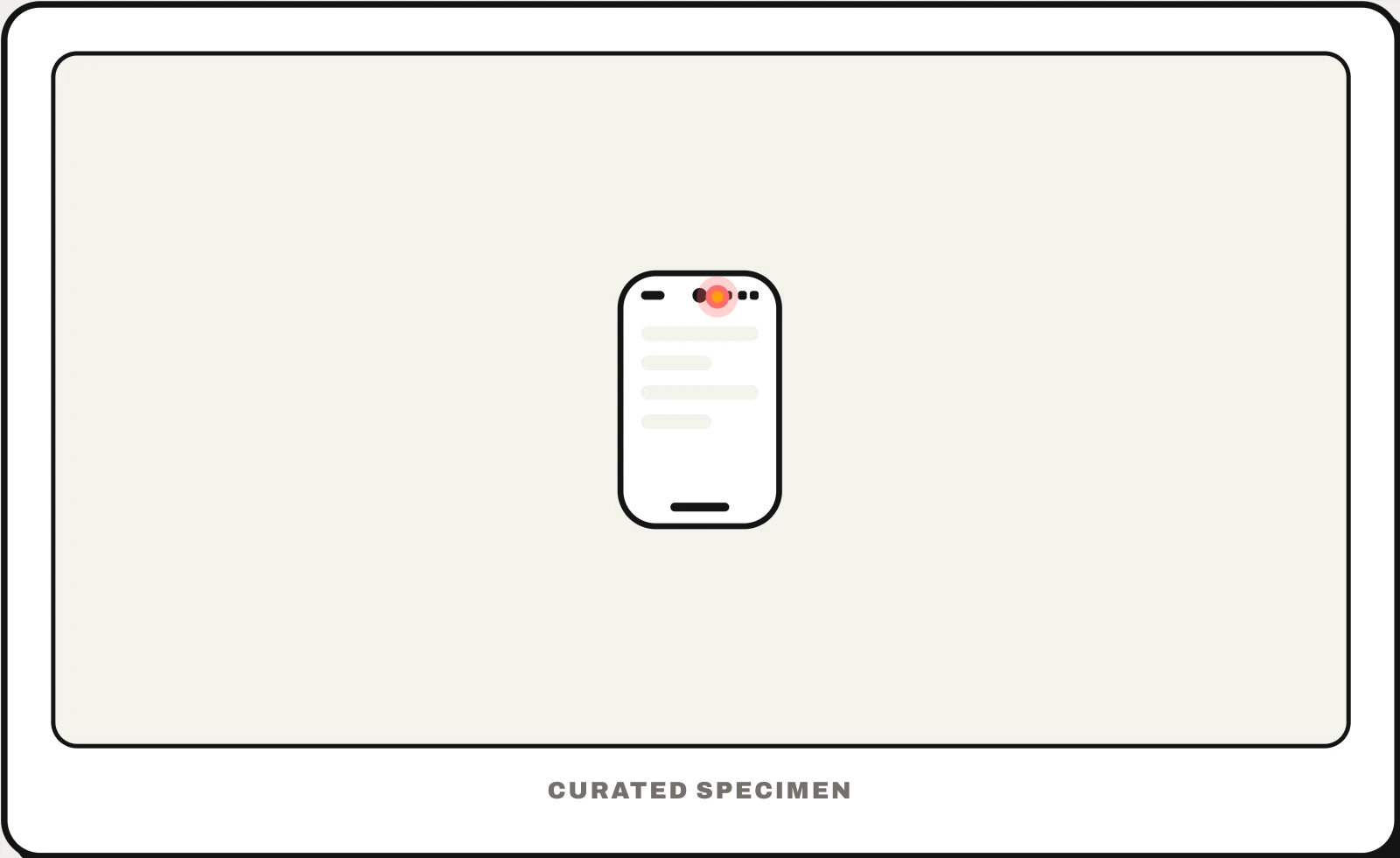
Also called: orange dot, green dot, recording indicator, camera indicator, microphone indicator.
You might call it
- “the orange dot at the top of my iPhone”
- “the green dot on my phone”
- “the orange dot by the battery”
- “the little dot next to the camera”
- “the dot that means my mic is on”
…its name is Privacy indicator.
Common questions
What is the orange dot on my iPhone?
It is the privacy indicator: an app is using the microphone right now — a call, a voice memo, dictation or Siri listening. A green dot means the camera is in use, with or without the microphone. Open Control Center and the top of it names the app that is using them or used them recently.
Why is there a green dot on my phone?
An app is using the camera, often with the microphone: a video call, the Camera app, a QR scanner. On Android 12 and later a green camera or microphone icon appears at the top right and shrinks to a dot; swipe down to see which app. If you do not recognise it, turn off its camera permission in Settings.
In code
| iOS / iPadOS | NSMicrophoneUsageDescription NSCameraUsageDescription The system draws the dot; an app cannot hide it |
|---|---|
| Android 12+ | RECORD_AUDIO CAMERA Shown while an app uses either permission |
| Web | navigator.mediaDevices.getUserMedia() The browser also marks the tab that is recording |
Prompt for your AI coding tool
Make this app’s camera and microphone use match what the privacy indicator shows: ask for access only when a feature needs it, with a usage description that says why in plain words; capture only while the user is actively recording or calling; and stop the session as soon as they leave that screen so the orange or green dot goes away. Show your own recording state in the app too, never rely on the system dot alone.
More UI words to use when vibe coding →
Related patterns
All the parts of a phone and computer screen, named →